You opened ChatGPT and got nothing — let's fix it
You typed a prompt, hit enter, and instead of an answer you got a spinning cursor, a red error, or a blank screen. Frustrating — especially when you were in the middle of something. The good news is that AI tools "not working" almost always comes down to a handful of causes, and most of them you can diagnose in a couple of minutes. This guide walks through ChatGPT, Perplexity, MidJourney, Google Flow, Higgsfield, ElevenLabs, Grok, Antigravity and Gemini, one by one, with the concrete steps that actually get you back online.
By the way — if part of the reason you're here is that you're tired of chasing a different login, a different subscription and a different workaround for each of these tools, that's exactly what Zerocoder was built to remove. It puts ChatGPT, Perplexity, MidJourney, ElevenLabs and 20-something others behind one account with a single shared balance, so a broken service is a matter of switching tabs, not re-entering payment details or fighting your connection tool per app.
If you're brand new to all this and landed here by accident, you might actually want our plain-English guide to using AI first — it covers getting started rather than fixing breakages. Everyone else, read on.
Why AI tools stop working — 4 common causes
Before you blame your laptop, it helps to know that almost every "not working" report falls into one of four buckets. Sorting your problem into the right one saves you from clearing cache for an hour when the real issue is on the other side of the world.
- Service-side outage. The provider's own servers are down or under maintenance. You'll often see messages like "This model is currently overloaded" or a 500 error. Nothing you do locally will fix it — you wait.
- Regional blocking or restricted access. The service isn't offered in your country, or your IP, DNS or payment method is refused. The tool loads for millions of people but not for you.
- VPN or foreign-card payment issues. A VPN can route you through an IP the service flags, or your subscription lapses because a foreign card was declined. The tool "worked yesterday" and mysteriously stopped.
- A local error on your side. Stale cache and cookies, an outdated app, a browser extension, or a flaky connection. This is the most common cause of all and the fastest to fix.
Keep these four in mind as you read. Most of the tool-specific advice below is just a faster way of figuring out which bucket you're in.
ChatGPT not working — what to do
ChatGPT is the tool people search "not working" for most, partly because it's the most used and partly because heavy load genuinely does cause hiccups. If ChatGPT won't respond, work through these three checks in order — outage first, region second, local last.
OpenAI server down — how to check status
When you see "Something went wrong", "This model is currently overloaded with other requests", or the page just hangs, the fastest move is to check whether it's you or everyone. Open status.openai.com. It lists ChatGPT, the API and other services with a live status and any ongoing incidents. If it shows a degraded or partial outage, the answer is simple: it's not your problem to solve. Wait it out, and avoid spamming retries, which only adds load. Peak hours (US working day) are when overload messages spike, so a break of 15–30 minutes often does the trick.
Not working from a restricted region
If status.openai.com is all green but you still can't get in — or you can't even reach the login page — regional availability is the likely cause. ChatGPT isn't offered everywhere, and access can be blocked at the IP level. A reputable VPN set to a supported country usually restores access, though you may then hit a second wall: the account itself can be tied to a region, and a mismatch between your VPN location and your account region sometimes triggers verification loops. Keep your VPN country consistent between sessions to avoid that.
Not working in the browser or app
If the service is up and your region is fine, the problem is local. Run through this quick list:
- Hard-refresh the page (Ctrl+F5 / Cmd+Shift+R) to bypass cached files.
- Clear cookies and cache for chatgpt.com, then sign in again.
- Try an incognito window with extensions disabled — ad blockers and privacy add-ons are common culprits.
- Switch browsers (Chrome ↔ Firefox) to rule out a browser-specific glitch.
- On mobile, update the app from the store; an outdated build breaks after server-side changes.

Nine times out of ten, one of those five steps brings ChatGPT back without any deeper troubleshooting.
Perplexity not working — breaking down the common failures
Perplexity produces the most varied "not working" reports of any tool here, because it fails in more distinct ways: the whole app going down, the page not opening, a specific error banner, or just voice input dying while everything else works. Whatever brought you here, Perplexity issues usually trace back to one of three things — a regional block, peak-hour overload, or a mobile app bug.
Start with the same "is it just me?" check you'd run for ChatGPT. Perplexity doesn't have as prominent a public status page, so a quick way to confirm a wider outage is to search "Perplexity down" on social platforms and see whether reports are spiking in the last hour. If dozens of people are complaining at once, it's a service-side incident and you wait. If it's just you, move to the local and regional checks below.
Voice input / microphone not working
Voice input breaking while text still works is a permissions problem far more often than a Perplexity bug. Walk through this:
- Browser permission. Click the padlock in your address bar and confirm the microphone is set to "Allow" for perplexity.ai. A single accidental "Block" disables voice entirely.
- System permission. On macOS and Windows, check that your browser is allowed microphone access in the OS privacy settings — the site can't override an OS-level block.
- Right device selected. If you have multiple mics (laptop, headset, webcam), make sure the active one is the one you're speaking into.
- Browser support. Voice features work best in Chromium-based browsers; some privacy-hardened browsers strip the API. Test in plain Chrome to isolate it.
- Mobile app. If voice fails in the app but works on the web, reinstalling the app or toggling its mic permission in phone settings usually clears it.
Regional access issues
If Perplexity simply won't open, or you get an access-denied style message, you're likely in a region where it's restricted. A VPN pointed at a supported country is the standard fix. The catch is that free or overloaded VPNs are themselves a frequent cause of "Perplexity not working today" — a shared VPN IP can get flagged, so you end up trading one block for another. This is precisely the recurring headache we'll address at the end: a single stable access point removes the per-service VPN roulette entirely.
AI video tool errors: Google Flow and Higgsfield
Video generators are the newest, heaviest category of AI tool, and that combination makes errors more routine than with mature text tools. Long render queues, hard generation caps and evolving regional rules mean a failure here often isn't a "bug" at all — it's the service working as designed under load.
With Google Flow, the most common reasons it "won't work" are a full generation queue during peak demand, hitting your plan's generation limit, or regional restrictions on a still-rolling-out product. Before assuming it's broken, check whether your daily or monthly credits are exhausted, and give a stuck render a few minutes — video jobs genuinely take longer than an image or a text reply. If the interface won't load at all, treat it as a regional or local issue and run the general checklist further down.
Higgsfield follows the same pattern. As a young service it ships fixes and changes limits frequently, so an error you hit today may simply be a temporary server-side issue during an update. If a generation fails, retry once after a short wait rather than hammering the button — repeated failed jobs can still burn attempts on some plans. Persistent failures across every prompt point to either an exhausted limit or a regional block rather than your specific input.
MidJourney, ElevenLabs, Grok, Antigravity — quick fixes
These four fail in isolated, one-off ways more than they suffer full outages. Here's the typical error and the fastest fix for each.
MidJourney error
Most MidJourney errors are queue- or job-related: "Job queued" that never resolves, a failed generation, or a banned-word prompt rejection. Wait out a stuck job, reword prompts that trip content filters, and confirm your subscription is active — an expired plan silently stops new jobs. If MidJourney runs inside Discord for you and nothing responds, check Discord's own status before blaming the bot.
ElevenLabs not working (and the VPN twist)
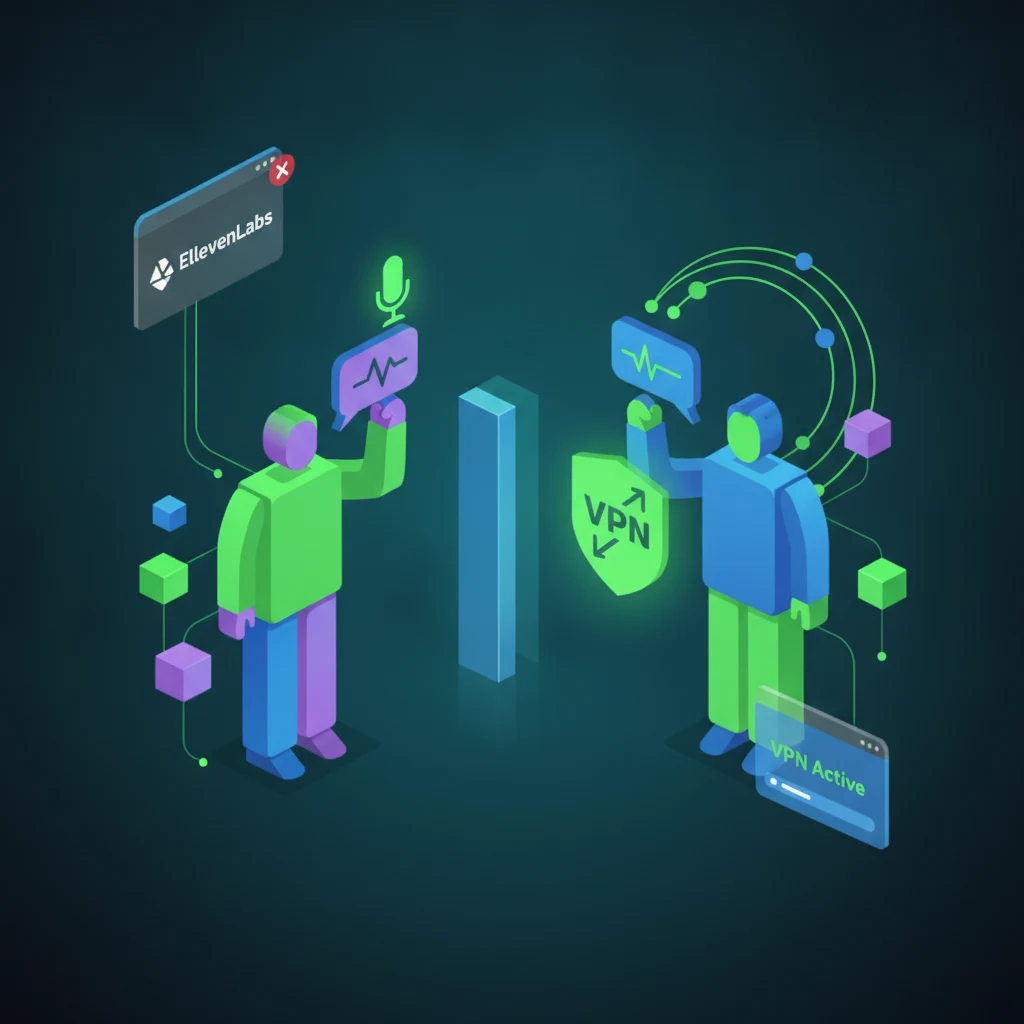
For ElevenLabs, the usual culprits are an exhausted character quota, an unsupported input file, or a browser blocking audio playback. Check your remaining credits first — voice generation stops the moment you hit the cap. The special case worth calling out is ElevenLabs not working with a VPN: the service actively screens for VPN and proxy IPs to prevent abuse, so a connection that "helps" with other tools can be exactly what gets you blocked here. If ElevenLabs breaks only while your VPN is on, that's your answer — disable it, or use an access route the service doesn't flag.
Grok AI not working
Since Grok is tied to the X platform, its failures often mirror X's: if X is having a bad day, so is Grok. Confirm you're logged in with the right access tier, hard-refresh, and check whether X itself is up. Regional availability also applies here, so a blocked region shows up as Grok simply not loading.
Google Antigravity not working
As one of the newest entries, Antigravity behaves like the video tools — expect occasional instability during its rollout. Clear cache, make sure you're on a supported region and account, and retry a failed action once before assuming a deeper problem. Early-stage tools change fast, so an error today may already be patched tomorrow.
Gemini not working in restricted regions
When Gemini won't load, the single most common reason is regional blocking. Google gates its AI features by country, and in unsupported regions Gemini either refuses to open or greets you with an availability message rather than the chat box. If status pages show Google services healthy and other people can use Gemini fine, your region is almost certainly the issue.
The access options are the familiar ones: a reputable VPN set to a supported country, an account whose region matches, and — because Gemini is closely tied to your Google account — making sure that account is eligible for the feature in the first place. Note the same VPN caveat as elsewhere: a shared or flagged IP can get you soft-blocked even after you've "solved" the region problem, which is why a stable single access point beats improvising per service.
General diagnostic checklist for any AI tool
Whatever tool broke, this universal checklist will pin down the cause. Run it top to bottom and stop as soon as something works — most problems resolve within the first few steps. It applies to everything in our AI tools catalog, not just the tools named above.
- Check your connection. Load any other website. No connection means nothing else matters.
- Confirm it's not just you. Check the service's status page (status.openai.com for ChatGPT) or search "[tool] down" for a spike of reports. A wide outage means you wait, not troubleshoot.
- Clear cache and cookies. Hard-refresh, then try incognito with extensions off. This clears the single most common local cause.
- Review your VPN. If it's on, try toggling it off (or switching servers). VPNs both fix regional blocks and cause fresh ones — test both states.
- Check your account and limits. Confirm you're logged in, your plan is active, and you haven't hit a usage cap. Declined foreign-card payments silently downgrade access.
- Update or switch client. Update the mobile app; on desktop, try a different browser to rule out a browser-specific bug.
- Wait and retry. If everything looks fine, it's likely transient overload. Give it 15–30 minutes before assuming something is truly broken.
How to avoid access problems — one account instead of VPN-per-service
Here's the pattern that hides behind a huge share of "not working" reports: it isn't the AI that failed, it's the access. A regional block, an unstable free VPN, a foreign card that got declined — any one of these takes a perfectly healthy tool offline for you specifically. And because each service treats VPNs differently (ElevenLabs actively blocks them, others tolerate them), maintaining a working setup across five or six tools becomes a chore of its own.
That's the exact problem Zerocoder is built to solve. Instead of a separate login, a separate subscription and a separate connection workaround for every tool, you get one account that provides a single, stable access point to all the AI tools — ChatGPT, Perplexity, MidJourney, ElevenLabs and the rest — with one shared balance instead of juggling payments and regions per service. When a service is genuinely down on its own end, no account can change that. But for the "it broke because of where I am or how I'm connecting" cases — which is most of them — a single reliable route removes the whole category of problem.
To be clear, this isn't a promise that no tool will ever throw an error again — these aren't our servers, and outages happen to everyone. What it does mean is that you stop being the person for whom a working tool doesn't work.
You can compare what's included on the pricing page, start with free credits, and see whether one balance across every tool fits how you actually work — or head back to the homepage for the full overview.

Frequently asked questions
Why is ChatGPT not responding?
Usually one of three reasons: OpenAI's servers are overloaded or down (check status.openai.com), your region is restricted, or you have a local issue like stale cache or an outdated app. Start by confirming the status page — if it shows an incident, the fix is simply to wait. If it's green, clear cache, try incognito, and switch browsers.
Why is Perplexity not working in my region?
Perplexity isn't available in every country, and access can be blocked at the IP level, so the page either won't open or shows an access message. A reputable VPN set to a supported country usually restores it — but a flagged or overloaded VPN IP can cause the same block, so a stable access route matters more than just any VPN.
What to do if Perplexity's voice input isn't working?
Voice failing while text works is almost always a permissions issue, not a Perplexity bug. Check that the microphone is set to "Allow" for the site in your browser, that your browser has OS-level mic access, and that the correct microphone is selected. Test in Chrome, since some privacy browsers strip the voice API. On mobile, reinstall the app or re-grant its mic permission.
Why is Google Flow not working?
As a young, compute-heavy video tool, Google Flow most often "fails" because of a full generation queue, an exhausted credit limit, or regional restrictions — not a true bug. Check your remaining credits, give a stuck render a few minutes to finish, and if the interface won't load at all, treat it as a regional or local issue and run the general checklist.
Can I use AI tools without a VPN?
Where a tool is available in your region, yes — a VPN is only needed to reach services that block your location. Because VPNs also introduce their own failures (flagged IPs, tools like ElevenLabs that block them outright), a single stable access point such as Zerocoder can remove the need to run a VPN per service.
How do I know if a service is down for everyone, not just me?
Check the official status page first — status.openai.com for ChatGPT, for example. If there's no status page, search "[tool] down" on social platforms and look for a spike of reports in the last hour. Many complaints at once means a service-side outage you can only wait out; silence means the problem is likely on your end.
Why does ElevenLabs stop working with a VPN?
ElevenLabs actively screens for VPN and proxy IP addresses to prevent abuse, so a VPN that helps with other tools can be exactly what gets you blocked here. If ElevenLabs breaks only when your VPN is on, disable it or switch to an access method the service doesn't flag — that's the fix, not clearing cache.
What to do if Gemini is unavailable in my region?
Gemini is gated by country and tied to your Google account, so in unsupported regions it shows an availability message instead of the chat. Try a reputable VPN set to a supported country with a matching account region, and confirm your Google account is eligible for the feature. Watch for flagged VPN IPs, which can soft-block you even after the region looks correct.

