Updated November 2026. Most no-code rebuilds don't happen because someone picked the wrong platform. They happen because the data model was invented screen by screen: a field added here, a duplicated text value there, a "temporary" admin table that became the only place a customer's status lives. Six weeks in, every new feature requires touching four places, and the cheapest fix is to start again. A usable architecture document takes two to four hours. A mid-project data-model rebuild typically costs 20–60 hours of rework, and that's before you count the data migration. This guide walks you through the pre-build design phase — entities, relationships, roles, screens, logic placement and integrations — using one running example the whole way through. By the end you'll have a filled-in one-page blueprint. If you're brand new to the category, start with the basics of no-code first, then come back.
By the way — the annoying part of the design stage is that every step wants a different tool: one for diagrams, one for copy, one for a quick prototype. Zerocoder puts 25+ AI tools behind a single account and a single balance, with free starter credits, so you can sketch, draft and test without signing up for five separate services first.
1. What "architecture" actually means in a no-code app
No-code app architecture is the set of decisions about data, logic, interface and integrations that you make before building, and that the platform cannot make for you. It is not a diagram for its own sake and it is not a wireframe. It's the answer to four questions: what does the app store, what rules act on that data, what does each type of user see, and which external systems are involved. A drag-and-drop editor will happily let you skip all four — that's exactly why skipping them is so common. Architecture in no-code is lighter than in traditional software engineering (no servers, no deployment topology, no choice of ORM), but the data decisions are just as permanent, because your records accumulate from day one and they don't rewrite themselves when you change your mind.
The four layers: data, logic, interface, integrations
Every no-code app has the same four layers. Data is your tables, fields and relationships. Logic is the rules — validations, calculations, state changes, scheduled jobs. Interface is the screens and the navigation between them. Integrations are payments, email, auth, storage and AI calls. Design them in that order. Interface built before data becomes a pile of orphan fields; data built with integrations in mind avoids duplicate records.
What the platform decides for you (and what it never will)
Your platform decides hosting, scaling behaviour, how it stores files, how its database engine indexes records and what its workflow editor can express. It will never decide whether a lesson belongs to a tutor or to a time slot, whether a cancelled booking is deleted or flagged, or who is allowed to see a payment. Those are product decisions wearing technical clothes, and they're yours regardless of which tool you choose.
Why no-code makes architecture more important, not less
Traditional development has friction that forces thinking: migrations, code review, schema files in version control. No-code removes that friction, so a bad structure spreads faster. You can ship a working screen in twenty minutes, which means you can ship twenty screens on top of a broken table in a week. The speed is real; it just amplifies whatever foundation you gave it.
2. Start with outcomes, not screens
Architecture planning starts with outcomes because screens are an implementation detail of a job someone needs done. Before you name a single table, write down what the app must achieve for whom. The running example in this guide is TutorLoop, a small tutoring marketplace: students find a tutor, book a lesson, and pay for it; tutors publish availability and get paid. That single sentence already implies most of the data model. Starting from outcomes also gives you a scope boundary, which is the only real defence against a v1 that never ships. In practice, teams that write three outcome sentences first cut their first-version screen count by roughly a third, because they discover that half the screens they imagined serve no stated outcome at all.
Write the three jobs your app must do
Limit yourself to three. For TutorLoop: (1) a student books and pays for a lesson with a suitable tutor; (2) a tutor manages availability and sees upcoming lessons; (3) an operator resolves disputes and refunds. Anything that isn't in service of one of those three jobs is a candidate for "later". Write the jobs as full sentences with a subject and an outcome, not as feature names like "calendar".
The "who does what, to what" sentence exercise
Write one sentence per action in the form actor + verb + object: "a student books a lesson", "a tutor cancels a lesson", "an operator refunds a payment". Ten to twenty sentences is normal. The actors become your roles, the objects become your entities, and the verbs become your logic rules. This one exercise produces about 70% of the blueprint and takes fifteen minutes.
Scoping the first version: in, out, later
Make three columns and put every feature in exactly one. "In" is what v1 cannot function without. "Out" is what you've decided never to build. "Later" is dated, not vague — "after 50 paid lessons". For TutorLoop, group classes, tutor payouts via split payments and in-app chat all went to "later"; manual payouts and email threads covered v1.
3. Find your entities (the single most valuable 30 minutes)
Finding entities is the highest-leverage half hour in the whole design phase, because entities are the hardest thing to change after launch. An entity is anything your app needs to store more than one of, with its own identity and lifecycle. "More than one of" rules out settings. "Own lifecycle" is the useful half of the test: if a thing gets created, changes state and eventually ends on a different schedule from its parent, it's an entity, not a field. In TutorLoop, a lesson has its own lifecycle — requested, confirmed, completed, cancelled — so it cannot live as three columns on the student record. You should be able to list your entities on one line each, with five to twelve fields, before you open any builder.
Nouns → entities: a worked example
Take the action sentences from section 2 and circle the nouns. For TutorLoop that gives: student, tutor, subject, lesson, slot, payment, review. Seven entities for a marketplace is about right. Most small apps land between five and twelve; if you have thirty, you've mistaken fields for entities, and if you have two, you've hidden entities inside text fields.
Fields, types, and the "is this a field or an entity?" test
For each entity, list fields with a type: text, number, date, boolean, single-select, file, or link to another entity. Then ask two questions. Does this thing need its own history? Will there ever be more than one of it per parent? Two yeses mean it's an entity. A tutor's "subject" looks like a field until a tutor teaches three subjects at different rates — then subject is an entity and the rate lives on the link between them.
Naming conventions that save you later
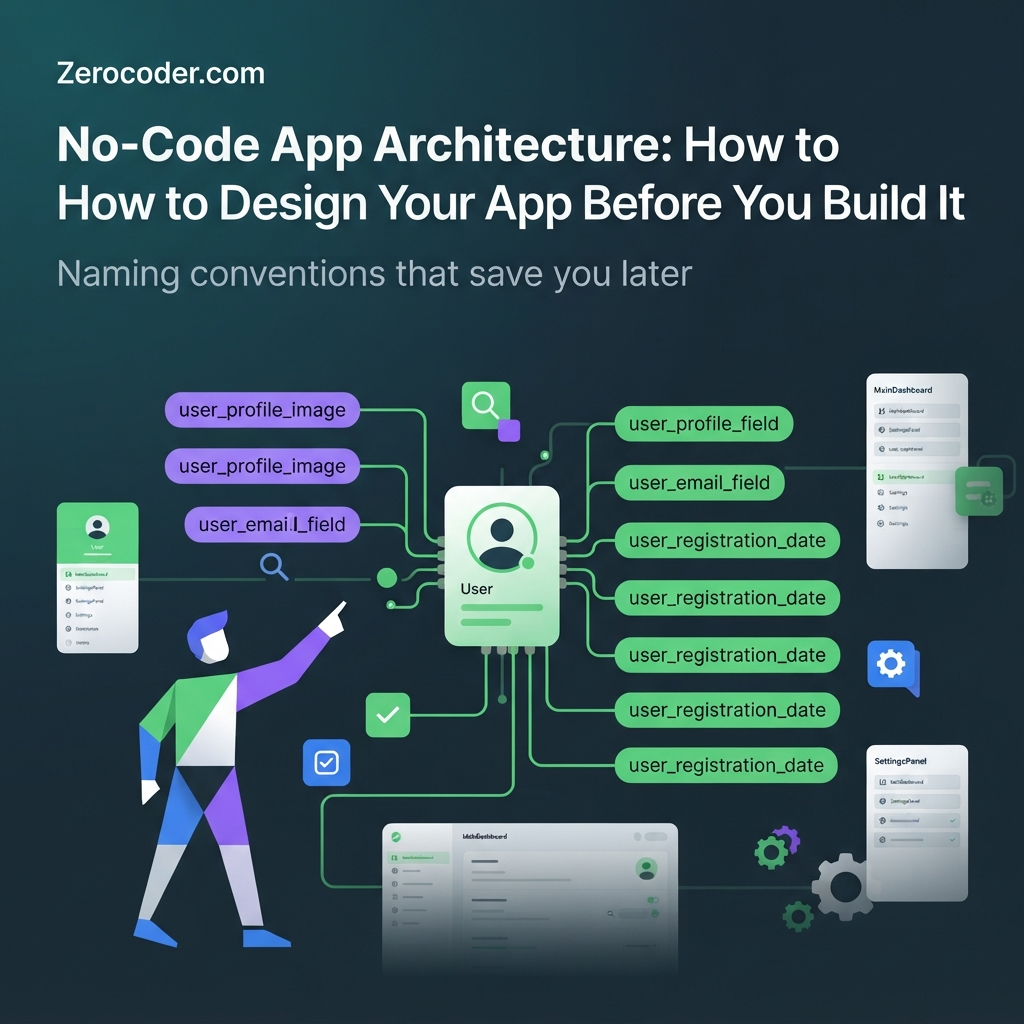
Pick a convention in the first five minutes and never break it: singular entity names (lesson, not lessons), snake_case fields, booleans prefixed with is_ or has_, dates suffixed with _at, foreign keys named tutor_id. Never ship field1, data_new or status2. Two hundred records later, a mystery column is indistinguishable from a bug, and renaming fields can break every workflow that references them.
4. Model the relationships
Relationships are what turn a pile of tables into a data model, and they're where most no-code apps quietly go wrong. A relationship records which entities are connected and how many of each side can take part: one-to-one, one-to-many, or many-to-many. In TutorLoop, a tutor has many slots (one-to-many), a lesson belongs to exactly one student and one tutor (many-to-one on both sides), and tutors relate to subjects many-to-many. Platform-native databases such as Airtable, Bubble, Glide or Softr handle one-to-many comfortably; many-to-many is where you need to be deliberate. A dedicated backend like Xano gives you explicit foreign keys and join tables, which is useful once a relationship carries its own data.
One-to-many, many-to-many, and the join table nobody warned you about
A join table is a small entity whose only job is to connect two others and hold facts about the connection. For TutorLoop, tutor_subject links a tutor to a subject and stores hourly_rate and years_experience. Without it, you'd store one rate per tutor and discover later that maths and music can't share a price. Any many-to-many relationship with its own attributes needs a join table, full stop.
Three relationship patterns that break later (and their fixes)
- Comma-separated lists in a text field ("algebra, physics") — unfilterable, unsortable, unjoinable. Fix: a real link field or a join table.
- Parallel fields (
subject_1,subject_2,subject_3) — breaks the day someone needs a fourth. Fix: one-to-many child records. - Two user tables for students and tutors — breaks the moment one person is both. Fix: one
userentity plus role records.
Draw it: a 10-minute ER sketch anyone can do
You don't need notation training. Draw a box per entity, write the three or four fields that matter, then connect boxes with a line. Put a "1" on the single side and "many" (or a crow's foot) on the many side. Whiteboard, paper or any diagram tool is fine. If a line needs a label like "with a rate", that label is a join table trying to be born.
5. Users, roles and permissions
Roles and permissions belong in the architecture phase because they determine what data each screen is even allowed to query, and retrofitting them is one of the most expensive changes in no-code. Decide three things up front: what roles exist, how a role is stored, and which records each role can see at the row level. TutorLoop has four: guest, student, tutor, operator. A student may read their own lessons and payments, nobody else's. A tutor sees lessons they teach plus the student's first name — not their email. Teams building internal tools for a team usually need more granularity than a consumer app, because the data is shared by default and the sensitive fields are salary, cost and customer contact details.
Roles vs. flags vs. separate user tables
Three options, in order of preference. A role field on one user entity (single-select) suits apps where a person has one role at a time. Role records — a user_role join entity — suit apps where someone can be both student and tutor. Separate user tables are almost always a mistake: authentication, profile fields and permission logic get duplicated, and merging them later means rewriting every workflow.
Record-level privacy rules: decide before you build screens
Write one line per entity per role, then build the screens. A matrix keeps you honest:
| Entity | Guest | Student | Tutor | Operator |
|---|---|---|---|---|
| tutor profile | read (public fields) | read | edit own | edit all |
| slot | read | read | create / edit own | edit all |
| lesson | — | create, read own | read own, edit status | read all, edit all |
| payment | — | read own | read amount only | read all, refund |
| review | read | create own | read own | delete |
Admin is a role, not an app
Resist building a separate admin application. It doubles your screen count, drifts out of sync and duplicates logic. Instead, treat operator as a role with broader privacy rules and a handful of extra screens inside the same app. One codebase, one data model, one set of permission rules to audit.
6. Map the screens from the data, not the other way round
A screen map is the list of screens each role needs, derived from your entities and permission matrix rather than from a design mood board. The logic is simple: for every entity a role can access, that role usually needs a way to see many of them, a way to see one in detail, and a way to act on it. Build the map after the data model and you'll find that TutorLoop needs about fourteen screens for v1, not the forty that get sketched when you design screen-first. On mobile, the archetypes hold but the navigation shell matters more — tools like FlutterFlow make you commit early to tab bars, stacked navigation and bottom sheets, so decide the shell per role before you place a single widget.
List → detail → action: the three screen archetypes
Almost every screen in a data-driven app is one of three things: a list (filtered, sorted, searchable), a detail view of one record, or an action (a form that creates or changes a record). TutorLoop's student side: tutor list, tutor detail, booking form, my lessons list, lesson detail, payment history. Naming screens by archetype makes gaps obvious instantly.
One screen per job, one primary action per screen
Each screen should serve exactly one job from section 2 and have one obvious primary action. If a screen has three equally weighted buttons, it's probably two screens. This constraint also protects your logic: one primary action per screen means one workflow per screen, which is far easier to debug than a shared workflow with five conditional branches.
Empty, loading and error states as architecture decisions
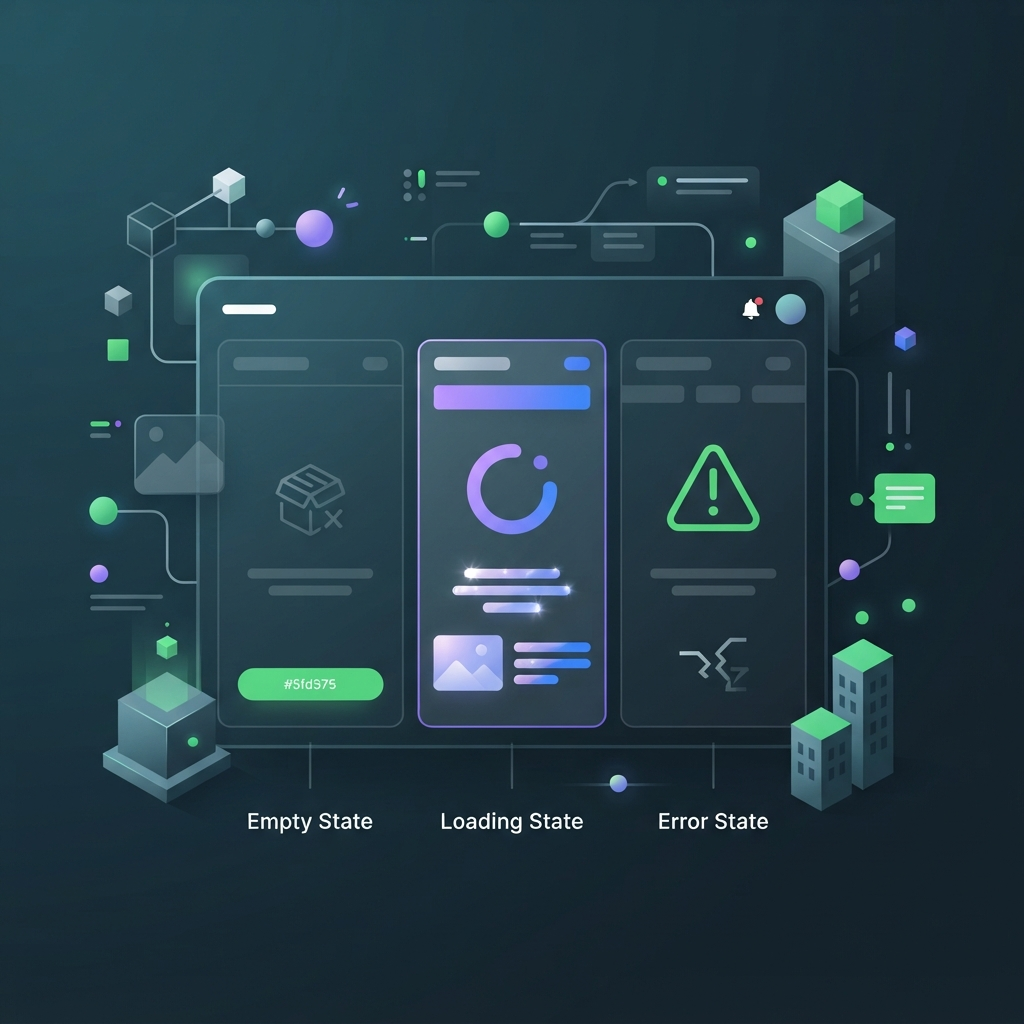
Every list needs an empty state, every remote call needs a loading state, and every action needs a failure path. These aren't decoration — they're decisions about what happens to data. What does a student see with zero lessons? What happens if the payment succeeds but lesson creation fails? Decide the order of operations now, and note the compensating action (refund, retry, flag for the operator) next to each workflow in your blueprint.
7. Logic and automation: what runs where
Logic placement is the decision about where each rule executes: in the interface, in a backend workflow, or on a schedule. Get it wrong and the same rule ends up implemented three times with three slightly different results. The rule of thumb: anything that affects stored data or money belongs in a backend workflow; anything that only affects what the current user sees can live in the interface; anything time-based belongs in a scheduled job. For TutorLoop, the lesson price calculation runs on the backend when a booking is created, the "slot unavailable" greying-out happens client-side, and the 24-hour reminder email runs on a schedule. If you want structured practice on this, the automation course covers where workflows should live and how to sequence them.
Client-side vs. backend workflows vs. scheduled jobs
- Client-side: show/hide, filtering a visible list, form validation feedback, navigation. Fast, but never trust it for security.
- Backend workflow: create/update/delete, pricing, status transitions, permission checks, external API calls. Runs regardless of device.
- Scheduled job: reminders, nightly syncs, expiring unconfirmed bookings, reports. Needs idempotency — running twice must not double-charge anyone.
Where to put calculations (and why not in the UI)
Store the inputs, compute in one place, and save the result if it must stay stable. A lesson's price depends on a tutor's rate — which changes. If you calculate the total in the UI at display time, last March's invoices quietly change with it. Compute on the backend at booking time and store price_charged. When a platform's workflow editor can't express the formula, that's the moment to drop in a bit of custom code rather than spread the logic across three screens.
Notifications, queues and the things that silently fail
Email, SMS and webhooks fail quietly: a provider throttles you, a token expires, a scheduled run is skipped. Put a status field and a last_attempt_at timestamp on anything you send, log failures to a table rather than only to the platform's log viewer, and give the operator role a screen that lists them. Three fields now beats a week of "the customer says they never got the email".
8. The integration map
An integration map is a one-page list of every external system your app touches, what data crosses the boundary, and which side owns the authoritative copy. The system of record is the single tool that owns the authoritative version of a given record; every other tool holds a copy. Decide this per entity and write it down, because the alternative is two tools that each believe they hold the truth about a customer's subscription. TutorLoop's v1 map has five entries: auth (the platform), payments (Stripe), transactional email (Postmark), file storage (the platform), and an AI call for generating lesson summaries. Understanding how APIs actually move data between your tools makes this map far easier to fill in correctly.
Listing every external system before you build the first one
Write a row per system with four columns: what it does, which entities it touches, direction of data flow (in, out, both), and what happens if it's down. The "what if it's down" column is the one people skip and the one that saves you — if Stripe is unreachable, does a booking still get created as payment_pending, or does the whole flow fail?
Auth, payments, email, storage, AI calls: who owns the record?
Payments are the classic trap. Stripe owns the charge, the refund and the payout — your app should store the charge_id and a mirrored status, never a hand-maintained balance. Auth providers own credentials; your app owns the profile. Storage providers own the file; your app owns the metadata. While you're wiring any of this up, a tool like clean up API responses while you map integrations makes nested payloads readable enough to spot the field you actually need.
Deciding the system of record for each entity
For each entity, name exactly one owner and note the sync direction. TutorLoop: user → app; payment → Stripe (mirrored into the app); email_log → Postmark (webhook writes status back); lesson → app. When two systems both need to write the same field, add a source field and a last-write rule, or you'll be reconciling spreadsheets by hand within a month.
9. Step-by-step: build your one-page blueprint
A no-code app blueprint is a single document that captures your outcomes, entities, relationships, roles, screens, logic placement, integrations and v1 cut line. Budget two to four hours for a first version; it is normal to revise it twice in the first week of building. Work through these ten steps in order — each one feeds the next, which is why choosing the platform comes last.
- Write three outcome sentences. Actor + outcome. If you can't fit the app into three, the scope is too big for v1.
- List entities and fields. Five to twelve entities, each with 5–12 typed fields and your naming convention applied.
- Draw relationships. Boxes and lines, cardinality marked, join tables created wherever a relationship carries its own data.
- Define roles and privacy rules. One row per entity, one column per role, read/create/edit/delete in each cell.
- Map screens per role. For each accessible entity: list, detail, action. Name each screen by archetype.
- Mark where each logic rule runs. Tag every rule client, backend or scheduled. Note the failure path.
- List integrations and the system of record. One row per external system, one owner per entity.
- Mark the v1 / v2 cut line. Draw a literal line through the screen map and entity list. Everything below it is dated, not promised.
- Run the architecture review checklist. See below. Fix anything that fails before you open a builder.
- Then choose the platform. You now have a requirements list instead of a feature preference.
Copy this template into a single document or note:
APP BLUEPRINT — [app name] — v1 — [date]
1. Outcomes: (a) … (b) … (c) …
2. Entities: name | fields (name:type) | notes
3. Relationships: entity A — cardinality — entity B | join table? | data on the join
4. Roles: list | privacy matrix (entity × role → read/create/edit/delete)
5. Screens: role | screen name | archetype (list/detail/action) | primary action
6. Logic rules: rule | runs where (client/backend/scheduled) | on failure
7. Integrations: system | entities touched | direction | system of record | if down
8. Cut line: v1 above / later below (with trigger date or metric)
9. Open questions: …
10. Chosen platform + why: …
And this is the review checklist. Nine checks, roughly fifteen minutes:
- Does every entity have a unique identifier and a
created_at? - Does any field store display text that duplicates another record's value?
- Does every many-to-many relationship have a join table?
- Can every screen in the map be traced to one outcome sentence?
- Does every entity have exactly one named system of record?
- Is there a soft-delete or archive flag on anything a user can remove?
- Does every role have an explicit rule for every entity — including "no access"?
- Is any money value calculated at display time instead of stored?
- Does anything below the cut line require changing an entity above it? (If yes, redesign now.)
10. Choosing tools that fit the architecture you just designed
Tool selection becomes straightforward once a blueprint exists, because your entity count, relationship complexity, role count and integration list are now requirements you can test a platform against. Instead of asking "which builder is best", you ask whether this tool supports many-to-many relationships natively, whether it enforces row-level permissions server-side, and whether it can run a scheduled job. Those are answerable questions. We won't repeat the comparison here — pick the platform that fits those requirements using the dedicated guide, and bring your blueprint with you. Here's the one decision that is genuinely architectural rather than a matter of preference: where your data actually lives.
| Best for | Data limits (2026) | Who maintains it | Migration cost later | |
|---|---|---|---|---|
| Built-in platform database | MVPs, internal tools, ≤12 entities, simple permissions | Typically fine to tens of thousands of records; row caps and API rate limits vary by plan | The platform; you manage fields and rules | High — data is coupled to the builder |
| Dedicated backend | Multi-client apps, complex permissions, shared data across web + mobile | Millions of rows; you control indexes and queries | You (schema, endpoints, logs) | Low — your front end is replaceable |
| AI-builder prototype | Testing a blueprint in hours, demos, validating flows | Small; treat the data as disposable | Mostly generated; you review it | Medium — regenerate rather than migrate |
When the platform's built-in database is enough
It's enough more often than engineers assume. If you have up to a dozen entities, permissions expressible as "own records plus admin", one front end, and under a few tens of thousands of records, native storage is the pragmatic choice. It's one fewer system to maintain and one fewer place for auth to break. Most internal tools for 5–200 people never outgrow it.
When to put a dedicated backend behind it
Choose a separate backend when you have two or more front ends sharing data, permission rules that depend on relationships (a tutor sees a payment only via a lesson they taught), heavy scheduled processing, or a genuine expectation of millions of rows. That's the case for defining your schema in a tool like Xano and treating the builder purely as an interface layer. If relational modelling isn't your strength, a Xano specialist can set up the schema and endpoints in a few days, and you build on top.
When AI builders are a fast path to a prototype of your blueprint
Once the blueprint exists, an AI builder is an excellent way to see it running before you commit. Paste your entity list and screen map into Lovable and you'll have clickable screens in an afternoon; spin up a working web app from a description works the same way for a quick internal version. Treat the output as a test of the design, not as production — regenerating is cheap, migrating prototype data is not.
11. Seven architecture mistakes that force a rebuild
These seven mistakes account for the large majority of no-code rebuilds. They share a signature: each one is cheap to avoid during design, invisible for the first few weeks, and expensive to fix once real records exist. Fixing a relationship structure after 2,000 records typically means exporting, transforming and re-importing data while rewriting every workflow that touched it — the 20–60 hours mentioned at the top of this guide. Read the list against your blueprint before you build.
One giant table ("everything is a Post")
A single table with a type field and forty mostly-empty columns. It feels efficient early because one list screen shows everything. It collapses the moment two types need different permissions, validations or relationships — which is always. Fix: one entity per lifecycle, even if two of them share four fields.
Storing display text instead of references
Writing "Maria Chen" into a lesson's tutor_name field instead of linking to the tutor record. The day Maria changes her name, history lies. The exception: deliberate snapshots — an invoice should store the name and price as they were at the time, in clearly named fields like tutor_name_at_booking.
No soft delete / no audit trail
Hard deletes destroy the trail you need for refunds, disputes and debugging. Add is_archived and archived_at to anything users can remove, and a lightweight event_log entity (who, what, when, which record) for status changes on money and bookings. Two fields and one table, decided now.
Permissions bolted on after launch
Shipping with "everyone sees everything, we'll lock it down later" means every list, every detail page and every workflow has to be revisited under time pressure, usually after someone saw a record they shouldn't have. Row-level rules defined in section 5 cost minutes up front and days afterwards.
Hard-coded values that become settings later
Commission rates, cancellation windows, email copy and tax percentages typed directly into workflows. Each one is fine alone; collectively they mean a business change becomes a scavenger hunt across twelve workflows. Fix: a single-row setting entity, or a key/value table, read by every workflow that needs them.
No environment separation (building in production)
Editing live workflows while customers use them turns every experiment into an incident. Use your platform's dev/staging version if it has one, keep a separate test user per role, and use payment providers' test mode. If the platform has no staging concept, at minimum use feature flags in your setting entity so a half-finished flow stays invisible.
Scope creep disguised as "just one more field"
The most common one. A field becomes a status, a status needs a workflow, the workflow needs a screen. Rule: any new field that introduces a state or a new relationship goes through the cut line decision, not straight into the table. "Just one more field" is how a four-week v1 becomes a four-month v1.
12. Cost, access and what this actually takes
Architecture work is almost free in money and modest in time: the only real inputs are a few focused hours and a document. For a single-purpose app of five to eight entities, expect two to four hours for a first blueprint and another hour of revision in week one. For a marketplace or a multi-role internal tool, six to ten hours spread over two sessions is realistic — the second session always finds something the first missed. Compare that with the 20–60 hours a mid-project data-model rebuild costs, plus the migration. Planning doesn't eliminate rework; nothing does. It reliably shifts the rework from "restructure the database with live customers on it" to "edit a document".
Time budget: hours for the blueprint vs. weeks for a rebuild
Rough benchmarks from small builds: outcomes and entities, 60–90 minutes; relationships and the ER sketch, 30–45; roles and privacy matrix, 45–60; screen map, 45; logic placement and integrations, 60. That's about four hours total. Split it across two days — the overnight gap genuinely catches missing entities.
What architecture work costs if you hire it out
As of late 2026, a discovery-and-architecture engagement from a freelance no-code practitioner typically runs a few hundred to low four figures depending on complexity, and takes three to ten days — usually priced as a fixed-scope package rather than hourly. If you'd rather not do it alone, you can hire a no-code specialist to design it with you and keep the build in-house, which is the cheapest version of outside help.
Free vs. paid tiers at the design stage; working from anywhere
You need nothing paid to design. A document, a diagram tool's free tier and a text editor cover the whole blueprint; AI assistants with free credits are enough to pressure-test an entity list. Paid tiers start mattering at build time — when you need scheduled jobs, API access, custom domains or more than a handful of users. The tools named here are available in most regions and work entirely in the browser, which matters if your team is distributed; verify current plan limits directly, since they change more often than this article does.
13. Documenting and handing off
Documentation for a no-code app means four small artifacts, not a wiki: an ER sketch, a screen map, a rules list, and an integration table. Together they fit on three or four pages, and they're the difference between a six-week handoff and a three-day one. The audience is rarely a stranger — most often it's you in five months, trying to remember why a cancelled lesson keeps its slot. Keep the documents next to the app, not in a folder nobody opens, and note the date of the last update at the top. If you're documenting something that already exists rather than something new, you can check the structure of an existing site to inventory pages and metadata before you start mapping.
The minimum doc set
The ER sketch (one image), the screen map (a table: role, screen, archetype, primary action), the rules list (rule, where it runs, failure path), and the integration table (system, entities, direction, system of record). Add a one-paragraph "why" note for any decision that looks odd — the weird ones are always deliberate, and future-you won't remember.
Keeping it alive after launch
A stale document is worse than none, because people trust it. Adopt one rule: any change to an entity, role or integration gets a line in the doc in the same session. Changes to screens and copy don't. That keeps maintenance to a minute a week and keeps the structural layer — the expensive layer — accurate.
Handoff to a developer, an agency or your future self
When you bring someone in, hand over the four artifacts plus access, and ask them to walk you through one flow end-to-end before touching anything. It surfaces misunderstandings in an hour. If you're hiring or scoping a role, it's worth skimming what no-code developer roles actually ask for — the expectations around data modelling and workflow design tell you what to screen for.
14. What's next
You now have a one-page blueprint: three outcomes, five to twelve entities with fields and relationships, a role matrix, a screen map per role, logic placed by layer, an integration table with named systems of record, and a cut line. From here there are three sensible paths, and they're not mutually exclusive — plenty of people prototype with AI, take a course for the parts that felt shaky, and bring in a specialist for the backend.
- Build it yourself. Prototype the blueprint with AI builders this week, then rebuild the keeper flows properly. Browse the AI tools directory to find the pieces you need, or create a free Zerocoder account and work through them on one balance.
- Learn it properly. If the data-model and workflow sections felt like new territory, structured practice beats trial and error — the AI Website Builder course covers taking a design to a working app, and you can see what a full learning track looks like before committing.
- Hire for the hard part. Design the architecture yourself, then hire a no-code specialist to design it with you or to build the backend while you own the product decisions.
If this app is the foundation of a business rather than an internal tool, the blueprint is step one of a longer process — the wider launch sequence for a no-code startup covers what comes after the architecture: validation, pricing, launch and iteration. Whichever path you pick, don't skip step 9 of the blueprint. Fifteen minutes with the review checklist is the cheapest insurance in this entire guide.
Frequently asked questions
Do I really need a data model for a simple no-code app?
Yes, but it can be small. Even a three-entity app benefits from naming the entities, their fields and their relationships on one page — it takes twenty minutes. The cost of skipping it isn't visible in week one; it appears when you add a second user type or a second front end and discover your fields can't support either.
How long should architecture planning take for an MVP?
Two to four hours for a single-purpose app with five to eight entities, and six to ten hours for a marketplace or multi-role internal tool. Split it across two sessions rather than one long one — the overnight gap consistently surfaces a missing entity or role. Expect one round of revision during your first week of building.
Should I choose the platform before or after designing the data model?
After. Your entity count, relationship complexity, role model and integration list are the requirements you should test platforms against. Choosing first means bending the design to fit a tool you picked on a demo video. The one exception is a hard constraint you already have — an existing stack, a compliance requirement, or a team that only knows one builder.
Can I change my data model after launch?
Yes, but the cost rises sharply with record volume. Adding a field is trivial at any point. Changing a relationship's cardinality, splitting one entity into two or renaming fields referenced by workflows means exporting, transforming and re-importing data while rewriting logic — commonly 20–60 hours once real customers are using the app.
Do I need a separate backend like Xano, or is the built-in database fine?
Built-in is fine for most first versions: up to roughly a dozen entities, one front end, permissions expressible as "own records plus admin", and tens of thousands of records. Move to a dedicated backend when you have multiple front ends sharing data, relationship-dependent permissions, heavy scheduled processing, or a realistic path to millions of rows.
How do I handle user roles if my platform only has one user table?
One user table is the right structure — add a role field to it. For apps where one person can hold two roles, create a small join entity like user_role instead of a single-select field. Avoid separate user tables per role: they duplicate authentication, profile fields and permission logic, and merging them later is painful.
What's the difference between an app architecture and a wireframe?
A wireframe describes what a screen looks like; an architecture describes what the app stores, which rules act on that data, who can see what, and which external systems are involved. Wireframes change weekly without consequence. Architecture decisions — especially entities and relationships — become expensive within weeks of launch.
Can AI app builders design the architecture for me?
Partly. AI builders are good at proposing a plausible entity list and generating screens from a clear description, which makes them excellent for pressure-testing a blueprint quickly. They're unreliable on the decisions that cost you later: row-level permissions, system of record, join tables with their own data, and scope boundaries. Review their schema yourself.
How do I know my architecture will scale to a few thousand users?
Check three things: whether any list screen loads an unfiltered table, whether permission rules are enforced server-side rather than by hiding elements, and whether your most-queried fields can be indexed. A few thousand users is well within most platforms' comfort zone — the failures at that size are usually query design, not platform capacity.

