JSON formatter and validator free
Pretty-printing, minification and syntax checking — right in the browser, no data sent anywhere.
From a blob to readable structure
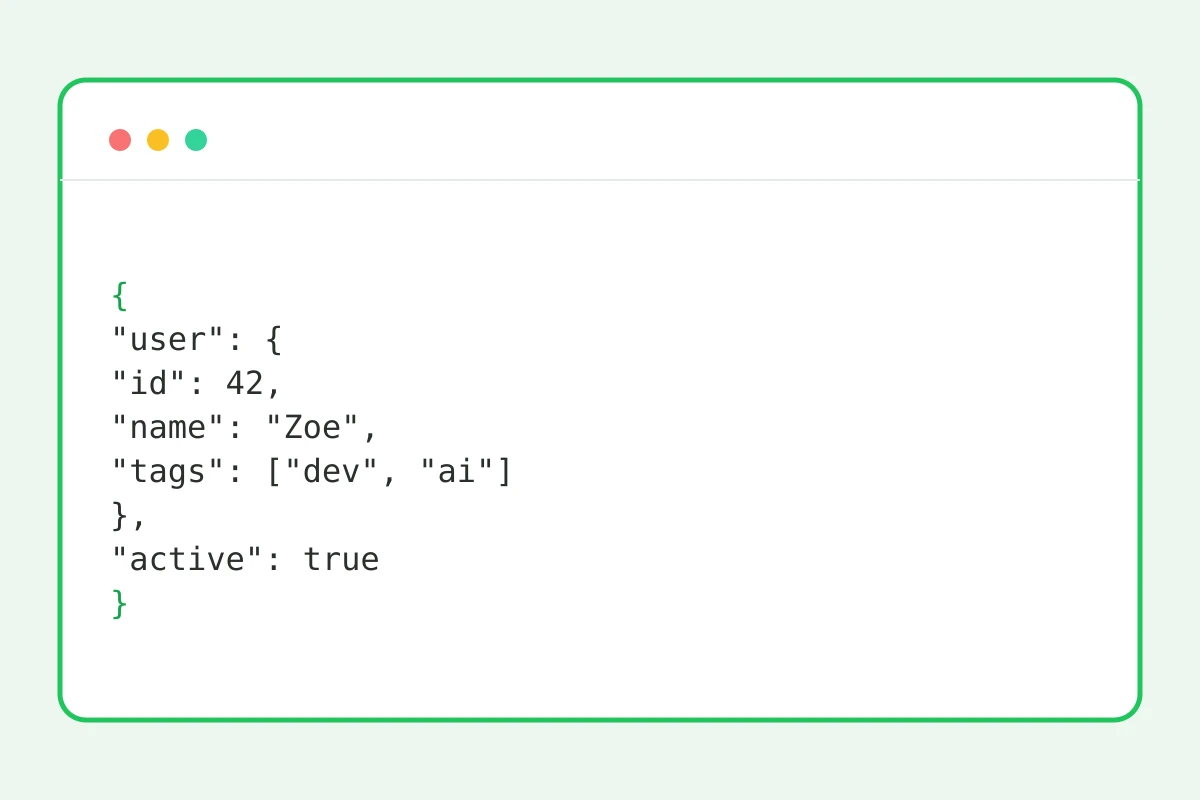
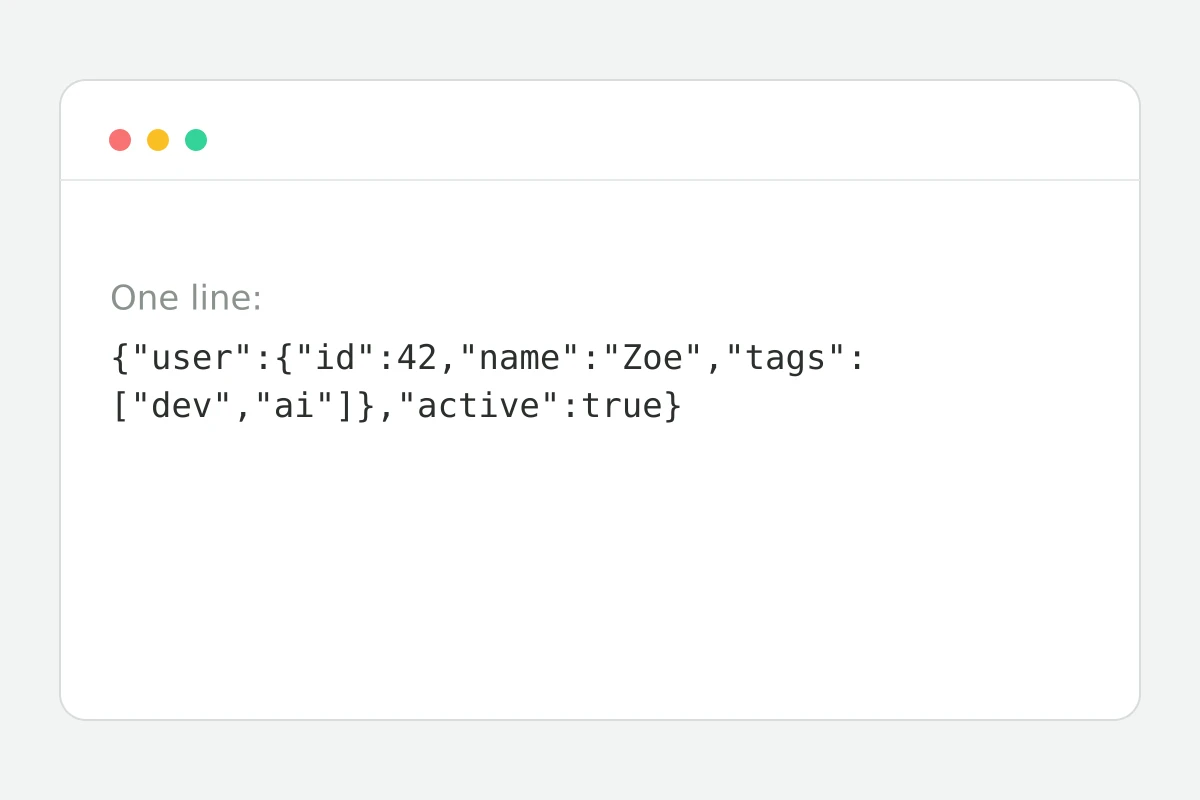
How to format JSON in 4 steps
An API response, config or export — any size.
Indentation and line breaks appear.
One whitespace-free line for transport.
Syntax errors show with a position.
Part of the Zerocoder platform
One tool of a platform where AI generates websites, images, video, text and documents — under one subscription.
JSON is the language of integrations: API responses, configs, webhooks, data exports. It usually arrives as one unreadable line. The formatter adds indentation, the minifier squeezes it back, the validator shows the first error with its position — exactly as the standard parser sees it. Everything in the browser: data never leaves the page, so production keys and sensitive payloads are safe. Integrating AI into your product? See the Zerocoder API: one key for every model. The rest of the free tools are in one section.
Common JSON errors and how to read them
The three champions: a trailing comma after the last element (forbidden in JSON), single quotes instead of double, and unescaped line breaks inside strings. The validator surfaces the parser's message with a character position — go there and look at the character before it: the bug almost always lives there. Comments are forbidden too — JSON isn't JavaScript.
Format or minify: when to use which
Formatted JSON is for humans: debugging an API response, reviewing a config, writing docs. Minified is for machines: saves bandwidth and log space, fits into one curl line. The rule: store and transmit minified, read and edit formatted. The buttons switch back and forth losslessly.
Why in-browser processing matters
API responses often carry tokens, personal data and business information. Online formatters that route data through their servers are a leak risk. Here your own browser does the parsing with standard JSON.parse: data physically never leaves the tab. Check the network inspector — there are no requests.
Reviews
No reviews yet — be the first.
More in Free tools
View category →







From the blog
All posts →


FAQ
Is my data uploaded?
No — parsing and formatting run entirely in your browser, so the JSON never reaches a server. That makes the formatter safe for API keys, tokens and production payloads.
What does the validator show?
It reports the first syntax error with a clear message and the exact position in the text, just as a standard JSON parser sees it. Fix the issue and re-run the check until the document is valid.
What errors are most common?
Typical culprits are a trailing comma after the last element, single quotes instead of double quotes, and unescaped line breaks inside string values. The validator points to the position of each one.
Can it handle big files?
Yes, megabyte-sized JSON formats instantly. Since everything runs locally, the only real limit is your browser tab's memory — no upload and no waiting for a server round-trip.
Are comments allowed in JSON?
No, the JSON standard forbids comments, so the validator flags them as errors. Strip them out before validating, or keep your configs in plain standards-compliant JSON.
Does it sort keys?
No, key order is preserved exactly as in the source document. Only indentation and line breaks change, which makes it easy to diff two versions of the same file.
Do I need an account?
No, the JSON formatter and validator are completely free and run in the browser without sign-up or limits. Open the page, paste your code and get the result right away.
Why minify at all?
Minified JSON saves bandwidth, keeps logs compact and fits the whole object into a single line — handy for curl commands, environment variables and quick copy-pasting.
What else does Zerocoder do?
Zerocoder offers an API to every major AI model with a single key, plus code and text generation and hands-on courses. The JSON formatter is one of its free browser utilities.