Create a presentation with AI online free
Topic → outline → ready PPTX in a minute. “Generate a presentation” lands here too.
From a topic to finished slides
How to create a presentation in 4 steps
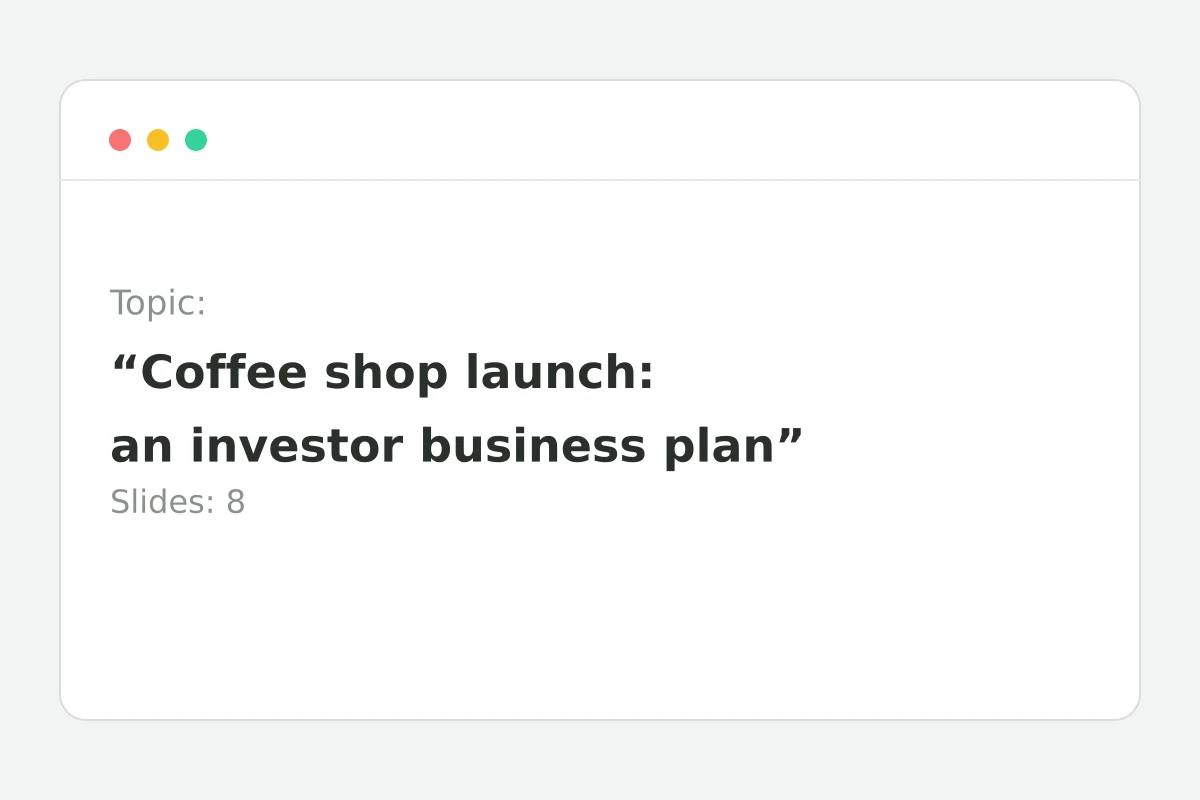
E.g. “Coffee shop launch: an investor business plan”.
A template fills the field — replace the [bracketed] part with yours.
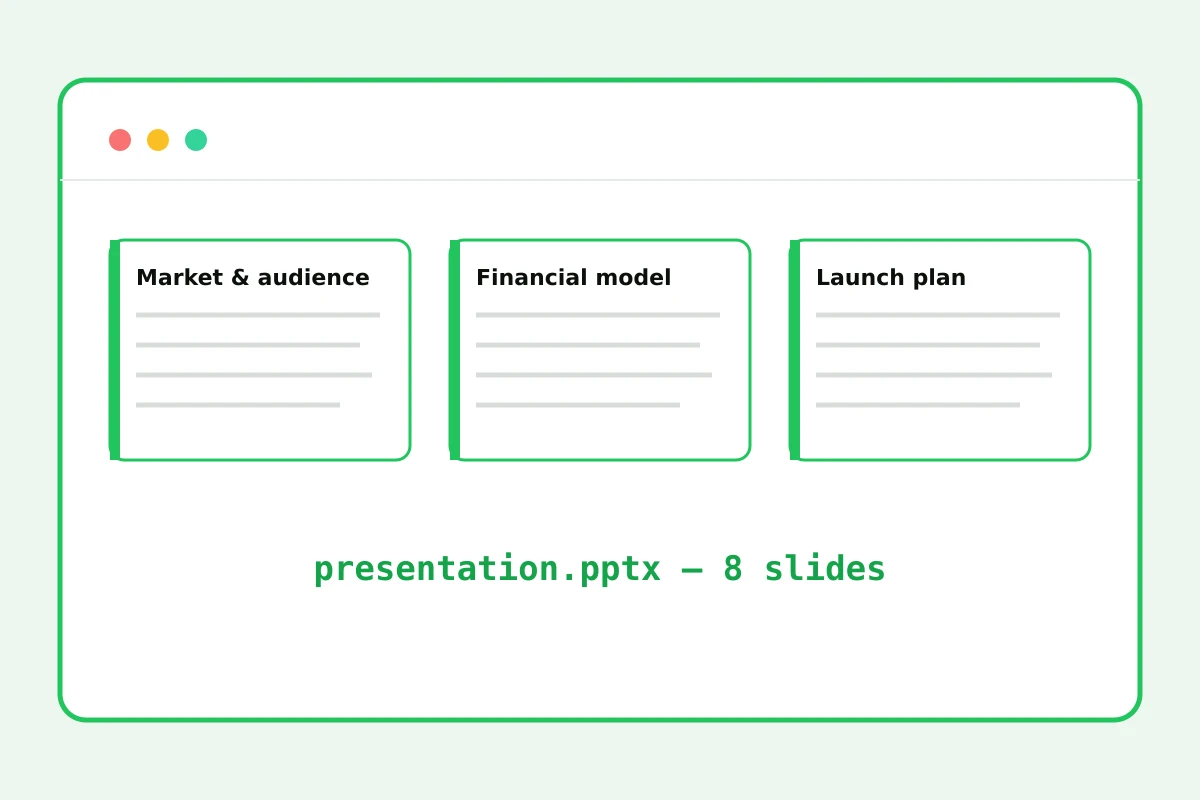
The AI writes the outline, the server builds the PPTX.
Opens in PowerPoint, Keynote and Google Slides.
Part of the Zerocoder platform
One tool of a platform where AI generates websites, images, video, text and documents — under one subscription.
Creating a presentation with AI means getting a ready PPTX from a single topic: a title slide, a logical section structure and concise bullets you can actually present. The generated file is a regular deck: open it in PowerPoint or Google Slides, restyle it, add images and numbers. Generation is available after a free sign-up — 5 decks a day. Full talk scripts come from text generation, slide images from image generation. All tools — in one section.
Phrasing the topic so slides hit the mark
The more concrete the topic, the more useful the outline. “Marketing” yields a textbook; “A 3-month Telegram promotion plan for a coffee shop on a $500 budget” yields a working document. Put the audience and goal right into the topic: “for investors”, “for students”, “a management report” — the AI adjusts depth and tone.
What's inside the file and how to refine it
The PPTX is built in 16:9: a dark title slide with a brand accent, light content slides with headings and bulleted points, page numbers. It's an honest editable file, not an image: restyle fonts and colors via PowerPoint themes, reorder slides, insert charts. The skeleton and wording are done — only styling remains.
The full talk pipeline on the platform
The outline lives here. A spoken script per slide comes from text generation: paste the bullets and ask to “expand into a 2-minute speech”. Illustrations come from image generation. A talk assembles in an evening instead of a week.
Reviews
No reviews yet — be the first.
More in Free tools
View category →







From the blog
All posts →


FAQ
What file do I get?
A real .pptx in 16:9: a title slide plus bulleted sections on your topic. The file opens in PowerPoint, Keynote and Google Slides with no conversion and no watermarks.
How many slides?
8 slides — the sweet spot for a talk: a title, content sections and conclusions. For a longer deck, generate a second part on a sub-topic and merge the two files in your editor.
Who writes the content?
A Claude-class language model. It builds the outline, writes the headings and fills the slides with bullets from your topic — you refine the details and add your own data.
Does it work in other languages?
Yes — the English page generates in English and the Russian page in Russian. Pick the version that matches the language you want the presentation delivered in.
Are there images on slides?
Not yet — you get a text skeleton with structure and bullets. Generate illustrations in the neighbouring Create an image tool and drop them into the finished PPTX.
Do I need an account?
Yes, a free one — it takes about a minute. After sign-in you get 5 generations a day: enough to create a presentation with AI and rebuild it a couple of times.
What happens to my topic and file?
Nothing is stored: the PPTX is built in memory on Zerocoder servers and returned straight to your browser. Neither the topic nor the file stays around after the response.
Will it open in Google Slides?
Yes: upload the PPTX to Google Drive and open it in Google Slides — the formatting, structure and bullets survive. From there you can edit and present right in the browser.
What else does Zerocoder do?
AI generation of texts, images, video and websites, plus courses and job listings. Presentations are just one tool — everything lives on a single platform.