Write text with AI online free
Describe the task — the model writes it: an article, post, email, contract. “Generate text” lands here too.
From a task to finished text
How to write text in 4 steps
Topic, audience, tone — or pick a direction.
ChatGPT, Claude, Gemini — or auto-select.
Continue in the Studio — new users get free credits.
“Shorten it”, “add examples”, “change the tone” — instant rewrites.
Part of the Zerocoder platform
One tool of a platform where AI generates websites, images, video, text and documents — under one subscription.
Writing text with AI means a working draft in a minute: a blog article, a social post, product copy, a newsletter email, a contract template. The generated text is edited in dialogue: ask to shorten, sharpen the headline, shift the tone — the model rewrites instantly. The Zerocoder Studio gathers every strong language model — ChatGPT, Claude, Gemini — in one window. Check the result with the free utilities: character counter, keyword density, text case. All tools — in one section.
Framing the task so the text lands first try
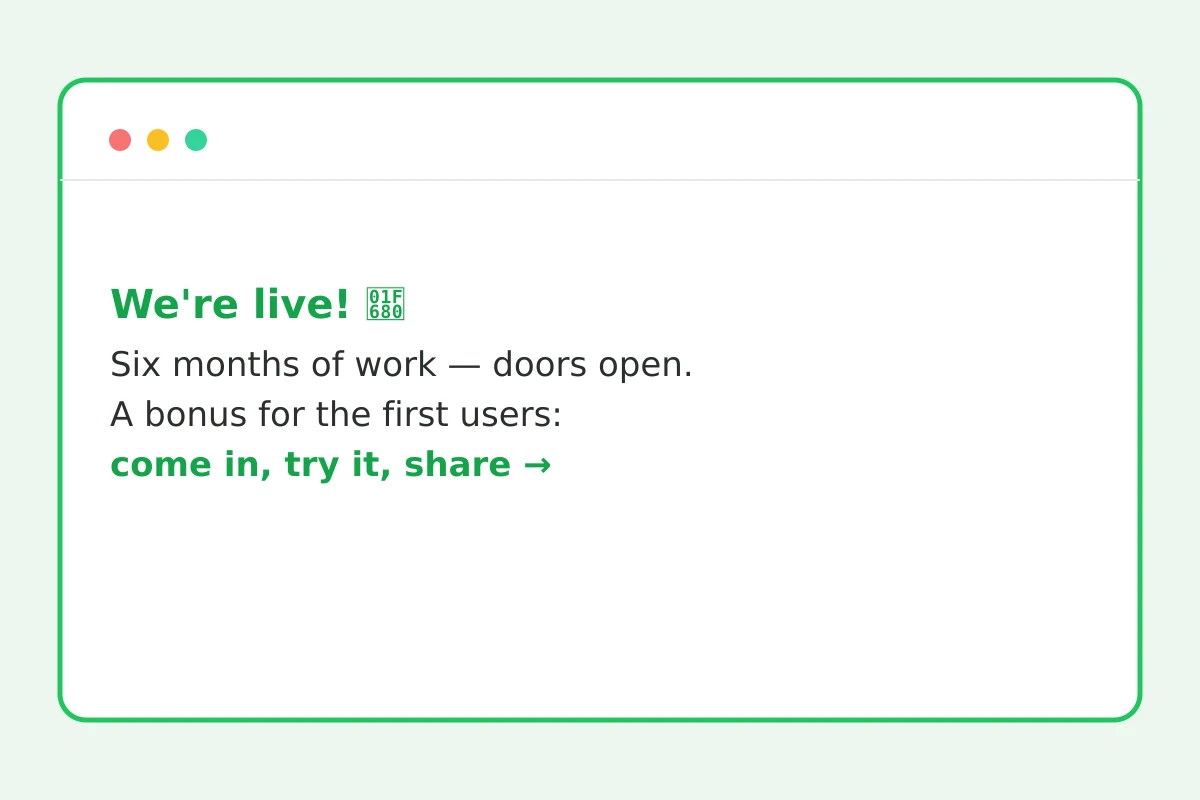
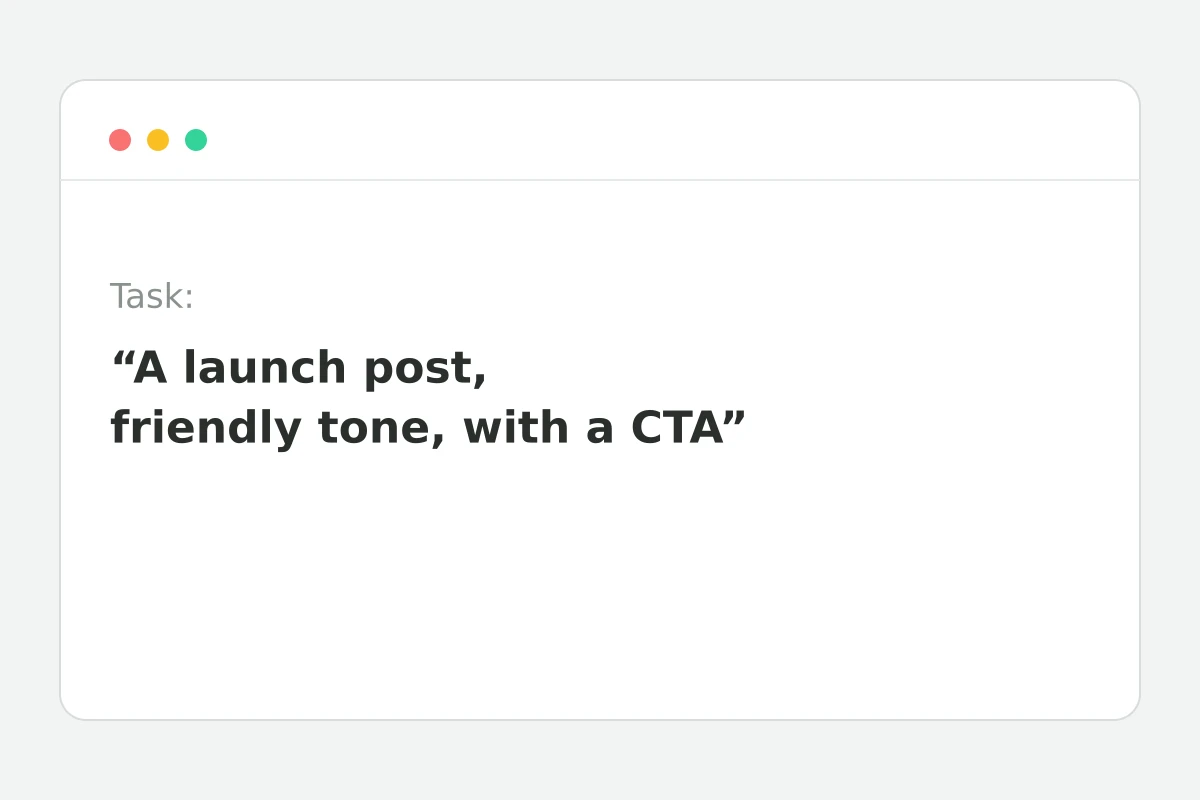
Give the model a role, audience and format: “You're a marketer. Write a Telegram post about the service launch, audience — founders, friendly tone, under 800 characters, CTA at the end.” That prompt yields publish-ready text; “write about our service” yields a stub. Style samples help too: paste an example and the model picks up the voice.
ChatGPT, Claude or Gemini: which writes best
Models write differently: one is stronger on structure and facts, another on lively tone and long form, a third on source analysis. Here they share one window: draft in one model, ask another to rewrite — keep the best. Auto-select decides for you when there's no time to compare.
SEO texts without keyword stuffing
Ask the model to write for people and weave keywords naturally: “use ‘create a website’ 3–4 times, no keyword lists”. Run the result through keyword density — top words expose stuffing before publishing. Check length with the counter.
Reviews
No reviews yet — be the first.
More in Free tools
View category →







From the blog
All posts →


FAQ
How much does it cost?
New users get free credits — they cover plenty of texts. After that Studio plans apply, and a $1 Start trial day lets you test the full toolkit before subscribing.
Which models write?
ChatGPT, Claude, Gemini and other models — all in one window with one-click switching. Generate text with one model and immediately compare the result with another.
Are the texts unique?
Yes — the model writes from scratch for your specific request rather than stitching together existing articles. Overlaps with published texts are unlikely, which matters for websites and SEO.
Can I edit the result?
Yes, right in the dialogue: ask it to shorten, change the tone or add examples and get a new version instantly. A couple of iterations usually brings the text to its final shape.
Can it handle a long article?
Yes, including a structure with subheadings. A big long read is easiest to assemble section by section: generate the outline first, then ask for each part separately and combine.
Does it write in English?
In any language — and it translates between languages while keeping the tone. Handy for running a bilingual blog or writing posts for Instagram and Telegram in parallel.
Do I need an account?
Yes, generation runs in the Zerocoder Studio. Registration is free, credits are granted right after sign-in, and you can write text with AI within a minute of creating the account.
Will it replace a copywriter?
The routine — yes: article drafts, product descriptions, emails and social posts are fast with AI. Strategy, expertise and the final edit are still better left to a human.
What else does Zerocoder do?
AI image and video generation, website building, courses and job listings. Text is one Studio direction — all the tools work from a single account.