Create an image with AI online free
Describe the picture — the model generates it: photoshoots, product shots, illustrations. “Generate an image” lands here too.
See what AI creates
Made by our users in minutes — no designers, stock photos or long retouching.
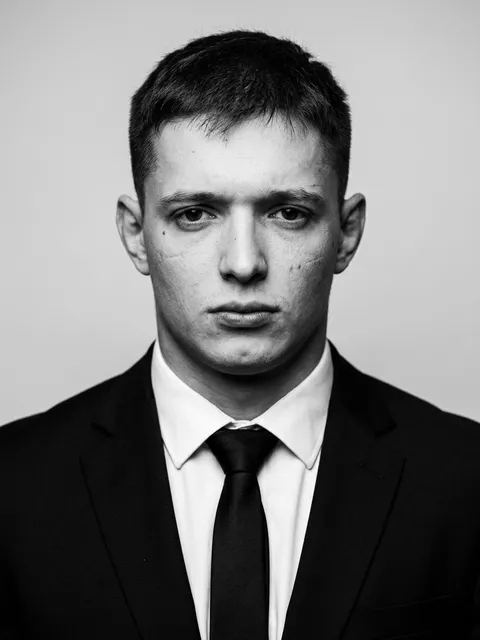 160
160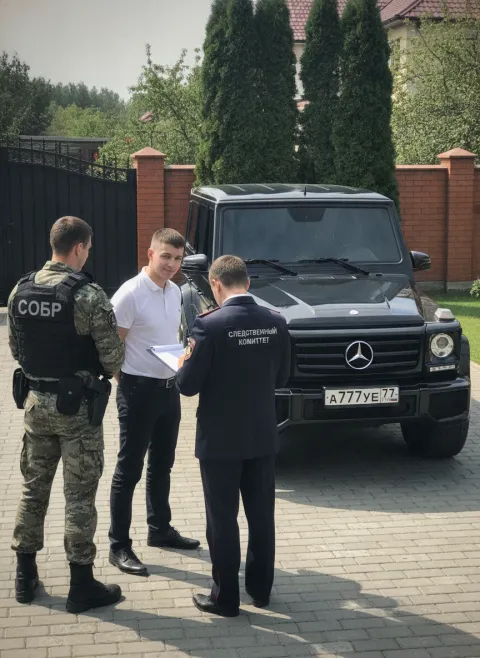 52
52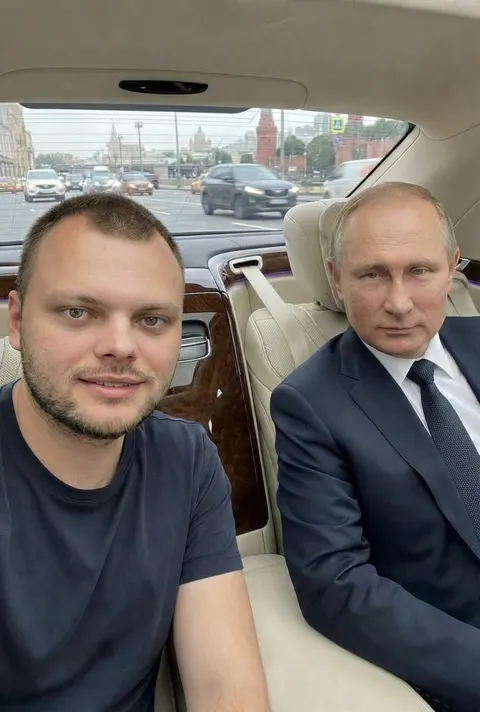 44
44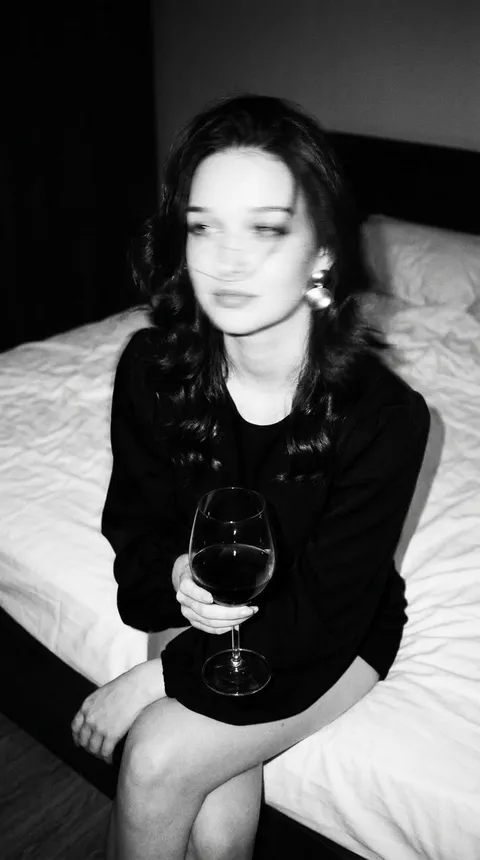 29
29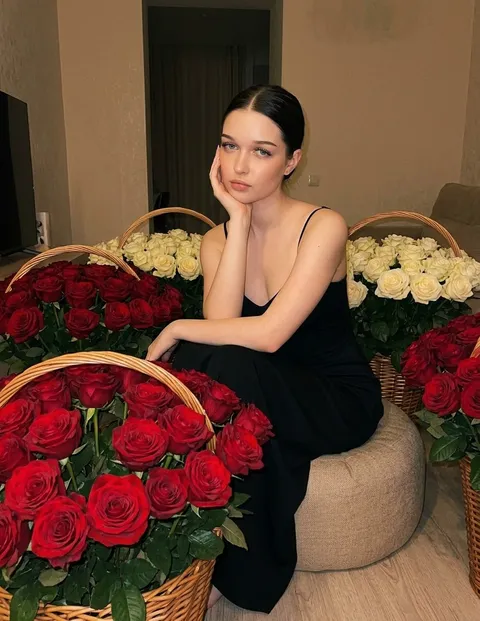 73
73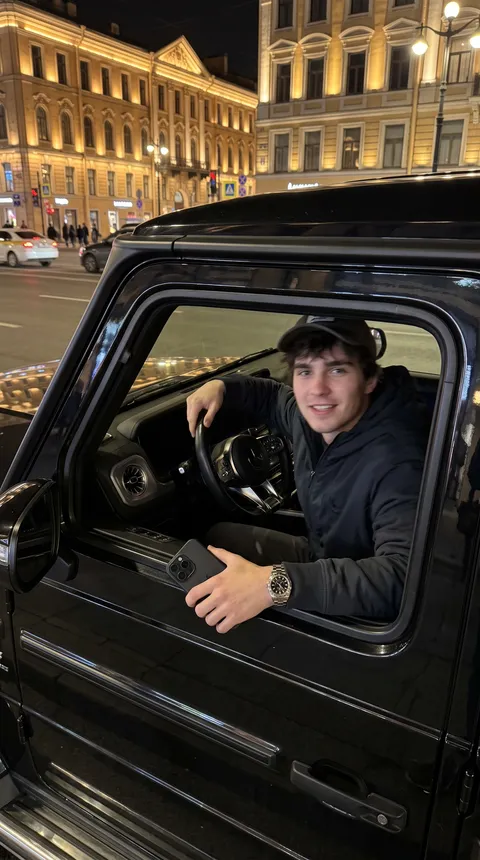 51
51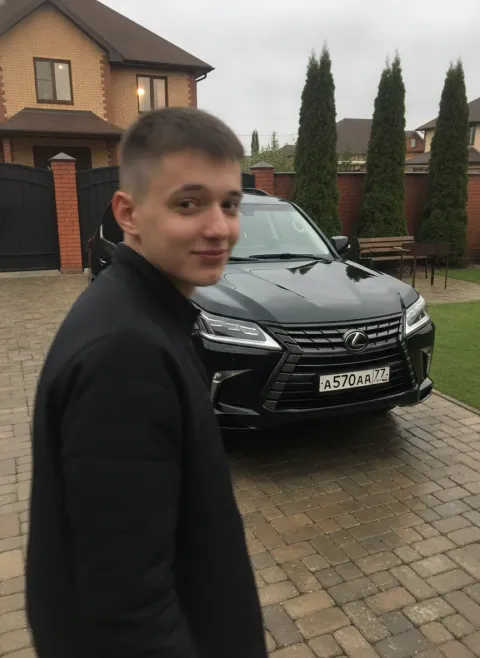 35
35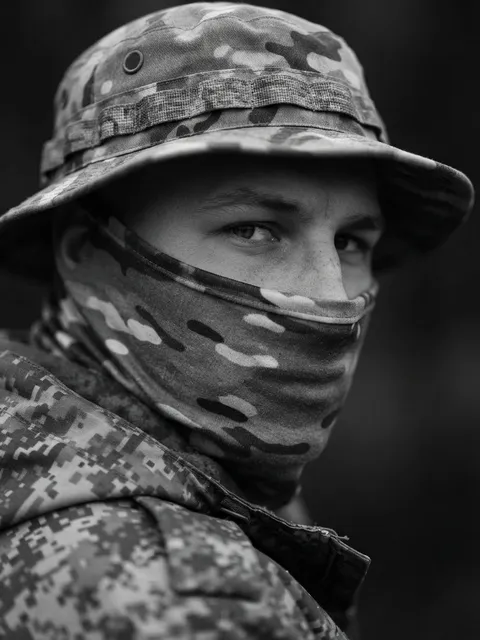 24
24How to create an image in 4 steps
In your own words — or pick a direction and the prompt fills in.
Nano Banana, GPT Image — or auto-select per task.
Continue in the Studio — new users get free credits.
For socials, marketplaces, your site and print.
Part of the Zerocoder platform
One tool of a platform where AI generates websites, images, video, text and documents — under one subscription.
Creating an image with AI means getting a finished picture from a text description: no designer, stock sites or reference hunting. Anything is generatable: a business photoshoot from your photo, a marketplace product shot, an article illustration, a cover, a logo, an interior. Generation runs in the Zerocoder Studio on current models — new users get free credits. Then crop, compress or remove the background with the free utilities. All tools — in one section.
Prompting images: subject, style, light
The formula is simple: what's depicted + in what style + what light and angle. “Sneakers on a concrete plinth, studio light, macro, minimalism” yields a product shot; “a cozy watercolor coffee shop, warm evening light” — an illustration. The more concrete the details, the more predictable the result; a vague “beautiful” is interpreted the model's way.
Create vs generate: one action
“Create an image with AI” and “generate a picture from text” are one process: a text-to-image model turns description into pixels. There's also a photo mode: attach your shot — the model runs a photoshoot in dozens of styles, swaps the background or edits details. That's how avatars, business portraits and product frames are made without a camera.
Nano Banana, GPT Image or auto-select
Models differ in strengths: some follow prompts more literally, others excel at in-image text or photorealism. Don't want to dig in — keep auto-select: the platform picks per task. Want to compare — run one prompt through several models; credits make experimenting cheap.
Templates for specific tasks
Common jobs have their own pages with ready-made directions: an AI pet portrait from a photo of your cat or dog, sketch to render for interiors and facades, AI food photography for menus and delivery apps, and an AI fashion model that shows your garment on a generated model. Each of them opens the same Studio with the prompt already filled in.
Reviews
No reviews yet — be the first.
More in Free tools
View category →





From the blog
All posts →


FAQ
How much does it cost?
New users get free credits — enough for your first images. After that Studio plans apply, and a $1 Start trial day lets you try everything before choosing a plan.
Which models draw?
Nano Banana, GPT Image and other current generators. Auto-select picks the model per task — photorealism, illustration or a product shot — so you don't have to compare them yourself.
Can it use my photo?
Yes: attach a photo in the Studio and describe the task. That's how people run virtual photoshoots, swap backgrounds and fix details — an avatar for Instagram, for example.
What resolution are images?
Up to 4096 pixels per side — enough for print and marketplaces. You can put the image straight into a product listing or send it to a print shop without upscaling.
Will in-image text come out right?
Modern models handle short labels well — a headline or a word on packaging comes out fine. Longer copy is more reliable overlaid in a graphic editor on top of the finished image.
Who owns the image?
You do: use the images on social media, in ads, on your website and in print. The picture is generated for your request, so commercial use is fine and no licences are needed.
Do I need an account?
Yes, generation runs in the Zerocoder Studio. Registration is free and takes a minute, and the starter credits are granted right after sign-in, so you can create an image with AI at once.
Why is this better than stock?
The image is unique and exactly on-brief: it won't show up on a competitor's site and needs no licences. Stock works the other way — the same photo gets used by dozens of brands.
What else does Zerocoder do?
AI video, text and website generation, plus courses and job listings. Images are one Studio direction — every tool is available from the same account.