Create a QR code online free
A link, text, phone or Wi-Fi — a high-resolution PNG in a second. No watermarks.
From a link to a print-ready code
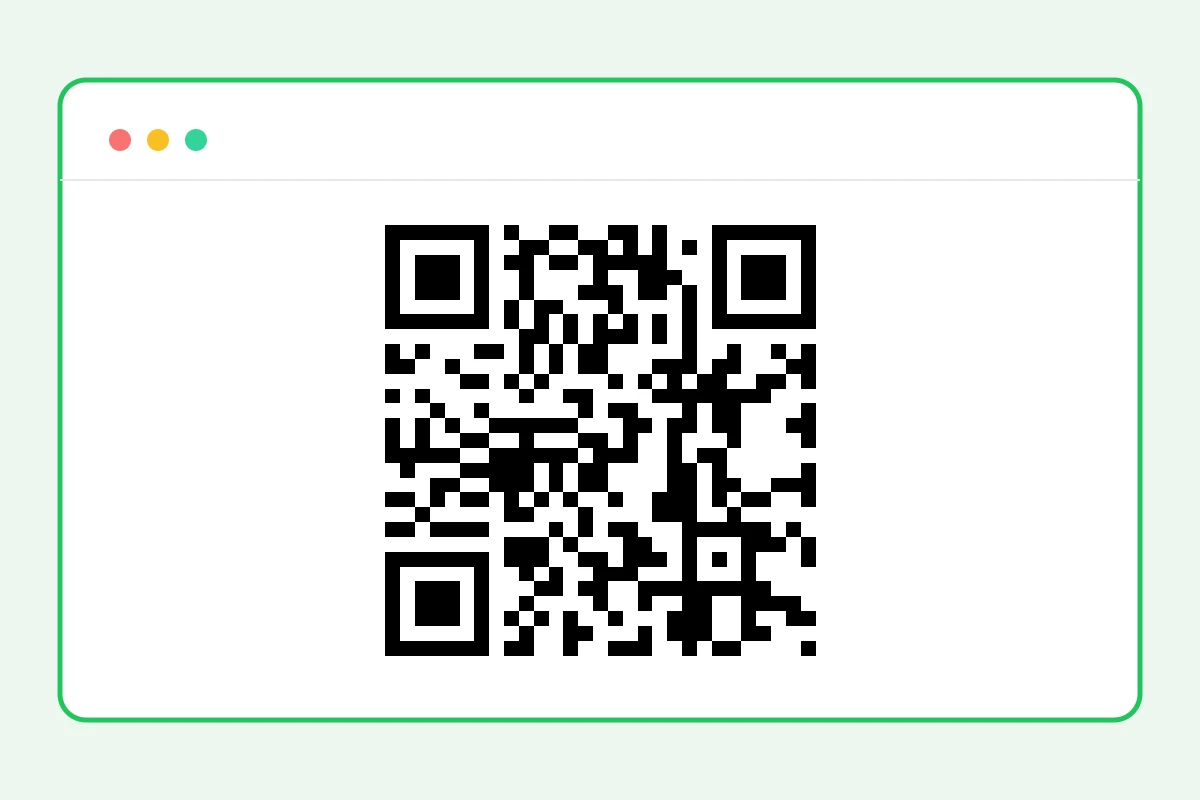
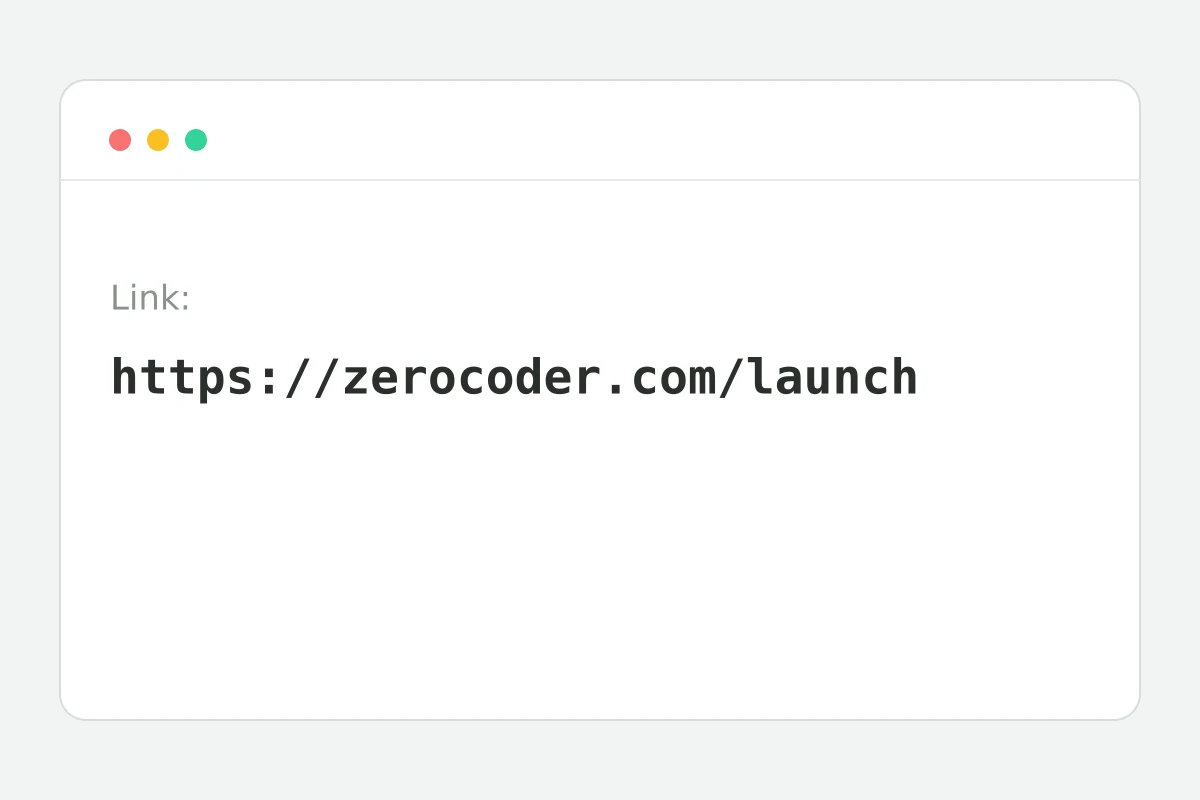
How to create a QR code in 4 steps
Up to 2048 characters — an address, contact or Wi-Fi string.
The code is generated on our servers instantly.
Point the camera — the link should open.
Enough for business cards, stickers and posters.
Part of the Zerocoder platform
One tool of a platform where AI generates websites, images, video, text and documents — under one subscription.
QR codes bridge offline and online: cafe menus, business cards, packaging, signage, payments, tickets. Zerocoder's generator encodes your link or text into a high-resolution PNG — free, watermark-free, storing nothing. The code never expires: it contains the text itself and works as long as the link lives. Driving offline traffic? Add UTM tags to the link so analytics sees the source. The rest of the free tools are in one section; image generation — in the Zerocoder Studio.
QR codes for business: menus, cards, payments
The classics: a table-side menu code, a business card linking to a site or messenger, a packaging sticker with instructions, a “leave a review” sign. A 1024-px code prints crisply up to poster size. One rule: test with a camera from the real distance — a business-card code must read from 15–20 centimetres.
What you can encode besides a link
Any text up to 2048 characters: a phone (tel:+1…), an email (mailto:), a ready Wi-Fi string (WIFI:T:WPA;S:name;P:password;;) — guests connect without typing. For links longer than a hundred characters use a shortener: the shorter the text, the larger and more reliable the code modules.
Why a code won't scan: the checklist
Three causes cover nearly everything: print too small (under 2 cm for close scanning), low contrast (a light code on a light background) and decorations over the modules. Our generator outputs black-on-white with a quiet zone — maximum readability. Don't recolour the code light or overlay images.
Reviews
No reviews yet — be the first.
More in Free tools
View category →






From the blog
All posts →


FAQ
Does the code expire?
No, the code encodes the link text itself and works as long as the link is alive. We store nothing on our servers and physically can't “turn off” your QR code — it stays scannable forever.
What's the PNG resolution?
The PNG exports at 1024×1024 px — enough for print at any size, from a business card or sticker up to a poster. The image comes out clean, with no watermarks.
What can I encode?
A website link, plain text, a phone number, an email or a Wi-Fi connection string — up to 2048 characters. For example, a link to your Instagram or Telegram profile for printed materials.
Will any phone scan it?
Yes, a standard QR code reads with the stock camera app of any recent smartphone — no extra software needed. Point the camera and the link opens.
Can I get a colored code or a logo?
For now the generator produces classic black-and-white codes — maximum readability when scanning. Colors and logo styling are on the roadmap for the tool.
Do I need an account?
Your first QR code needs no account. After that we ask for a free sign-up: signed-in users can create 5 codes a day — enough for business cards, menus and ads.
What happens to my data?
Nothing is stored: the QR code is generated and returned to you as a PNG immediately. We don't keep your link text and don't log a history of created codes.
Will there be a watermark?
No, the PNG is completely clean — no watermarks, logos or captions. You can place the code straight onto business cards, packaging, menus and any print layout.
What else does Zerocoder do?
Zerocoder's AI generates images and texts, and the platform offers courses and job listings. The free online QR code generator is one of its browser utilities.