UTM link builder online free
A tagged link assembles as you type: presets for Telegram, Facebook, Google Ads and newsletters.
Analytics starts seeing sources
How to build a link in 4 steps
Where you're driving traffic.
Source, medium, campaign.
Correct syntax guaranteed.
In an ad, post or newsletter.
Part of the Zerocoder platform
One tool of a platform where AI generates websites, images, video, text and documents — under one subscription.
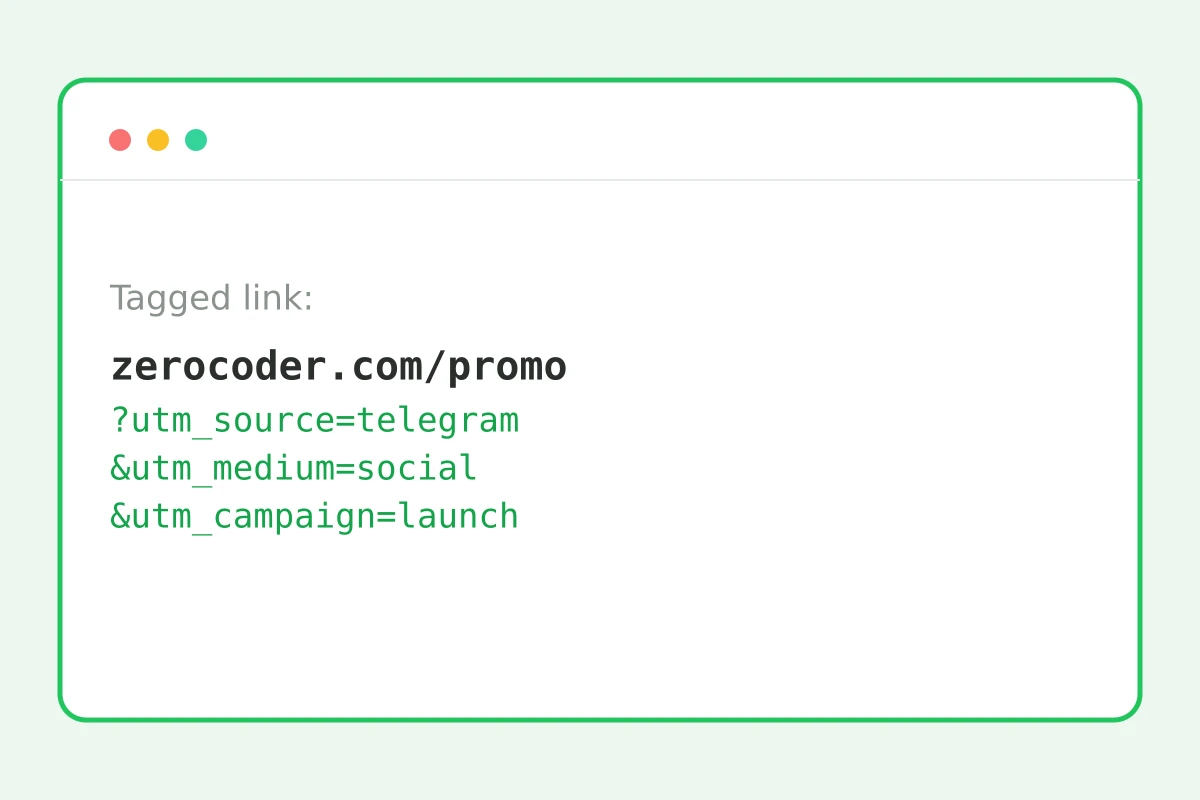
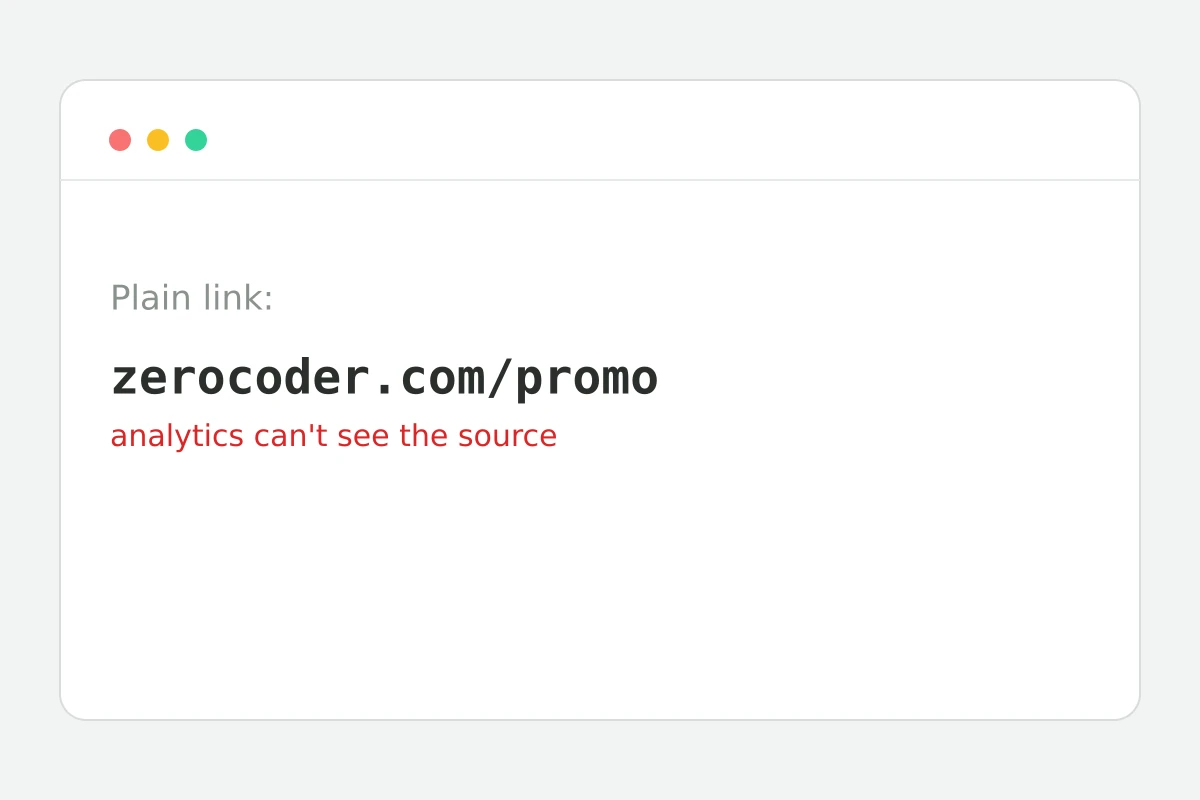
Without UTM tags analytics is blind: “came from somewhere” instead of “came from the August 15 Telegram post”. Tags are five link parameters that analytics systems use to split traffic by source, channel and campaign. The builder assembles the link to standard: presets for common channels, correct parameter joining, nothing sent to a server. Make a slug for a new page with the slug generator and wrap offline links into a QR code. The rest of the tools are in one section.
The five tags: what goes where
utm_source — where traffic comes from (telegram, facebook, google); utm_medium — channel type (social, cpc, email); utm_campaign — campaign name (august_sale); utm_term — the search keyword in paid search; utm_content — the ad variant when there are several. The first two are mandatory. Above all, consistency: analytics treats “fb” and “FB” as different sources.
A naming convention: agree once
Tag chaos buries analytics faster than missing tags: telegram, tg and Telegram land in three separate report rows. Keep a dictionary: latin only, lowercase only, underscores between words. The builder's presets insert canonical source/medium pairs — a ready-made convention.
Where tags are mandatory and where they hurt
Mandatory: paid ads, newsletters, seeding, social posts, QR codes, influencer links. Harmful on internal site links: a click on a tagged internal link breaks the session and pollutes reports. The rule: tags only on inbound links from outside.
Reviews
No reviews yet — be the first.
More in Free tools
View category →







From the blog
All posts →


FAQ
Why UTM tags?
UTM tags let analytics split your traffic by source, medium and campaign. You see exactly what brings paying customers — Telegram, Instagram, Google Ads or a newsletter — and what quietly burns the ad budget.
Which tags are required?
utm_source and utm_medium are the required pair. Add utm_campaign as soon as you run more than one campaign, otherwise reports lump every launch together and you cannot compare their results.
Upper or lower case?
Always lowercase. Tags are case-sensitive, so “Telegram” and “telegram” show up as two different sources and split your stats in half. Keeping every value lowercase is the standard tagging convention.
Are tags visible to recipients?
Yes, UTM tags are part of the link, so recipients see them in the address bar. If the long URL looks messy in a post, wrap it in a shortener — the tags survive the redirect and still reach analytics.
Can I tag internal site links?
No. Clicking a tagged internal link kills the current analytics session and starts a new one, so your source data gets distorted. Use UTM only on external links — from social posts, ads and newsletters.
Do the tags affect SEO?
Tagged URLs can look like duplicate content to search engines; a canonical tag on the landing page solves that. The other rule is never tagging internal links — external campaign links are safe for SEO.
Do I need an account?
No. The UTM link builder is a free browser tool with no sign-up and no limits. Presets for Telegram, Facebook, Google Ads and newsletters fill in the standard values, so a tagged link takes seconds.
Is my data uploaded?
No, the link assembles locally in your browser — URLs and campaign names never reach a server. That makes it safe to prepare tagged links for campaigns you have not launched or announced yet.
What else does Zerocoder do?
Zerocoder is an AI platform: ad creatives and copy generation, courses on neural networks, and a job board. The UTM link builder is one of its free utilities, alongside the slug and password generators.