AI Fashion Model Generator
Shoot the garment on a hanger, a mannequin or as a flat lay — AI puts it on a generated model. Catalog, street style, ghost mannequin and close-ups.
See what AI creates
Made by our users in minutes — no designers, stock photos or long retouching.
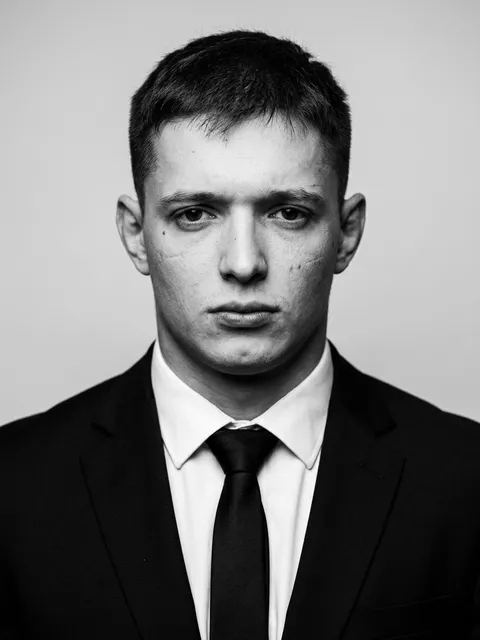 134
134 46
46 34
34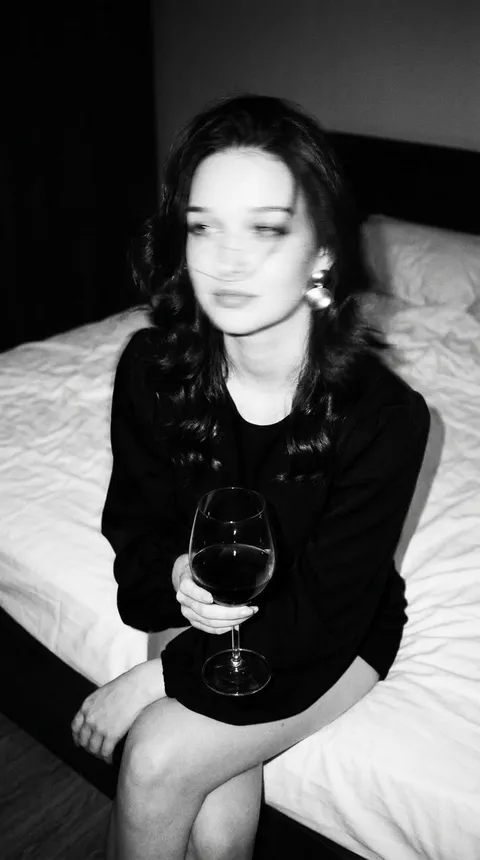 21
21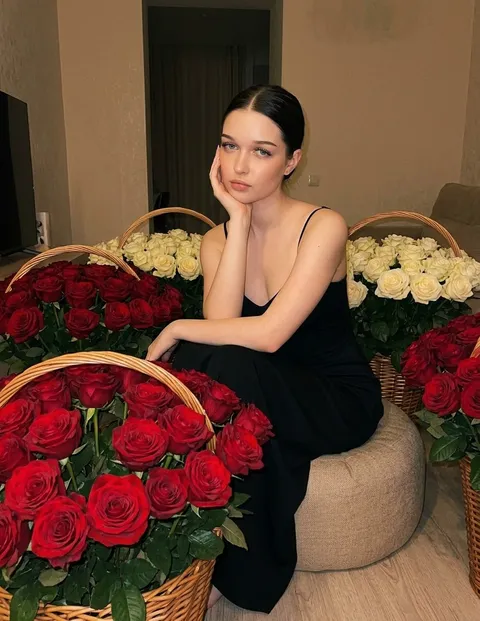 56
56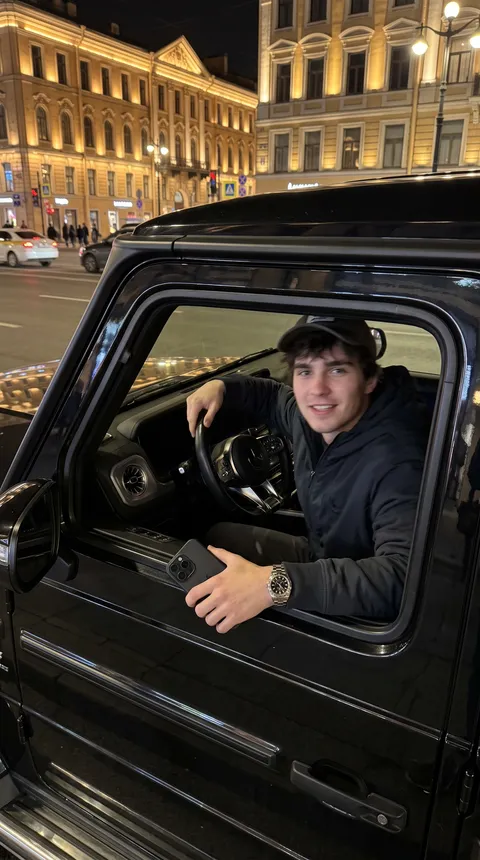 40
40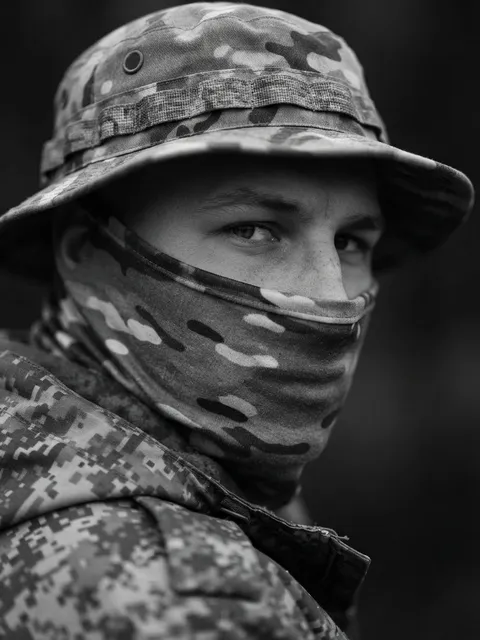 22
22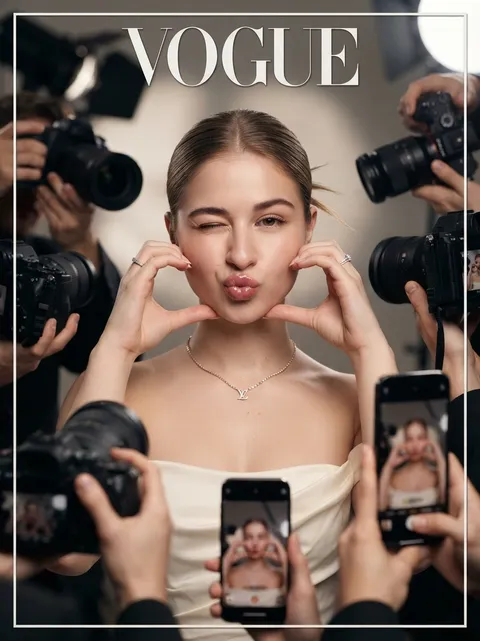 17
17How to create on-model photos in 4 steps
Whole item, even daylight, plain background: on a hanger, a mannequin or as a flat lay. Smooth out the creases — the AI will copy them onto the model.
Add your garment shot and pick a shot type: catalog, street style, ghost mannequin, back view, mannequin or flat lay, close-up. The prompt fills in — add the garment and the model.
The button opens the Studio with Nano Banana and the prompt ready. For a back view, attach a photo of the back there — up to four photos in total. Pick 3:4 and press Send.
Check color, cut and details against the real garment. Fix small things in the chat. If the print drifted, re-attach the original and write “on the previous image, restore the print as in the photo”.
Part of the Zerocoder platform
One tool of a platform where AI generates websites, images, video, text and documents — under one subscription.
An AI fashion model generator puts clothes on a model from an ordinary garment photo: shoot the item on a hanger, a mannequin or as a flat lay, and Nano Banana shows it on a generated adult model — in a studio, on the street or as a ghost mannequin. Apparel brands and marketplace sellers get on-model photos without a shoot day. For shoes, bags and other products, see AI product photography. Put the shots into a product card and write the copy with the Amazon listing generator or the Etsy listing generator.
How to shoot a garment for AI clothes-on-model photos
The best source is the whole garment on a plain background in soft daylight: on a hanger, on a mannequin or as a neat flat lay. Smooth out creases, straighten the sleeves and fasten buttons and zips the way the item should look when worn. Avoid warm indoor lamps — a yellow cast carries over to the final shot. If the background is busy, remove it first. A back view needs a separate photo of the back so the AI doesn't invent it. The Studio takes up to four photos per request — enough to style a full outfit.
Virtual model or ghost mannequin: what to use in a listing
A virtual model shows fit, length and how the piece works with the rest of an outfit, so shoppers can picture it on themselves. A ghost mannequin conveys shape without distractions and suits basics and children's clothing. A flat lay works for sets and accessories. Most listings mix several: a main on-model shot, then the back, close-ups and a flat lay. For a product video, use the ghost mannequin shot: Seedance may reject a frame with a person in it. Marketplace photo rules change often — check the current requirements in your seller dashboard.
Accuracy over beauty: color, cut and print
Shoppers compare the photo with what arrives, so accuracy comes first. The AI holds color and silhouette well, but small prints, logos and lettering can get distorted, and fit is only approximate. Always check against the real garment. Fix sleeve length or pose with a plain chat message. If the print or color drifted, re-attach the original garment photo and write: “on the previous image, restore the print exactly as in the attached photo, keep everything else”. For a series, download your best shot and attach it to later requests as a look reference; an identical look isn't guaranteed.
Reviews
No reviews yet — be the first.
More in Free tools
View category →







From the blog
All posts →


FAQ
How does AI put clothes on a model?
Attach a garment photo and describe the model and the scene. Nano Banana draws a fictional adult wearing it, aiming to keep color, cut and details; check small prints against the original. No brushes or masks — you write edits in words in the Studio chat.
Can I try it for free?
Sign-up is free and new users get free starter credits, so you can start without paying. For a whole collection you'll need a trial day or a Studio plan.
Are the on-model photos suitable for Amazon, Etsy and other marketplaces?
You can make a listing-style shot: vertical, full-length model, plain backdrop, plus back and detail views. Marketplace rules change — check the current requirements in your seller dashboard. Above all, the photo must match the real item.
Virtual model or ghost mannequin — which is better?
A model shows fit and styling, a ghost mannequin shows the garment's shape without distractions. You can make both from one source photo. Need a regular white mannequin or a dress form? Pick the Mannequin or flat lay direction.
Can I try clothes on my own photo or a friend's?
No — here garments go only on a generated model, a person who doesn't exist. Don't upload photos of real people or ask to resemble a celebrity, so you're not using anyone's likeness without consent.
Will the AI keep the print and logo?
It holds color and silhouette well but can distort small prints and lettering. For a complex print, pick Nano Banana Pro (listed as “Nano Banana 2 Pro”). If the print drifted, re-attach the original: “on the previous image, restore the print as in the photo”.
Can I choose what the model looks like?
Yes: describe gender, age, build, hair and style, e.g. “man in his late 30s, athletic build, short hair”. Describe adult fictional models only, and reuse the same description for the whole series.
Which garments don't work?
Lingerie, swimwear and revealing looks — this tool isn't for them. Show children's clothing as a flat lay or on a ghost mannequin, and don't upload photos of children. Shoes, bags and accessories are better in product photography.
Are there watermarks, and what if a generation fails?
No visible watermarks — you download the shot from the Studio chat. If an image fails due to an error, its credits are refunded automatically. A result you simply didn't like isn't refunded.