Remove background from an image online free
A neural net cuts the subject out in seconds and returns a transparent PNG. Free, no sign-up, no watermarks.
Works with any photo
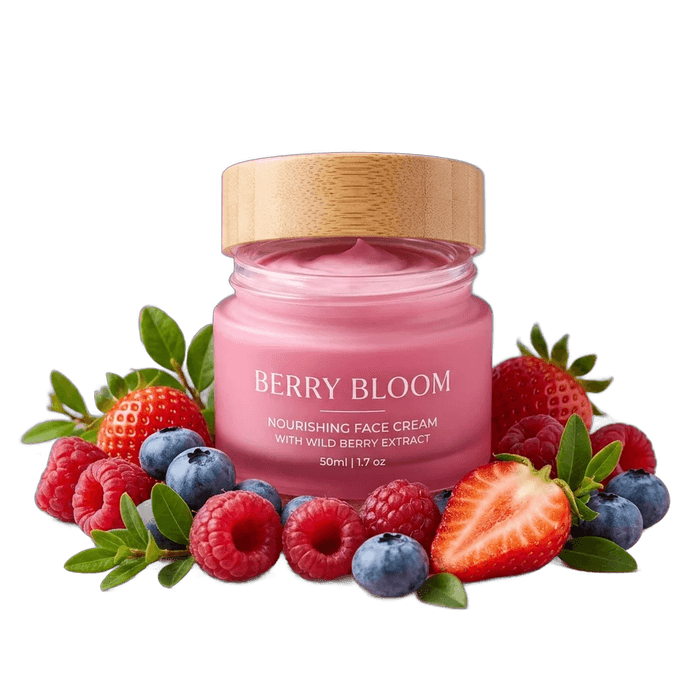
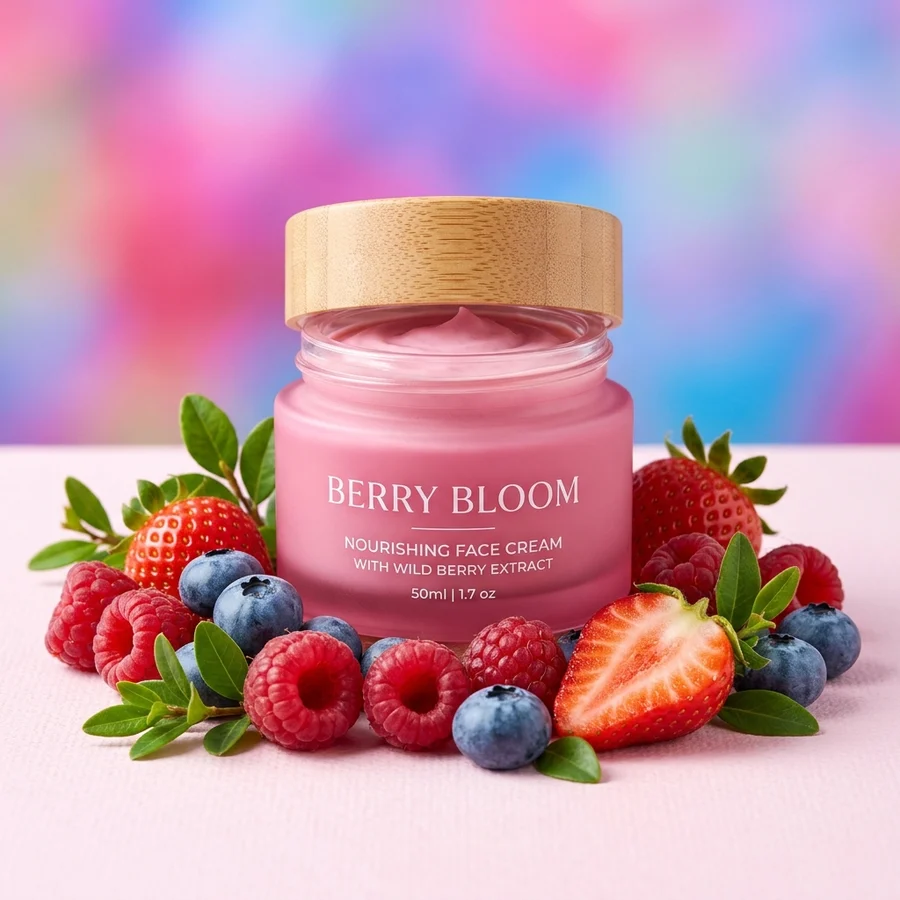
How to remove a background in 4 steps
JPG, PNG or WebP up to 12 MB — drop it into the box above or pick a file.
A segmentation model on our own servers separates the subject in 2–5 seconds.
Compare before and after. Need a new backdrop — use “Replace background” or “White background”.
A transparent file ready for marketplaces, decks and collages.
Part of the Zerocoder platform
One tool of a platform where AI generates websites, images, video, text and documents — under one subscription.
A transparent background is the base format for marketplace listings, logos and decks. This tool runs on Zerocoder's own servers, which keeps background removal free, fast and watermark-free — and files are never stored. For marketplace listings jump straight to white background; for collages try background replacement with your own color or image. Photo too small? Run it through image upscaling first. All free tools live in one section, and full AI image generation lives in the Zerocoder Studio.
Transparent backgrounds for marketplace listings
Marketplaces want product shots on clean backdrops: noisy backgrounds get listings rejected, and tidy cards simply convert better. The flow is simple: remove the background here, then drop the subject on pure white with the Add white background tool — the exact format listing moderation expects. For infographics, a transparent PNG sits on any layout without white corners.
What an alpha-channel PNG is good for
PNG carries an alpha channel — a fourth layer holding transparency. Such a file drops onto any color or texture: a website, a deck, a cover, merch. JPG can't store transparency, which is why the result ships as an uncompressed PNG. If the source is small, run the cutout through image upscaling so edges stay crisp in print and on retina screens.
Why a neural net beats manual selection
Pen-tool selection takes 10–20 minutes per photo and real skill; magic-wand tools fail on hair and semi-transparent edges. The ISNet segmentation model processes a photo in 2–5 seconds and holds complex contours — hair, fur, glass. Across dozens of photos that's the difference between an hour and a couple of minutes. Need a new backdrop instead of none — use Replace background.
Reviews
No reviews yet — be the first.
More in Free tools
View category →







From the blog
All posts →


FAQ
Do I need an account?
Your first result needs no account. After that we ask for a free sign-up: signed-in users get 5 runs per day, and the Zerocoder Studio has no limits.
What happens to my files?
Nothing is stored: the photo is processed in memory and returned immediately. We keep neither the original nor the result.
Any watermark or compression?
No. You get an alpha-channel PNG at the original resolution (up to 4096 px per side), watermark-free.
How many images can I process for free?
Ten per day per IP — plenty for everyday use. Need more — sign in, or contact us about batch processing.
How does it handle hair and tricky edges?
Confidently — we run the modern ISNet segmentation model. Hair and semi-transparent edges come out on par with popular paid services.
Will the result pass marketplace listing rules?
Yes: remove the background, then add pure white in the neighbouring tool — a clean #FFFFFF product shot that listing moderation accepts.
Can I remove the background from a logo?
Yes. For flat graphics on a white backing, the “Remove white background” tool is even cleaner — thresholding beats segmentation on crisp edges.
What format is the download?
A transparent PNG (alpha channel). It opens in Figma, Photoshop, Canva and any editor, and sits on any background without white corners.
What else can the Zerocoder platform do?
Website, image, video and text generation with the best models — under one subscription. This tool is a small free part of the platform.