Base64 and URL encoding online free
Encode, decode and SHA-256 — five developer operations, data never leaves the browser.
Encoding both ways
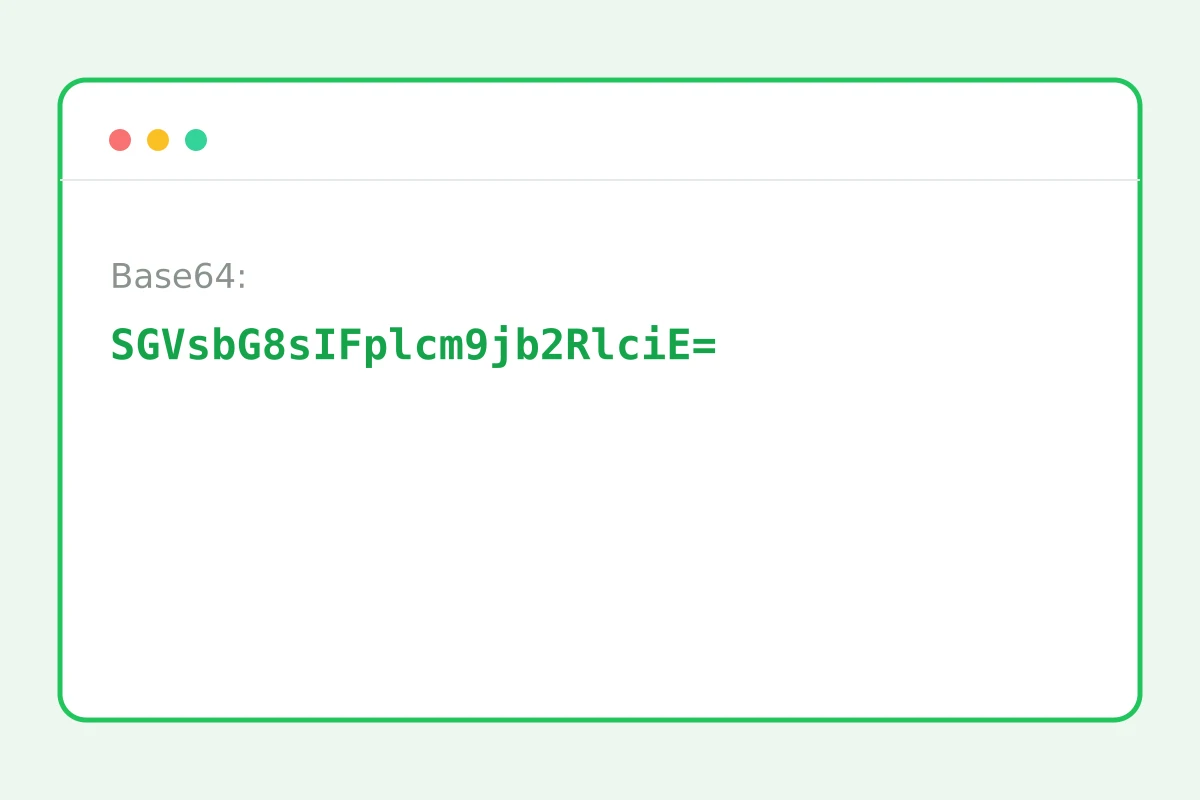
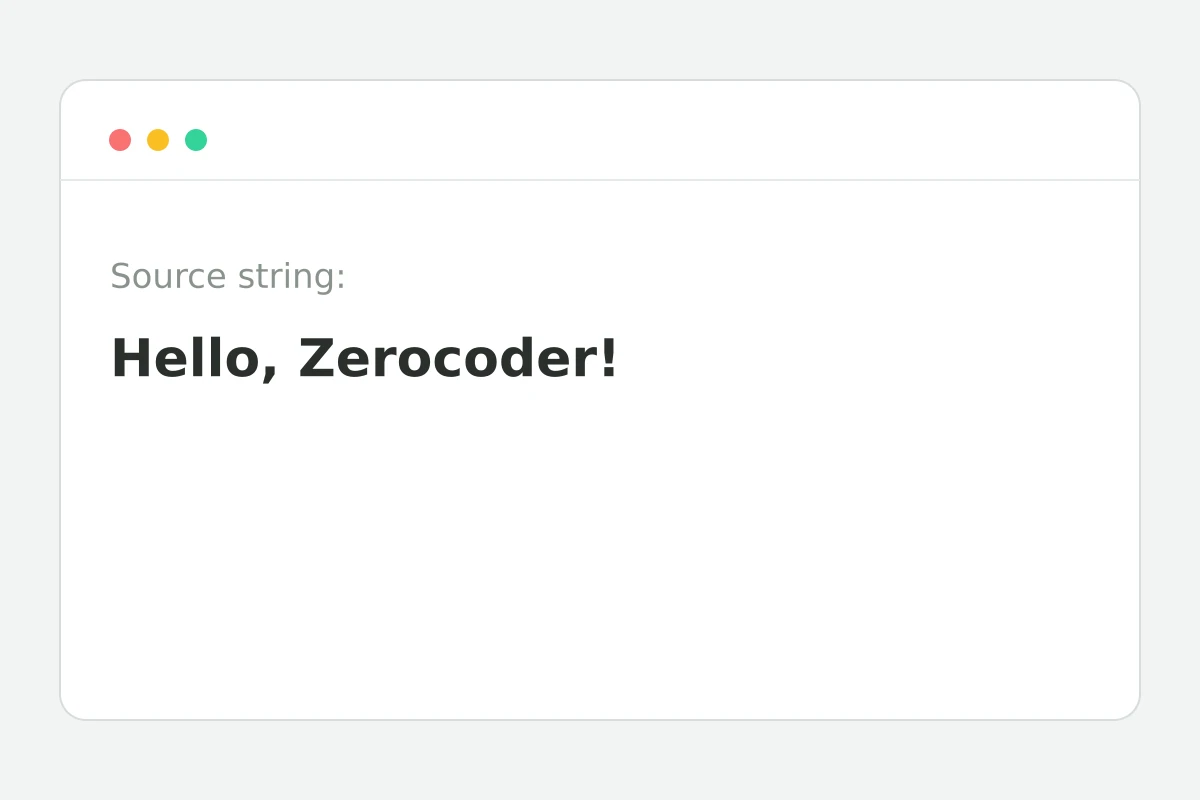
How to encode in 4 steps
A token, link or any data.
Base64 both ways, URL encoding, SHA-256.
The result is instant.
Into code, a config or the terminal.
Part of the Zerocoder platform
One tool of a platform where AI generates websites, images, video, text and documents — under one subscription.
Base64 in Basic-auth headers and data URIs, URL encoding in link parameters, SHA-256 in webhook signatures — the daily routine of developers and testers. Five operations in one tool, unicode-safe, entirely in the browser: tokens and keys never leave the tab. Run decoded JSON through the formatter; build parameterised links in the UTM builder. Integrating AI? The Zerocoder API gives one key to every model. The rest of the tools are in one section.
Base64: where it appears and why
Base64 turns any bytes into safe text from a 64-character alphabet — that's how binary data travels where only text is allowed: auth headers, email attachments, image data URIs, JWT tokens. A JWT's middle part is Base64-encoded JSON: decode it here and see the token's contents. Encoding is unicode-safe: any script and emoji survive both ways.
URL encoding: why links break without it
Spaces and special characters in link parameters must be percent-encoded, or the link dies at the first ampersand or space. The classic: passing a page URL in a redirect parameter — without encoding the nested parameters mix with the outer ones. The rule: encode each parameter's value separately, not the whole link.
SHA-256: integrity checks and signatures
A hash is a digital fingerprint: change one byte and the hash changes. SHA-256 verifies file integrity, signs webhooks and stores passwords (with salt). Important: a hash is irreversible — it's not encryption, the source can't be recovered. Computed via the browser's built-in crypto module: data never leaves the tab.
Reviews
No reviews yet — be the first.
More in Free tools
View category →







From the blog
All posts →


FAQ
Do unicode and emoji work?
Yes, encoding is unicode-safe in both directions: Cyrillic, emoji and any other characters translate to Base64 and decode back without corruption or loss.
Is my data uploaded?
No, all five operations run inside your browser — the string never reaches a server. That makes it safe to encode and decode tokens, API keys and other secrets.
Can SHA-256 be decrypted?
No, a hash is irreversible by design: it is a fingerprint of the data, not encryption. You can't recover the original string from SHA-256 — only check whether an input matches it.
URL encoding vs Base64 — what's the difference?
URL encoding percent-escapes special characters so a string doesn't break a link. Base64 maps arbitrary bytes into a limited text alphabet — that is how data and attachments travel.
Why did decoding fail?
The string is not valid Base64. Most often it was truncated while copying or picked up stray characters — check both ends and strip out spaces and line breaks.
Can I inspect a JWT?
Yes: a JWT's middle part is Base64-encoded JSON with the token's claims. Decode it here, then format the result with the neighbouring JSON tool for easy reading.
Do I need an account?
No, the encoder is free and unlimited. Every operation runs in the browser, so you can use Base64 and URL encoding without an account and without any daily caps.
Can I encode files?
Text strings only for now. File-to-data-URI encoding is on the roadmap — it will make it easy to embed images straight into HTML and CSS without separate requests.
What else does Zerocoder do?
Zerocoder offers an API to popular AI models, code and text generation, courses and job listings. The Base64 encoder is one of the platform's free developer utilities.