Enhance photo quality online free
One-click auto-correction: level normalization, living color and smart sharpening — without the plastic look.
Dull photos come alive
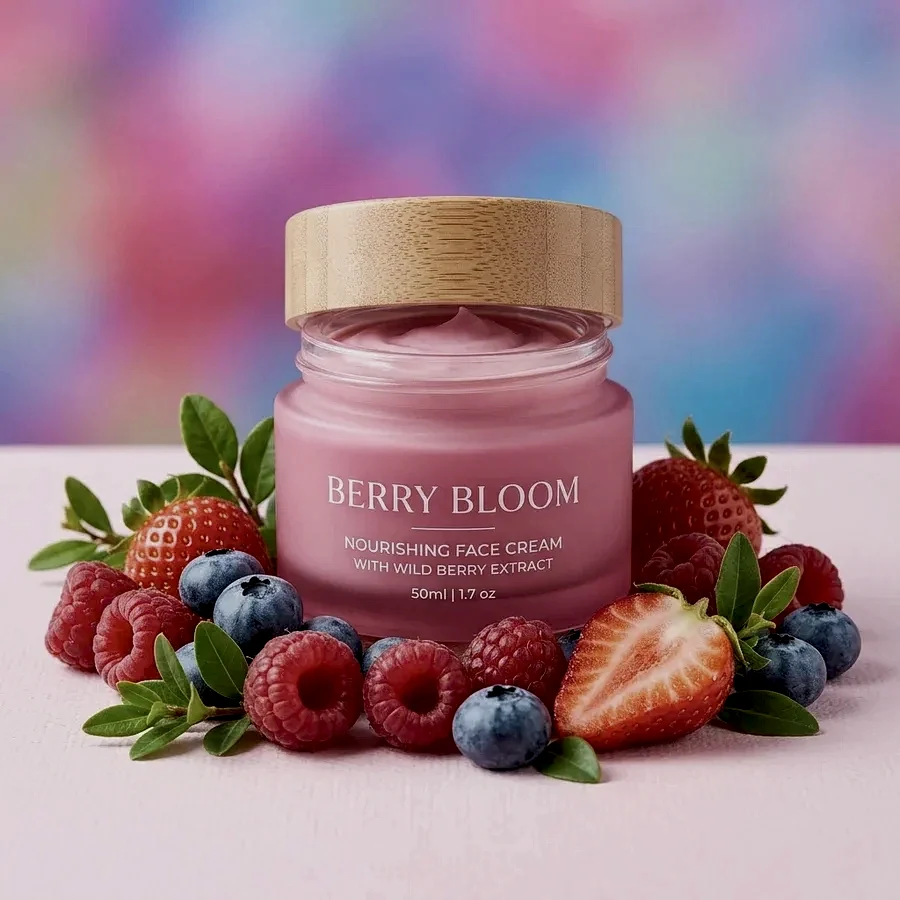
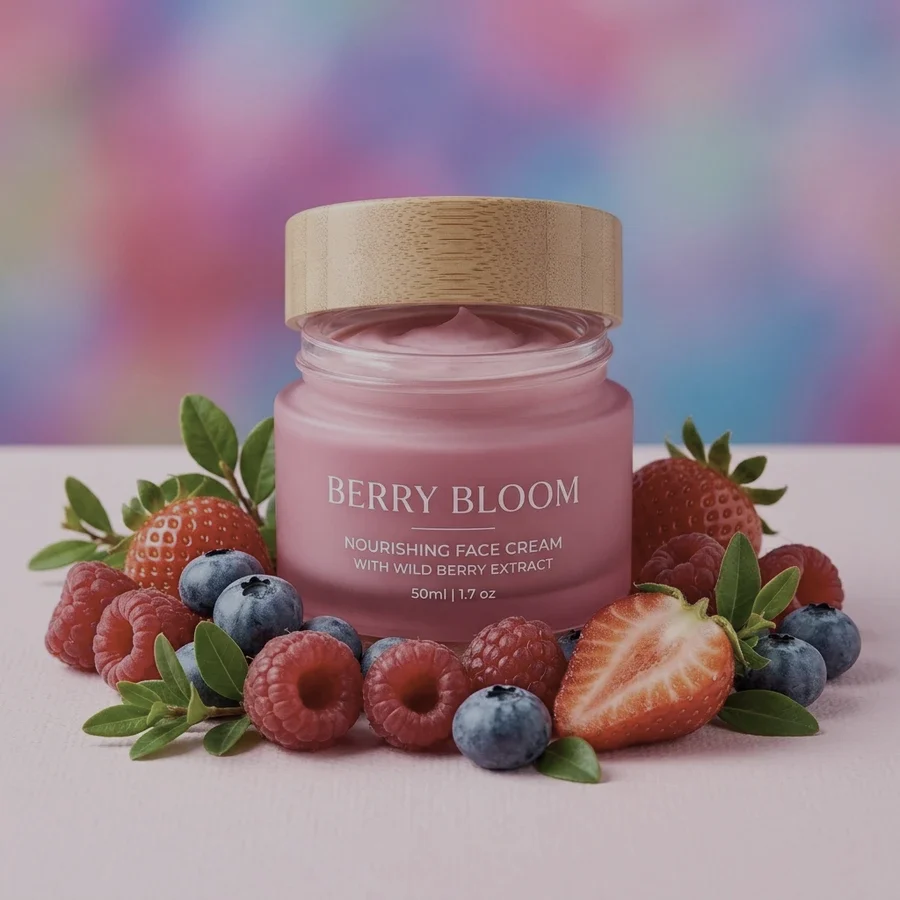
Enhance a photo in 4 steps
JPG, PNG or WebP up to 12 MB.
The histogram stretches — the grey veil lifts.
Gentle saturation and moderate sharpening, no overdrive.
A PNG at the original resolution.
Part of the Zerocoder platform
One tool of a platform where AI generates websites, images, video, text and documents — under one subscription.
Most photos lack one thing — correct levels: dark phone shots, faded scans, grey overcast exposure. Auto-correction stretches the histogram, revives color and restores sharpness — classic photo correction without the neural plastic look. Upscale small photos after fixing; for product cards follow up with a white background. Creative retouching and generation live in the Zerocoder Studio. The rest of the free tools are here.
Old scans and the family archive
Scanned photos are almost always faded: dyes aged, the scanner added a grey veil. Level normalization gives the black point its depth back and the white point its cleanliness — the photo opens up. After correction, upscale the frame and it's ready for album printing.
Product photos without studio light
Phone shots under room lighting come out dull and yellowish. Auto-correction pulls the contrast and refreshes color — the product looks daylight-lit. The marketplace combo: enhance here → white background → a finished card with no photographer.
Why gentle correction beats filters
Aggressive filters and "enhancers" overcook saturation and halo contrasty edges. Our stack is deliberately mild: level normalization, +8% saturation, moderate sharpening. The photo gets better yet stays natural — obvious on portraits, where overcooked skin shows instantly.
Reviews
No reviews yet — be the first.
More in Free tools
View category →







From the blog
All posts →


FAQ
What exactly does it do?
Stretches the histogram, gently lifts saturation and brightness, adds smart sharpening. Classic correction, no neural nets.
Good for old dull photos?
Yes — level normalization shines on faded scans and grey-exposed shots.
Will it look plastic?
No: the correction is deliberately gentle, skin and textures stay natural.
Do I need an account?
Your first result needs no account. After that we ask for a free sign-up: signed-in users get 5 runs per day, and the Zerocoder Studio has no limits.
What about my files?
Never stored — in-memory processing.
Can I tune the strength?
The preset is fixed — that's the price of instant. Fine manual work lives in the Zerocoder Studio.
Does it denoise night shots?
There's no denoiser — just levels, color and sharpness. Heavy noise is an editor job.
Output format?
PNG at the original resolution up to 4096 px.
What else can Zerocoder do?
Website, image, video and text generation under one subscription. This tool is the free part.