Upscale an image online free
Honest 2–4× enlargement with Lanczos resampling and smart sharpening — no distorted text, logos or faces.
From pixels to sharpness
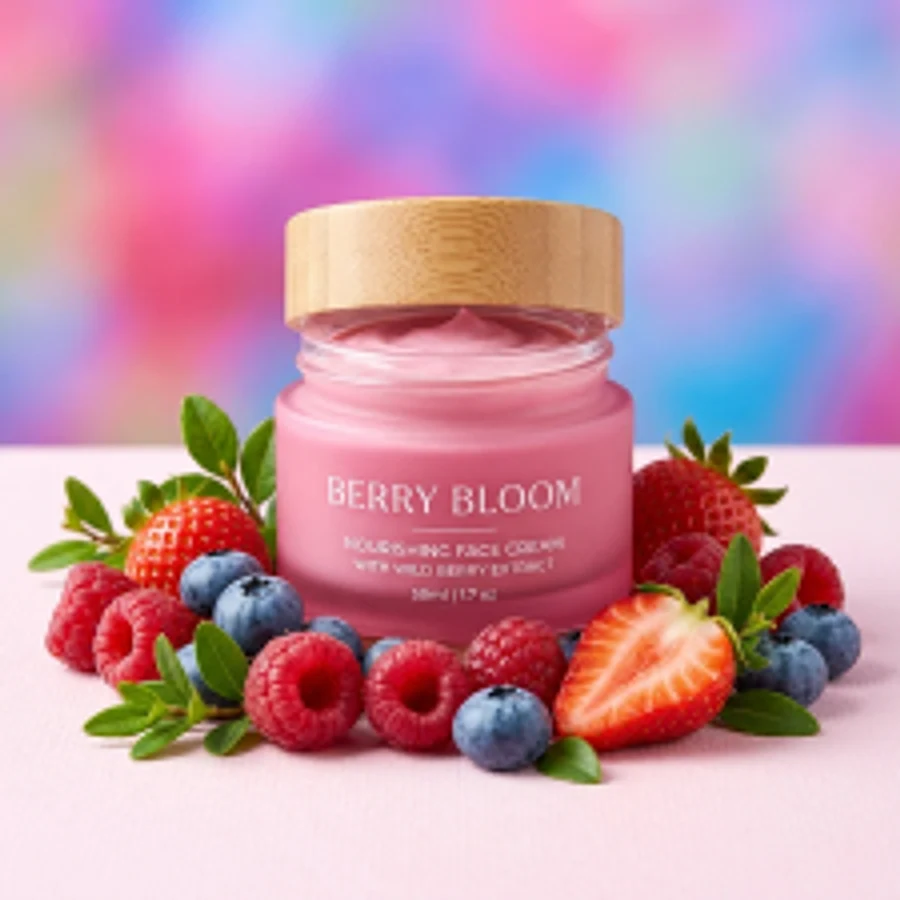
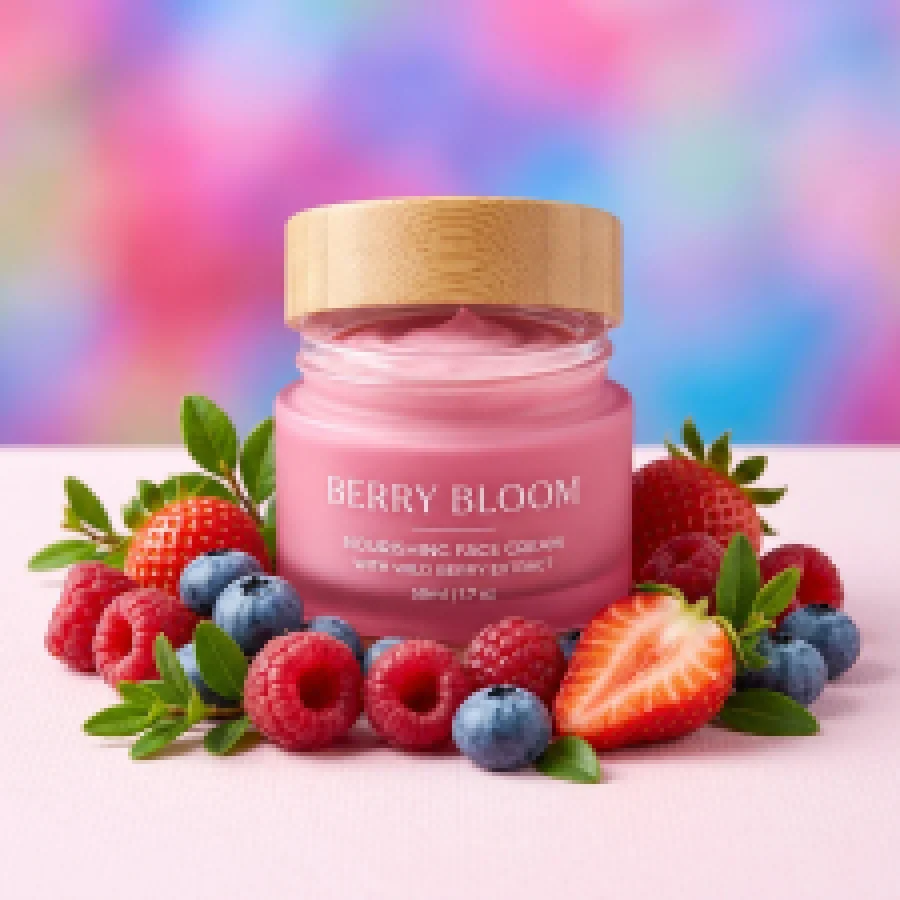
Upscale an image in 4 steps
Up to 2048 px per side — JPG, PNG or WebP.
Or 2× if the result would exceed the 4096 px cap.
Edges stay crisp without the plastic look.
Ready for print and retina screens.
Part of the Zerocoder platform
One tool of a platform where AI generates websites, images, video, text and documents — under one subscription.
Classic Lanczos resampling is the right call when an image must not be re-imagined: logos, screenshots, documents, print photos. The algorithm keeps edges crisp while adaptive sharpening restores micro-contrast — and never invents details. After upscaling, strip a logo's backing with white-background removal; fix photos with enhancement or cut them out. Generative upscaling with detail synthesis lives in the Zerocoder Studio. The rest of the free tools are here.
Upscaling for print: how many pixels you need
Quality print wants 300 DPI: a 4×6" photo needs roughly 1200×1800 px, an A4 poster — 2480×3508. Messenger-compressed and old-phone photos fall short. A 4× enlargement lifts a 500×750 shot to 2000×3000 — enough for photo printing with no visible pixels.
Why no neural net is a feature
Generative upscaling invents detail: gorgeous on landscapes, but it re-imagines letters on documents and warps brand linework on logos. Lanczos never invents: what the source holds is what gets bigger. For legal documents, screenshots and branding that's not a limitation — it's the requirement.
Tiny logos and legacy assets
All that's left from a contractor is a 300×300 logo and you need a banner? Enlarge it here to 1200×1200 — edges stay clean. Then strip the backing with white-background removal — the legacy asset is back in service without a redraw.
Reviews
No reviews yet — be the first.
More in Free tools
View category →







From the blog
All posts →


FAQ
Is this AI upscaling?
No — classic Lanczos with smart sharpening. It invents nothing, so text and faces stay true. Neural upscaling lives in the Studio.
How much does it enlarge?
4× when the result fits in 4096 px per side; otherwise 2×.
Why is input capped at 2048 px?
So the output stays within 4096 — enough for A3 print and any screen.
Do I need an account?
Your first result needs no account. After that we ask for a free sign-up: signed-in users get 5 runs per day, and the Zerocoder Studio has no limits.
What about my files?
Never stored — in-memory processing.
Will new details appear?
No — the algorithm is honest: it enlarges what exists. Detail synthesis is the Studio's generative upscaler.
What is it best for?
Logos, screenshots, graphics, documents, print photos — anywhere predictability matters.
Output format?
Lossless PNG.
What else can Zerocoder do?
Website, image, video and text generation under one subscription. This tool is the free part.