Add a white background online free
A neural net cuts the subject out and drops it on pure white — the format marketplaces demand.
From any background to white
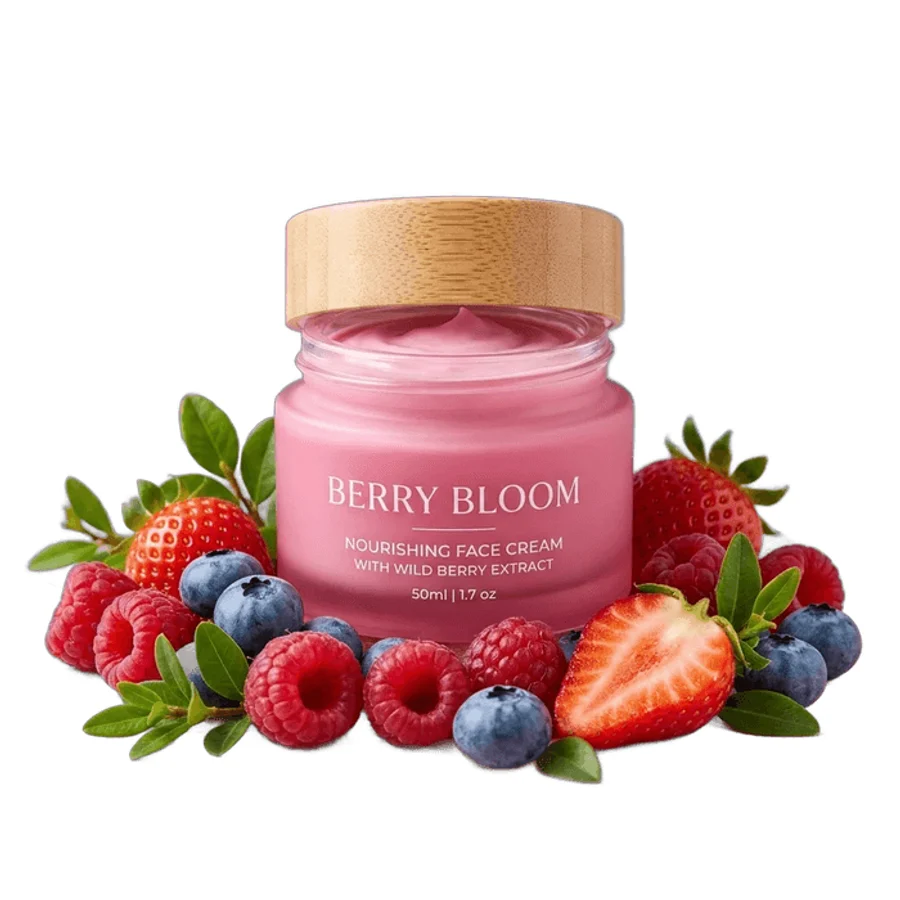
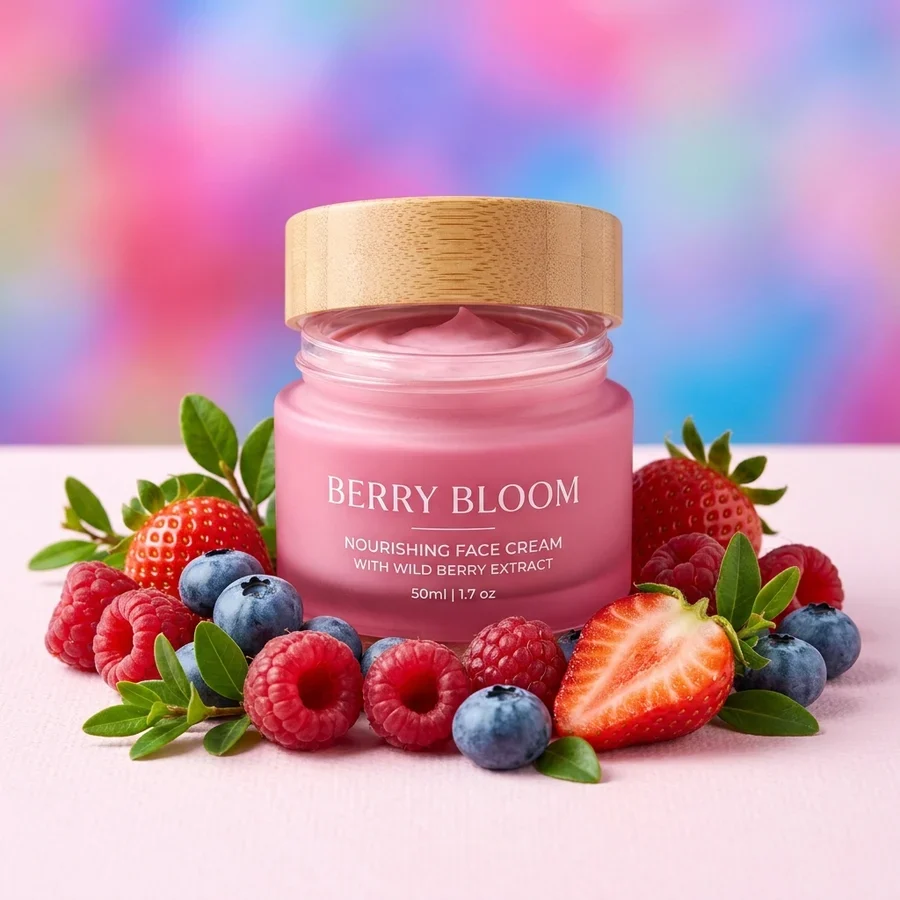
A white background in 4 steps
Any background, JPG or PNG up to 12 MB.
Segmentation separates it in 2–5 seconds.
#FFFFFF with no gradients — exactly what listings require.
The PNG passes marketplace moderation.
Part of the Zerocoder platform
One tool of a platform where AI generates websites, images, video, text and documents — under one subscription.
A white background is what marketplaces require for product photos: noisy backdrops get listings rejected, clean ones click better. The tool chains neural cutout and flood fill: a JPG with any background in — your product on white out. Need a transparent PNG — use background removal; a premium dark look — black background. Upscale small photos first with image upscaling. The rest of the free tools live here.
Marketplace photo requirements
Platforms ask for product shots on white or light backdrops, no stray objects, no watermarks, and a minimum side of roughly 700–900 px. This tool nails the core requirement — pure #FFFFFF. If the source is below the size bar, run the result through upscaling up to 4096 px.
Why white backgrounds sell better
Marketplace grids pack listings tightly: busy backdrops blur together and swallow the product, white makes it pop and keeps the row clean. A consistent backdrop across your range reads as a tidy store — that affects both trust and click-through.
Portraits for documents and CVs
It's not just products: a portrait on white is what CVs, passes and application forms want. Upload any shot — the net removes the scene and floods clean white. Shadows don't survive removal; add a soft one in an editor if needed.
Reviews
No reviews yet — be the first.
More in Free tools
View category →







From the blog
All posts →


FAQ
Will it pass marketplace moderation?
Yes — that's the target use case: the subject on clean #FFFFFF.
Do I need an account?
Your first result needs no account. After that we ask for a free sign-up: signed-in users get 5 runs per day, and the Zerocoder Studio has no limits.
What about my files?
Never stored: in-memory processing, nothing stays on the servers.
What if my image already has transparency?
No neural net needed — the transparency floods white instantly.
Does the product shadow survive?
No, shadows go with the background. Add a soft one in an editor if needed.
Which white exactly?
Pure #FFFFFF, no gradients. Другой цвет — see “Replace background”.
Hair and fur?
The ISNet model holds complex edges confidently — on par with paid services.
Output format?
PNG at the original resolution up to 4096 px per side.
What else can Zerocoder do?
Website, image, video and text generation under one subscription. This tool is the free part.