Strong password generator free
Cryptographic randomness right in the browser: the password never leaves your page.
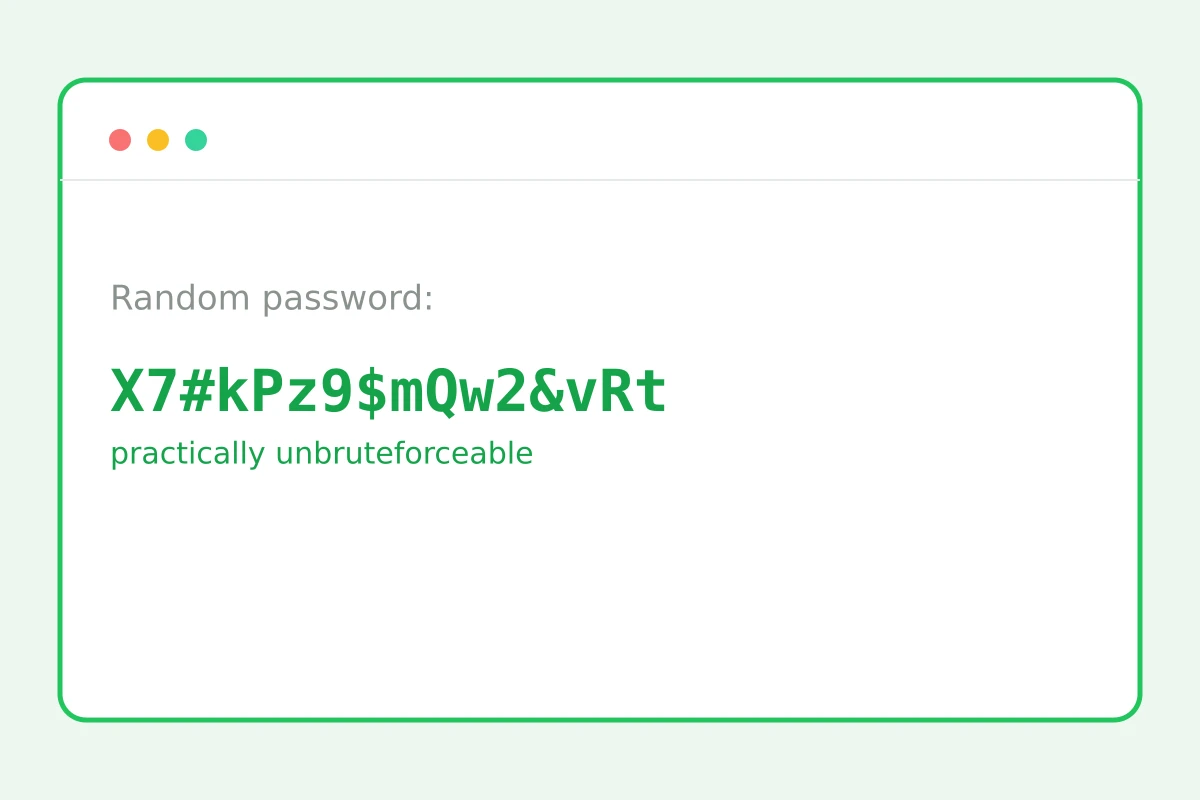
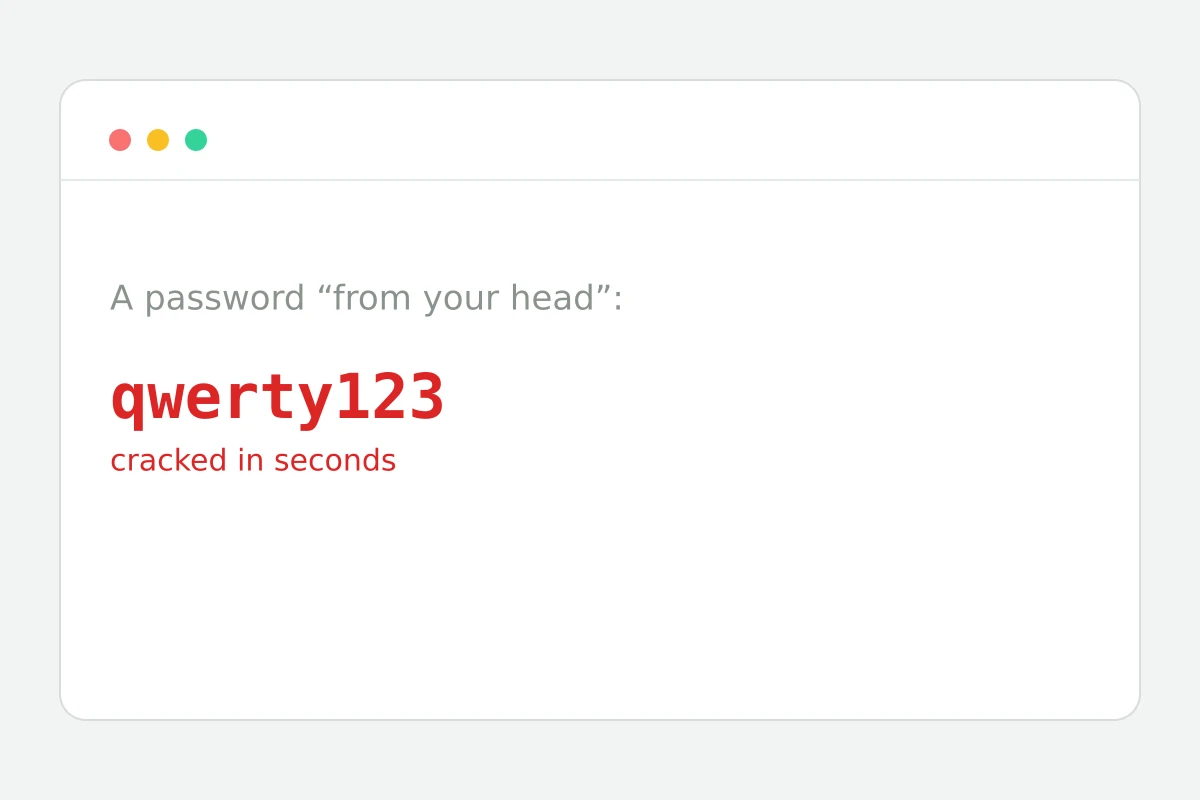
The gap between “qwerty” and a real password
How to create a password in 4 steps
8 to 40 characters; 16 is the solid start.
Uppercase, digits, symbols.
Randomness comes from the browser's crypto RNG.
And store it nowhere else.
Part of the Zerocoder platform
One tool of a platform where AI generates websites, images, video, text and documents — under one subscription.
Passwords “from your head” — birthdays, qwerty, the cat's name — fall to dictionaries in seconds. A strong password is 16+ random characters from mixed sets. Our generator runs entirely in the browser on the cryptographic RNG: the password is never sent to a server and is invisible even to us. Look-alike characters (l, I, O, 0) are excluded so nothing gets mistyped. The rest of the free tools are in one section; AI-powered routine automation lives in the Zerocoder Studio.
Why length beats cleverness
Brute force grows exponentially with length: an eight-character alphanumeric password falls to a GPU in hours; a sixteen-character one outlasts geological epochs. The “clever” a→@ swap has been in dictionaries for decades. The rule: 16+ random characters for regular accounts, 20+ for email and banking — email unlocks recovery for everything else.
One service — one password
Breaches happen constantly, and leaked email-password pairs get replayed against hundreds of other services immediately. The only defence is a unique password per service. You don't memorise them: a password manager keeps them all, you keep one master password. Generating a fresh one takes two seconds.
Where not to keep passwords
Phone notes, a passwords.txt file, email drafts and saved-messages chats are the first places an attacker with device access looks. A password manager encrypts its vault; the browser's built-in store is an acceptable minimum. And enable two-factor auth everywhere it exists: a stolen password without the second factor is useless.
Reviews
No reviews yet — be the first.
More in Free tools
View category →







From the blog
All posts →


FAQ
Is the password stored anywhere?
No. The generator runs entirely in your browser: nothing is sent to a server, saved in logs, or visible to us. Once you close the tab, the password exists only where you pasted it.
What length is safe?
Use 16+ characters for everyday accounts and 20+ for email, banking and anything tied to money. Every extra character multiplies the time an attacker needs, so longer is always the safer default.
What's wrong with made-up passwords?
Human-made passwords follow patterns: birthdays, pet names, keyboard walks like qwerty123. Dictionary attacks test those patterns first and crack them in seconds, while a random string gives them nothing to exploit.
Why no l, I, O, 0?
Lowercase l, capital I, capital O and zero look alike in many fonts and cause errors when a password is retyped by hand. Dropping them barely reduces entropy, so the password stays just as strong in practice.
How do I remember such passwords?
You don't memorize them. Store each one in a password manager and remember only a single master password. The manager fills logins automatically, so a unique random password per site costs no extra effort.
Do I need an account?
No. The strong password generator is a free browser tool: no sign-up, no limits. Open the page, click generate, copy the result — it works the same for one password or a hundred.
What does the strength meter show?
It rates the password by length and by how many character sets it uses: lowercase, uppercase, digits and symbols. The scale runs from weak to very strong, so you see the effect of each setting instantly.
Can I generate many in a row?
Yes, generate as many as you like — for a batch of new accounts or a full password rotation. Everything happens locally in your browser, so there are no quotas and nothing ever leaves the page.
What else does Zerocoder do?
Zerocoder is an AI platform: text and image generation, courses on working with neural networks, and a job board. The password generator is one of its free browser utilities for everyday tasks.