Remove duplicate lines from a list free
Keywords, emails, negatives: duplicates and empty lines gone, sorting as a bonus.
The list before and after cleanup
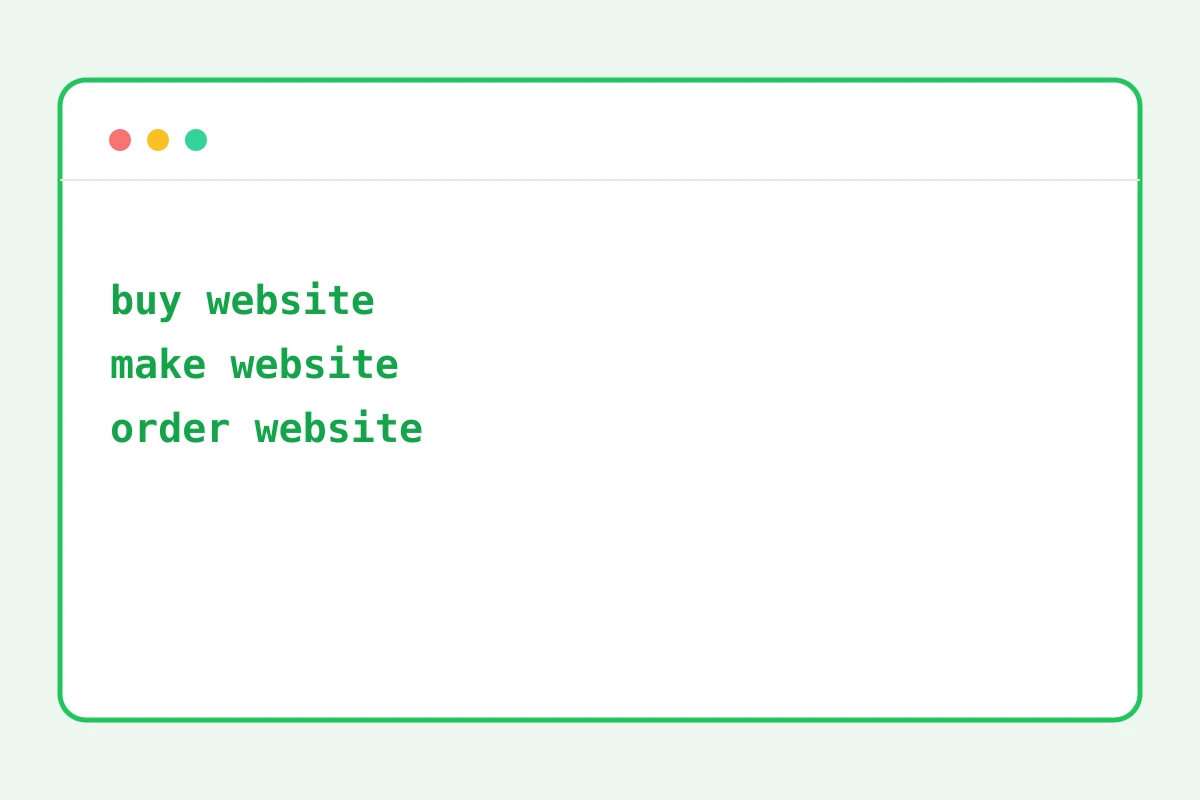
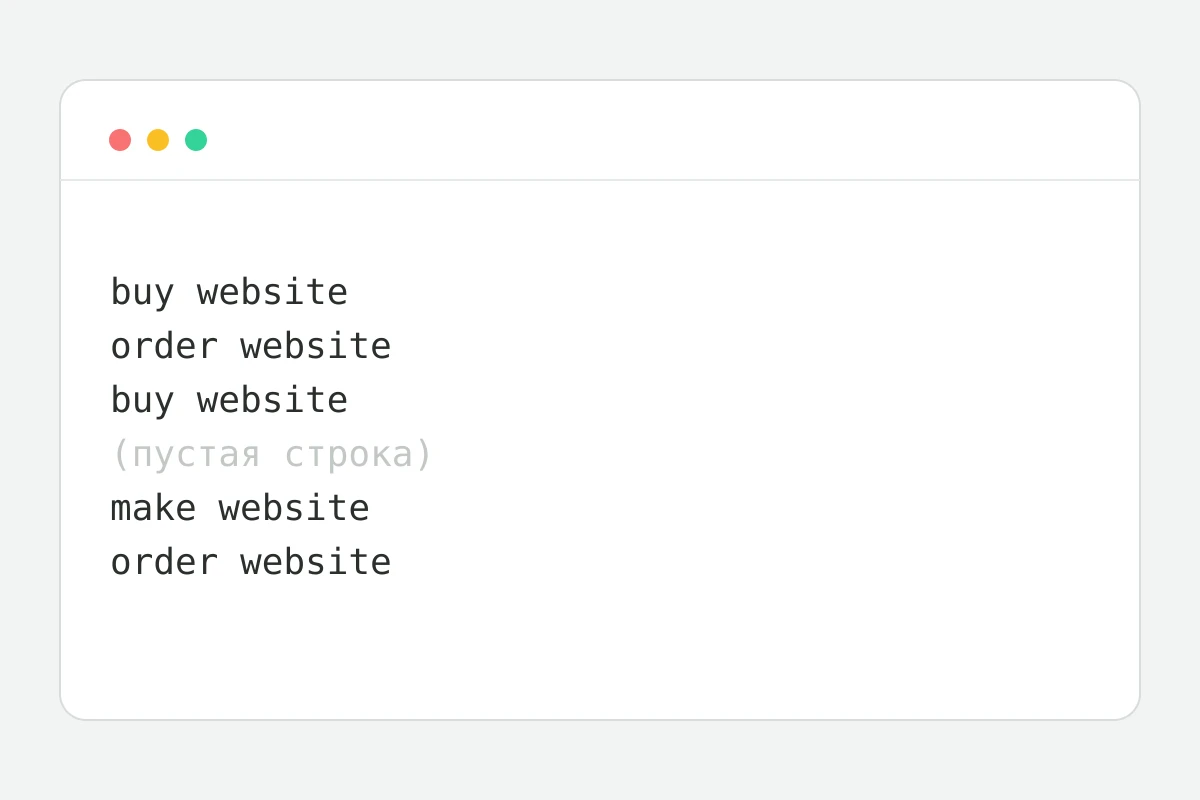
How to clean a list in 4 steps
One item per line.
Duplicates, empty lines, A-Z sorting.
The counter shows how many lines left.
And paste into your dashboard or sheet.
Part of the Zerocoder platform
One tool of a platform where AI generates websites, images, video, text and documents — under one subscription.
Lists grow duplicates on their own: keywords merged from three sources, email exports, negatives glued from old campaigns. The tool strips repeats and empty lines, sorts alphabetically and reports how many lines went away. Tens of thousands of lines process instantly right in the browser — data never leaves the page. Normalise case first in the case converter; word frequency in prose is measured by the density checker. All tools — in one section.
Keyword hygiene for ad campaigns
Keywords come from suggesters, competitors and old campaigns — the overlaps breed hundreds of duplicates. A duplicate in a campaign means bidding against yourself and dirty statistics. A one-minute cleanup before uploading saves budget. Remember: “buy site” and “Buy site” are different lines; normalise case first.
Email lists: duplicates mean double sends
A mailing base glued from several exports means duplicate emails to the same people — the straight road to spam complaints. Dedupe before importing into your mailing service. Alphabetical sorting also exposes near-duplicates: typo@ and typo1@ land side by side where you'll spot them.
Why in-browser beats online services
Email lists and campaign keywords are commercial data: a leaked base costs more than any tool. Here processing is local: your tab's JavaScript, zero network requests. Verify in the browser inspector — clicking the button fires nothing.
Reviews
No reviews yet — be the first.
More in Free tools
View category →







From the blog
All posts →


FAQ
What counts as a duplicate?
A duplicate is an exact character-for-character match of a line. “Word” and “word” differ because of case, so normalise the case with the case converter before cleaning the list.
How many lines can it handle?
Tens of thousands of lines process instantly — keyword lists, email lists or negative keywords of any working size. Everything runs in the browser, nothing is uploaded.
Is line order preserved?
Yes, as long as sorting is off: the first occurrence of each line stays in place and later repeats are removed. Turn sorting on and the list comes out alphabetised.
Do trailing spaces matter?
Yes — a line with a trailing space counts as a different line, since comparison is character-for-character. Empty lines are removed with their own option for a fully clean list.
Is sorting locale-aware?
Yes, sorting respects the locale, so accented and special characters land in the right positions. That matters for keyword lists and dictionaries in any language.
Is my data uploaded?
No, the whole list is processed in your browser and never leaves the page. Email databases, keyword sets and other working data stay on your side only.
Do I need an account?
No, the tool is free and unlimited: remove duplicate lines from a list without any sign-up, as many times as you need. Open the page, paste the list, get the result.
Does it show statistics?
Yes, a “lines before → after” counter appears once processing finishes. You see at a glance how many duplicates and empty lines were removed and how much shorter the list got.
What else does Zerocoder do?
Zerocoder's AI writes ad copy and texts, and the platform offers courses and job listings. Duplicate-line cleanup is one of its free utilities that run in the browser.