Text case converter online free
Stuck Caps Lock, headlines and lists — four case modes in one click.
Caps Lock is no longer a problem
How to change case in 4 steps
A paragraph, list or headlines — any length.
UPPERCASE, lowercase, Sentence case, Title Case.
Nothing is sent to a server.
And paste back into your document.
Part of the Zerocoder platform
One tool of a platform where AI generates websites, images, video, text and documents — under one subscription.
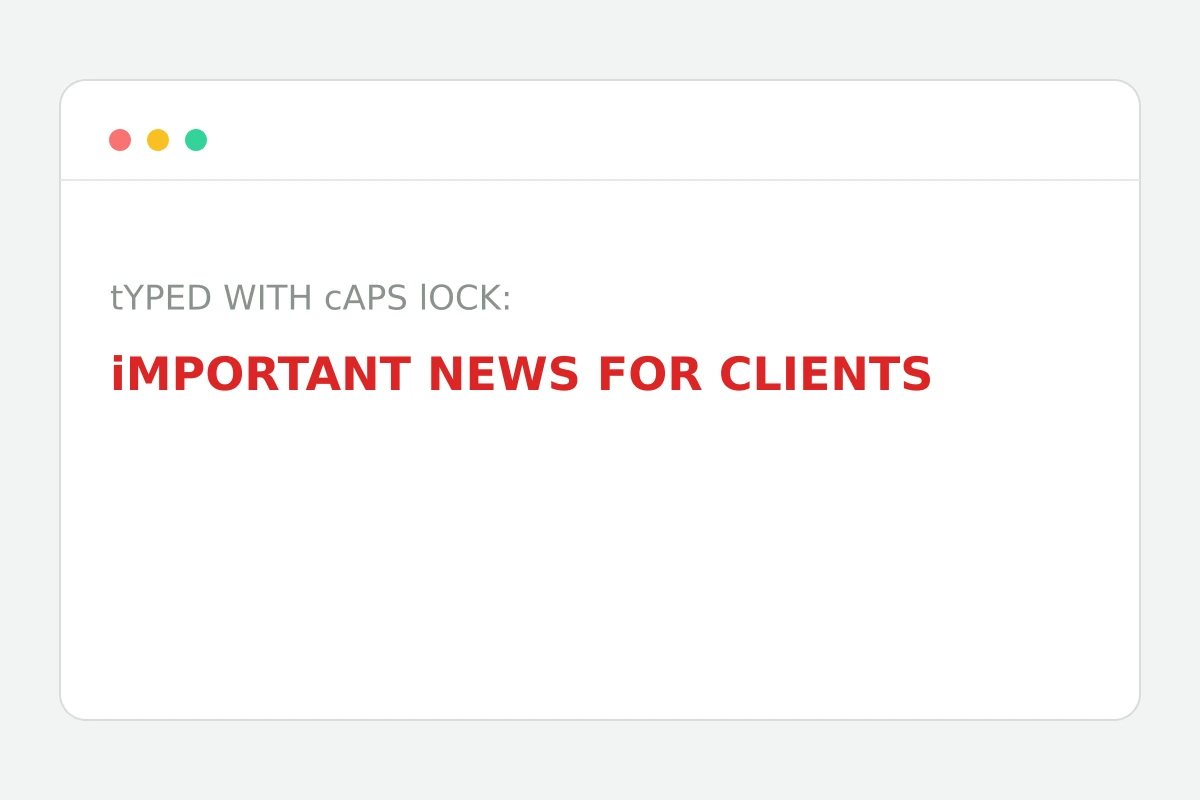
Text typed with Caps Lock on doesn't get retyped — it gets its case changed. Four modes cover every scenario: UPPERCASE for emphasis, lowercase for a reset, Sentence case for prose, Title Case for headlines and names. Conversion is instant and local: the text never leaves the browser. While you're here, check text length and clean lists of duplicate lines. Texts from scratch are written by AI in the Zerocoder Studio.
The classic: a document typed in caps
Lawyers and accountants know it: a contract arrives with NAMES AND EVERY DETAIL IN CAPS. Retyping costs an hour; Sentence case solves it in a second, leaving only abbreviations and proper names to touch up. The reverse — emphasising a line — is what UPPERCASE is for.
Title Case vs Sentence case in headlines
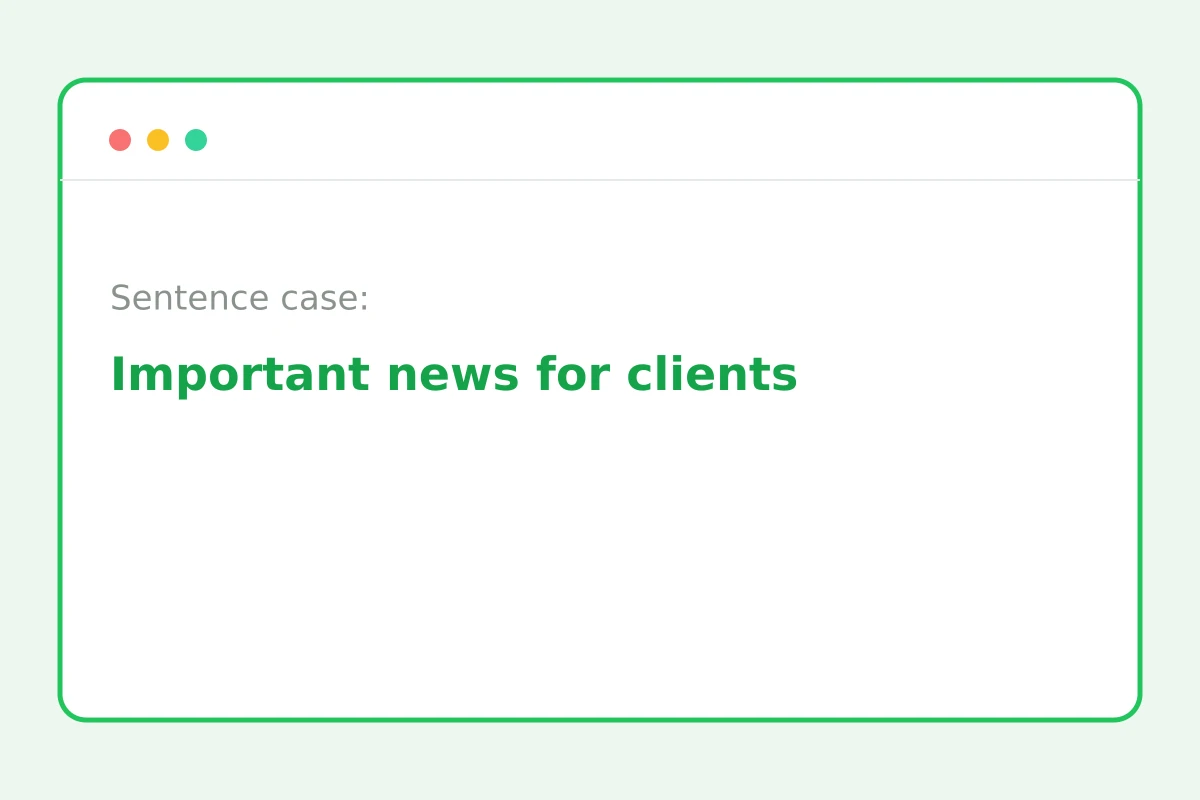
Title Case Capitalises Every Word — the convention for book, song and brand names. Sentence case capitalises only the first letter — the cleaner choice for UI copy and modern editorial style. Mixing both in one document reads as sloppiness; the tool normalises everything in one pass.
Case in data: why spreadsheets care
Customer and product lists merged from different sources come mottled: “smith”, “SMITH”, “Smith”. To filters and lookups those are three different values. Run the column through one mode and comparisons work. Duplicates after normalisation are removed by the neighbouring tool.
Reviews
No reviews yet — be the first.
More in Free tools
View category →







From the blog
All posts →


FAQ
Which modes are there?
Four modes: UPPERCASE, lowercase, Sentence case with a capital after each period, and Title Case for headlines. Pick a mode and the whole text converts in one click.
Are abbreviations preserved?
Modes apply to the entire text, so abbreviations like NASA come out lowercase after Sentence case. Give them a quick manual touch-up afterwards — the rest of the text stays correct.
Does it work with any language?
Yes, all four modes work with any alphabet — English, Cyrillic, accented European characters and more. Mixed-language text, such as copy with brand names, converts just as reliably.
Is there a length limit?
Practically none: hundreds of thousands of characters convert instantly because everything runs in your browser. Paste a full article or a long list in one go.
Is text sent anywhere?
No, the conversion happens locally in your browser — the text never leaves the page and is not stored on any server. Drafts and work documents stay with you.
Do I need an account?
No, the text case converter is fully free and unlimited: no sign-up and no cap on the number of conversions. Open the page and change the case right away.
Why didn't Sentence case fix a name?
Sentence case only capitalises after periods and at the start of the text; it can't recognise names mid-sentence. Fix proper nouns manually after the conversion runs.
Can it do aLtErNaTiNg case?
No — alternating case doesn't come up in real work like headlines, documents or lists. The four practical modes cover the scenarios people actually need day to day.
What else does Zerocoder do?
Zerocoder's AI generates and edits texts, and the platform offers courses and job listings. The case converter is one of its free utilities that run right in the browser.