Color palette from an image free
Six dominant colors with HEX codes from any photo or mockup — in a second.
A ready palette from any picture
How to extract a palette in 4 steps
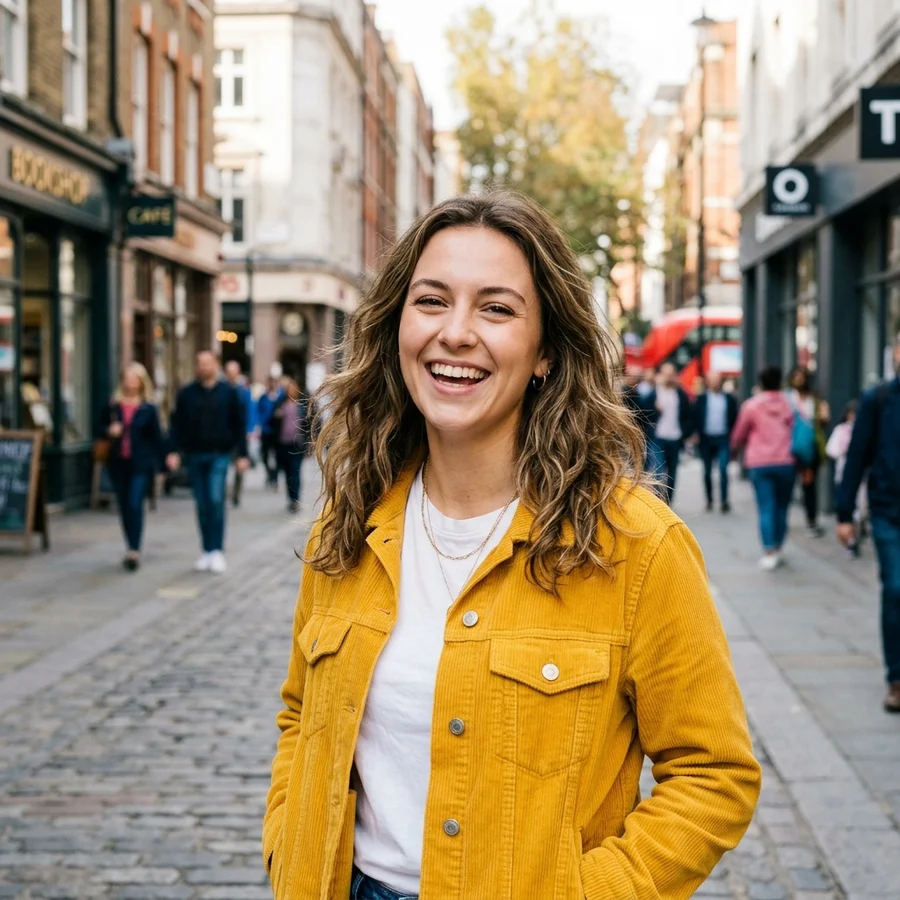
A photo, mockup or screenshot — up to 12 MB.
The algorithm counts shade frequency across pixels.
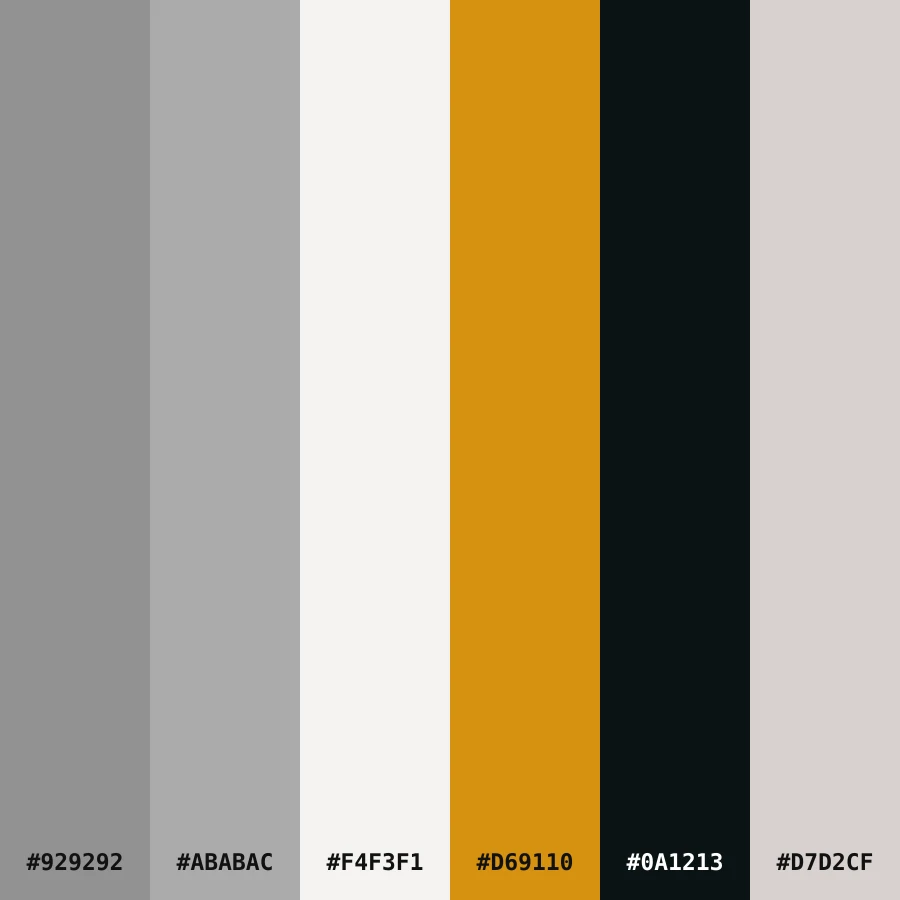
Stripes with labelled HEX codes.
A PNG cheat sheet for design and brand work.
Part of the Zerocoder platform
One tool of a platform where AI generates websites, images, video, text and documents — under one subscription.
A palette pulled from a good reference saves hours of color picking: upload a photo, an interior, someone's landing page or a film still — get six key shades with HEX codes. The algorithm honestly counts color frequency across pixels on Zerocoder's servers — free, nothing stored. Codes are printed right on the palette: retype them into Figma or keep the PNG as a cheat sheet. Blurry reference? Enhance it first. The rest of the tools are in one section; entire brand kits are generated in the Zerocoder Studio.
A palette for a brand style or landing page
Starting design from a blank canvas is hard; from a reference — fast. Find an image with your future brand's mood, extract the palette — and six shades become the skeleton: dark for text, light for background, the most saturated for accents and buttons. This keeps a page harmonious without a design degree.
How the algorithm picks six colors
We group similar shades by frequency and take the six most characteristic groups — not the six brightest pixels — so the palette reflects the image's mood rather than random highlights. Each group's average color is labelled with a HEX code and auto-contrast text.
HEX codes: using the result
HEX is the universal language of color: #1A2B3C is understood by Figma, Photoshop, any site builder and CSS. Paste a code into a color field and the shade from your picture becomes a button or background color. The PNG palette also works as a spec attachment: contractors see exact colors with no ambiguity.
Reviews
No reviews yet — be the first.
More in Free tools
View category →







From the blog
All posts →


FAQ
How are the colors picked?
The algorithm groups similar shades by frequency and selects the six most characteristic groups.
Why would a designer need this?
A reference palette kickstarts a brand style, landing page or deck in colors that already work.
Can I copy the codes?
HEX codes are printed on the palette — retype them into your editor or keep the PNG as a cheat sheet.
Why not the brightest colors?
Bright highlights are rare pixels: the palette reflects frequent shades — the image's mood, not noise.
How many colors are in the palette?
Six — the optimum for an interface: background, text, two supporting, two accents.
Do I need an account?
Your first result needs no account. After that we ask for a free sign-up: signed-in users get 5 runs per day, and the Zerocoder Studio has no limits.
What happens to my files?
Nothing is stored: in-memory processing.
Can I use a website screenshot?
Yes, any reference works: screenshots, interiors, film stills, packaging.
What else does Zerocoder do?
Brand kits, image and text generation, courses — the palette tool is one free utility.