Compress a video online free
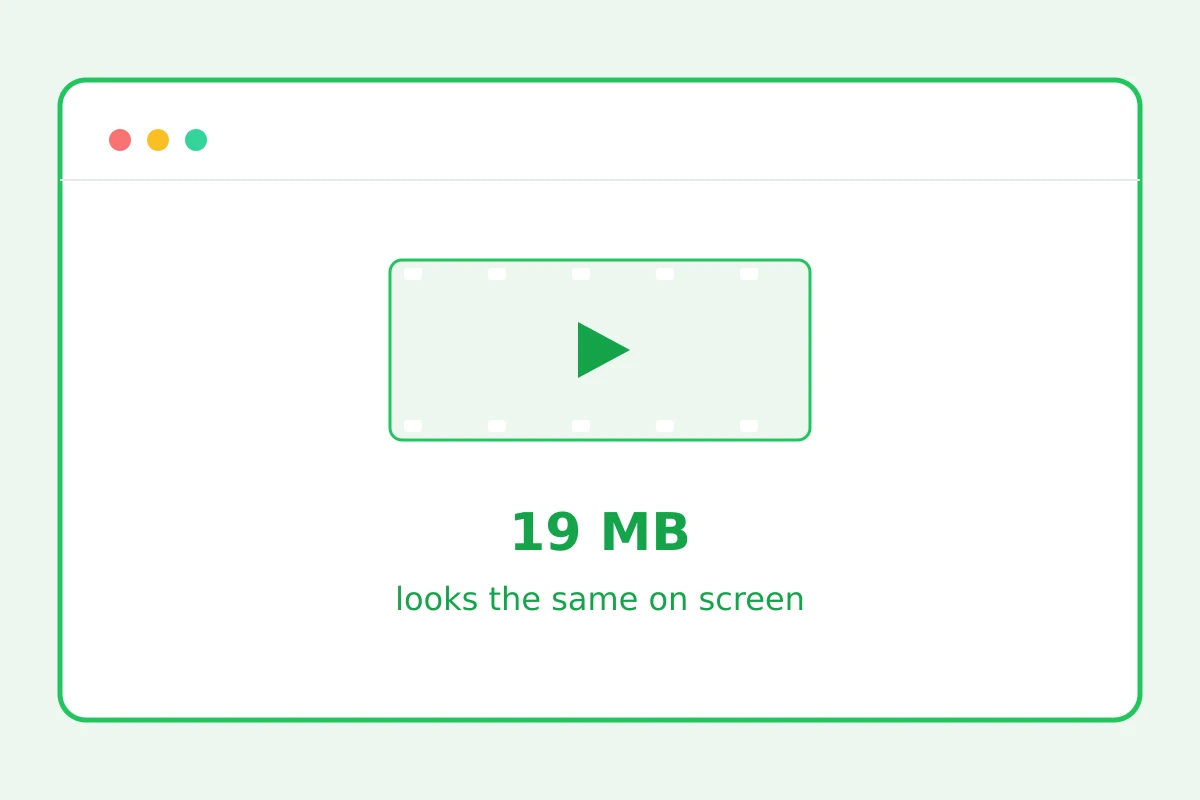
The clip re-encodes into an efficient codec: times lighter, still watchable.
Times lighter
How to compress a video in 4 steps
Up to 100 MB.
Re-encoding takes a couple of minutes.
The heaviest operation is running.
Already optimal? You get the original back.
Part of the Zerocoder platform
One tool of a platform where AI generates websites, images, video, text and documents — under one subscription.
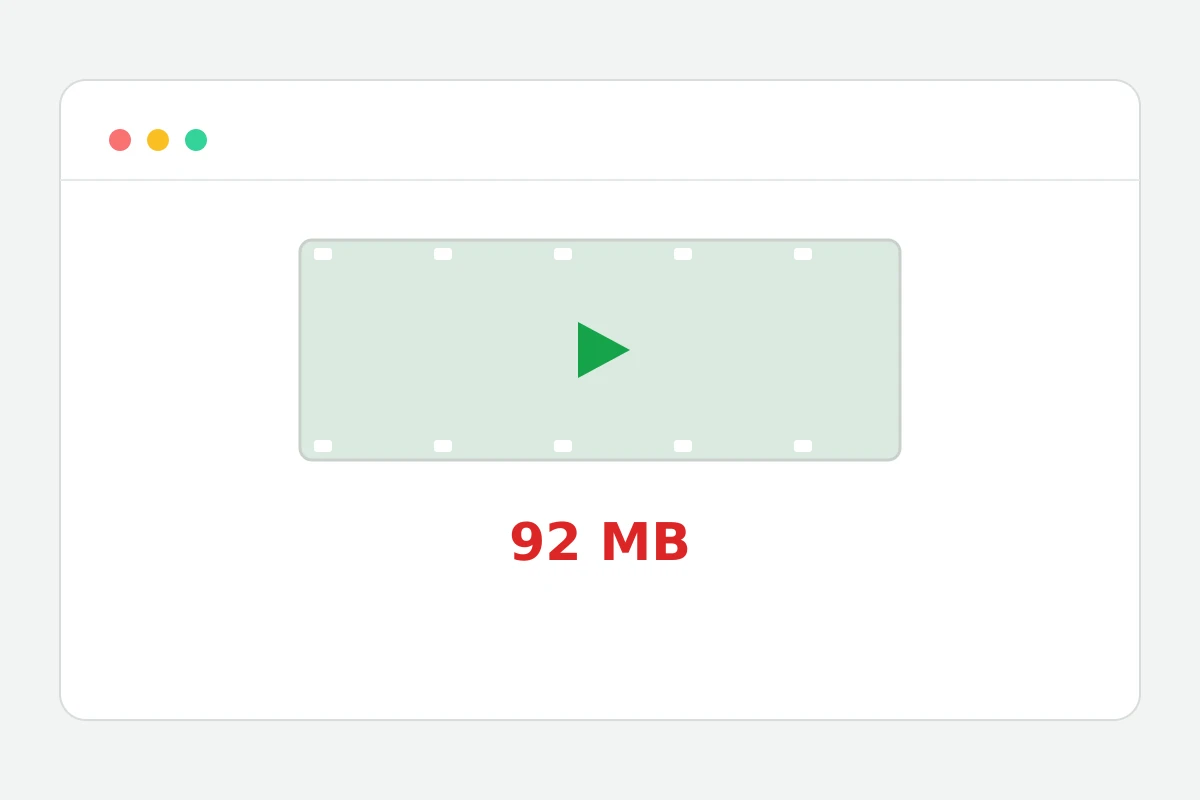
A 90 MB phone clip won't send in a messenger or fit email. Compression re-encodes the video into an efficient codec: resolution caps at 1280 px, bitrate is chosen sensibly — weight drops 2–5× while staying watchable on screen. It's the server's heaviest operation, hence one per day. Often it pays to trim the excess first — a short fragment compresses faster and weighs less. All tools — in one section.
Where video weight comes from
Weight is resolution × bitrate × duration. Phones record 4K with a huge bitrate margin “just in case” — chat viewing needs a quarter of it. Compression trims the margin: 1280 px and an economical bitrate are indistinguishable on a phone.
Compress or trim: which to pick
Need a fragment — trim first: a minute-long clip after trimming may need no compression at all. Need the whole clip — compress. The trim → compress combo yields minimal weight for the same content.
The limits of sensible compression
Twice-compressed video visibly smears: artifacts accumulate. Keep the original; use the compressed copy for sending. And don't expect miracles from an already-compressed file — if there's nothing to squeeze, we honestly return the original.
Reviews
No reviews yet — be the first.
More in Free tools
View category →







From the blog
All posts →


FAQ
How much smaller will it get?
Typically the file gets 2–5 times lighter — the exact result depends on the source codec, resolution and bitrate. The heavier the original encoding, the bigger the win from compression.
Will quality drop hard?
Resolution is capped at 1280 px and the bitrate stays economical. For sharing in Telegram chats or attaching to an email, the result is practically indistinguishable from the original.
How long is the wait?
A couple of minutes for an average clip: the service performs a full re-encode rather than just swapping the container. Longer and heavier videos naturally take more time.
The file didn't shrink — why?
That means the source was already optimally encoded and there was nothing left to squeeze. In that case the service returns your file unchanged — quality never gets worse.
What's the input cap?
Videos up to 100 MB are accepted. That covers a few minutes of phone footage; for a longer clip, shorten it with the neighbouring trim tool first and then compress the video.
Do I need an account?
The first result needs no account. Compressing a video online is a heavy operation, so after a free sign-up you get one such run per day, while light tools allow 5 runs a day.
What happens to my files?
Nothing is stored: processing runs in temporary files that are removed right after the result is sent back. The source and the compressed copy remain only with you.
Why one run per day?
Video re-encoding is the heaviest server load of all the tools on the platform. Limiting it to one run per day is what keeps compressing a video online free for everyone.
What else does Zerocoder do?
Beyond the video utilities, the Zerocoder Studio offers AI video, image and text generation, plus courses and job listings. Generative tools start with free credits; a Start trial day is $1.