Create an avatar with AI online
Photo → AI photoshoot: business portraits and styled avatars for socials and work.
See what AI creates
Made by our users in minutes — no designers, stock photos or long retouching.
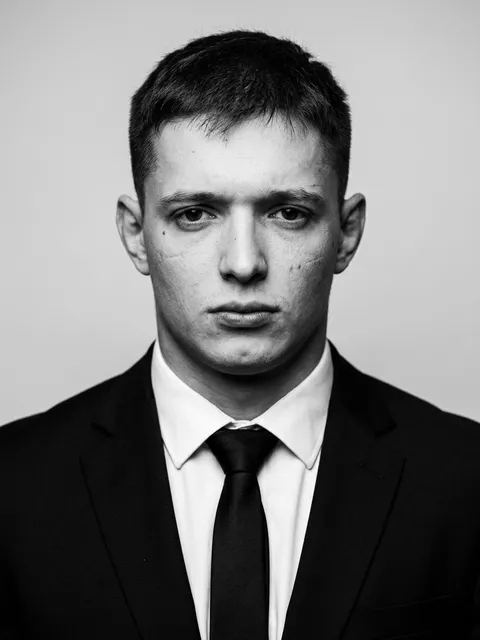 161
161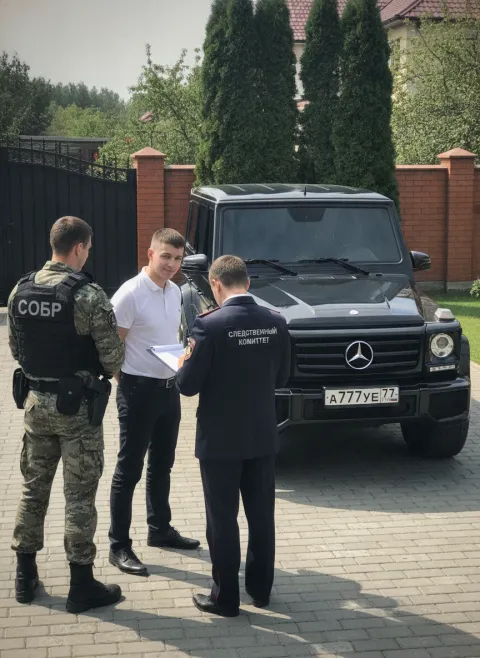 52
52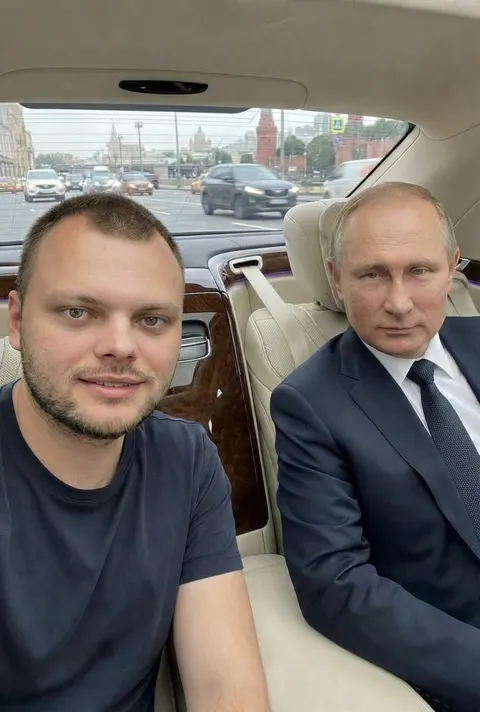 45
45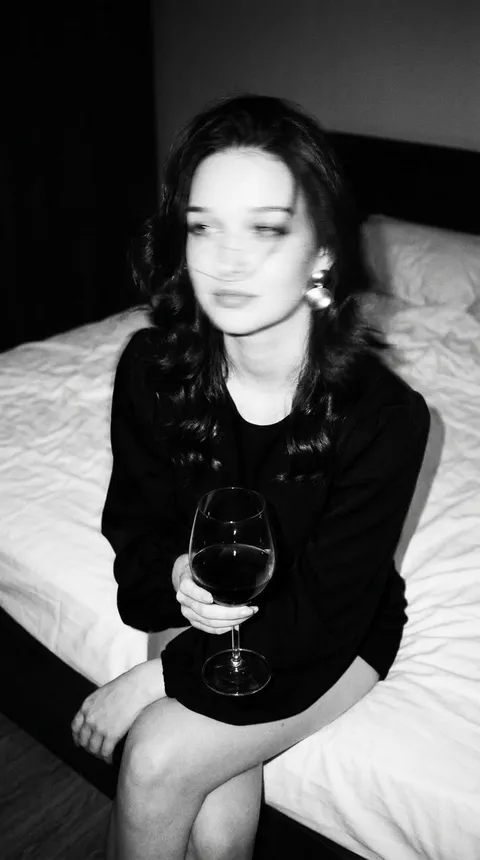 29
29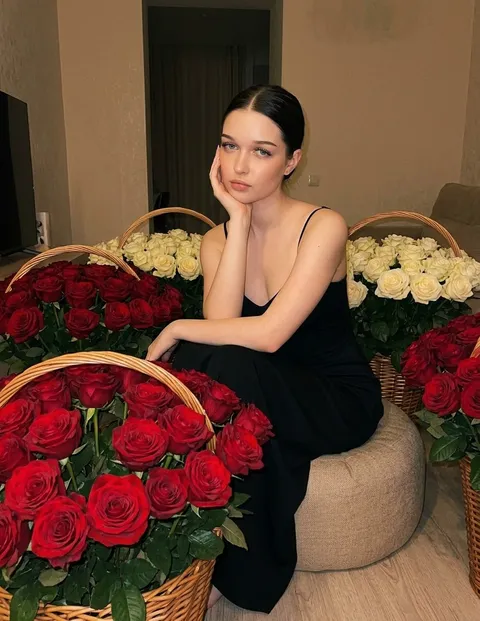 74
74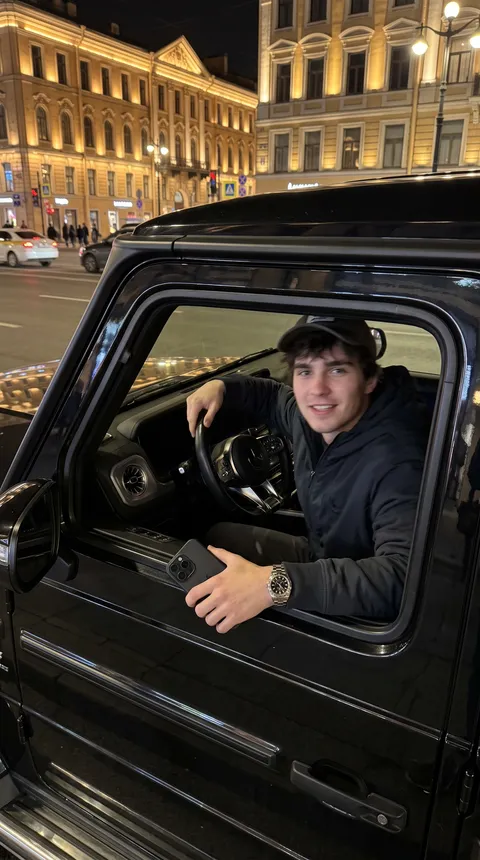 51
51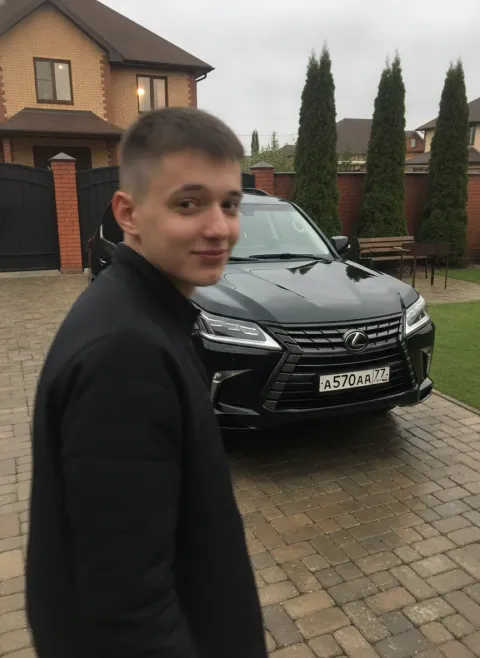 35
35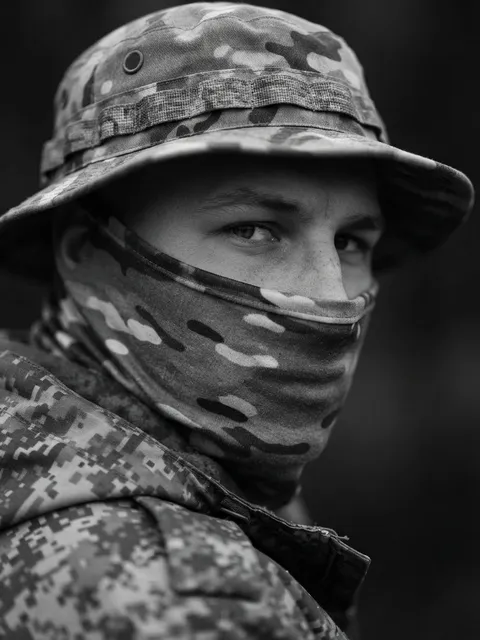 24
24How to create an avatar in 4 steps
A regular selfie in decent light is enough.
“Business portrait, studio light” or “anime”, “cyberpunk” — anything.
The model runs a photoshoot from your photo.
Generate options until one clicks.
Part of the Zerocoder platform
One tool of a platform where AI generates websites, images, video, text and documents — under one subscription.
Creating an avatar with AI means a full photoshoot from one selfie: business portraits for LinkedIn and resumes, styled avatars for socials, art versions from anime to cyberpunk. Attach a photo, describe the style — the model keeps the likeness and changes light, background, clothes and mood. Round-crop with the free round avatar tool, swap the scene with background replacement, sharpen with the upscaler.
Which photo works best
Face large in the frame, even light, no sunglasses or hard shadows. The model keeps facial features — hair, clothes and background are fair game for the prompt. If the likeness drifts, ask to “stay closer to the source photo”.
Styles: from business portrait to art
Working combos: “business portrait, studio light, neutral background” for resumes; “soft warm light, lifestyle” for socials; “anime style”, “oil painting”, “cyberpunk neon” for gaming profiles. One source — dozens of looks.
Reviews
No reviews yet — be the first.
More in Free tools
View category →







From the blog
All posts →


FAQ
How much does it cost?
New users get free credits — enough to create an avatar with AI and try several styles. After that Studio plans apply, and a one-day Start trial is available for $1 to try more styles.
Will it look like me?
Yes, the model keeps your facial features from the source photo. The sharper the photo, the closer the likeness — for business portraits, pick a clear, well-lit shot without heavy filters.
Which styles?
Any style you can describe in words: a business portrait for LinkedIn, lifestyle for Instagram, anime, digital art, cyberpunk. Generate several versions and pick a different one for each platform.
What happens to my photo?
The photo is used only for generation inside your account. Results stay private until you decide to share them — for example, by setting a new avatar on Instagram, Telegram or your work profile.
A round one for Telegram?
Yes: generate the portrait, then crop it with the free round-avatar tool on Zerocoder. You get a clean circle sized for Telegram, and the same file works for other messengers and social networks.
Do I need an account?
Yes, a free one. Your generations are saved to the account, so you can come back to the photoshoot for more variants. Signing up also grants the free starter credits for your first avatars.