Replace a photo background online free
A neural net cuts the subject out; the backdrop becomes your color or uploaded image. No prompts, no subscriptions.
Any color becomes your backdrop
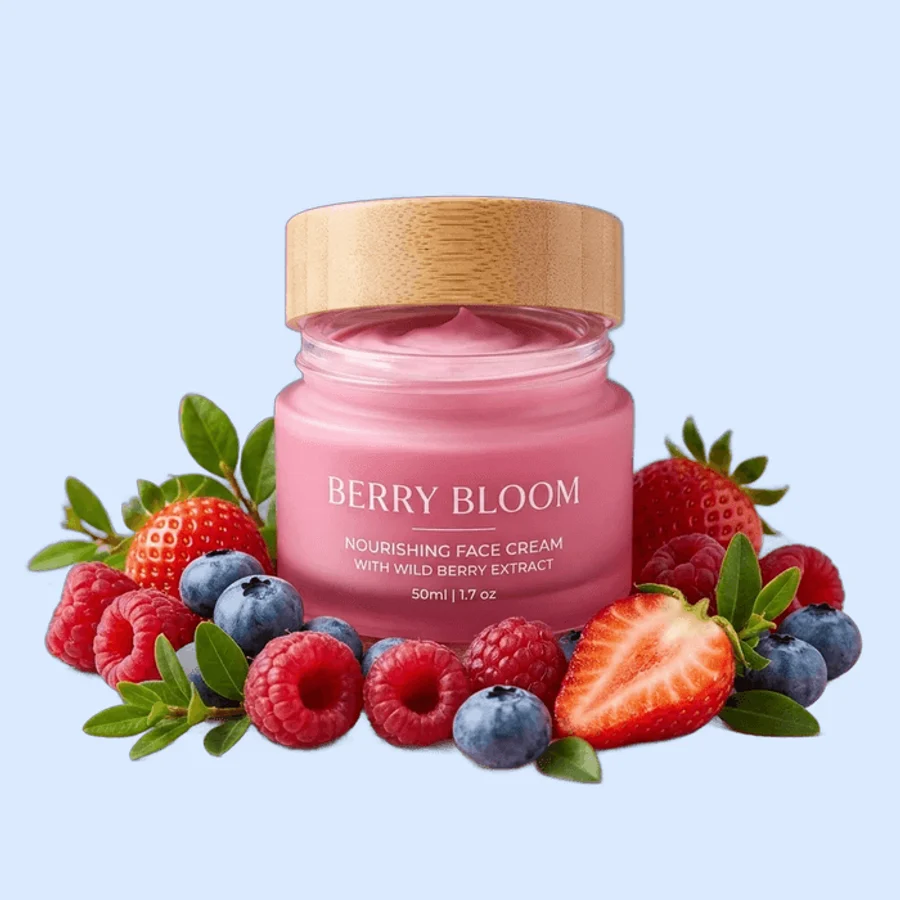
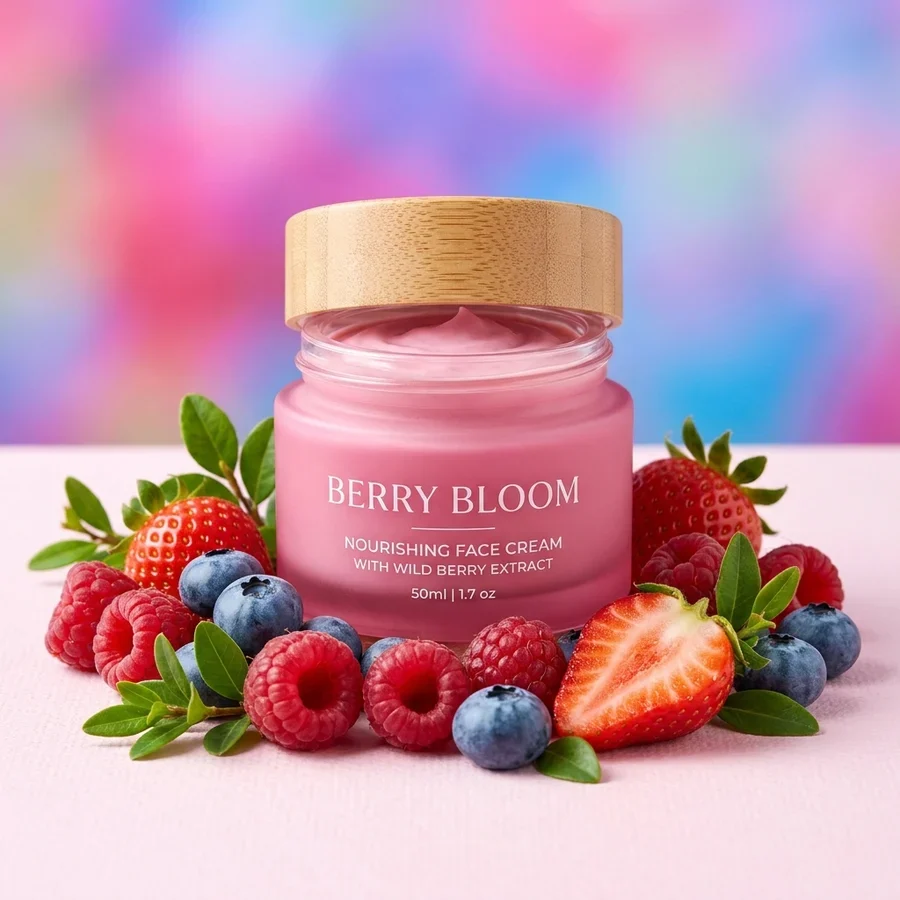
Replace a background in 4 steps
Any background, JPG or PNG up to 12 MB.
A color from the picker — or upload your own background image.
The subject is cut out and placed on the new backdrop in seconds.
Ready for avatars, catalogs and collages.
Part of the Zerocoder platform
One tool of a platform where AI generates websites, images, video, text and documents — under one subscription.
Background replacement without generation is the most predictable option: you know exactly what ends up behind the subject. Pick a brand color for the catalog, a neutral tone for an avatar, or drop in your own photo. White and black exist as one-click tools: white background and black background; transparency — in background removal. Generating brand-new scenes lives in the Zerocoder Studio. The rest of the free tools are here.
A brand color for your catalog
One backdrop color across the whole product range is the cheapest way to look consistent: enter your brand HEX in the picker and every card gets the same backing. Works for social feeds too — products on a brand color read as art-directed without a designer.
Avatars and portraits on neutral tones
Busy backgrounds distract at avatar sizes. A soft solid — blue, beige, grey — keeps the face readable at any scale. Upload a portrait, pick a tone — and the same shot works for LinkedIn, messengers and the company portal.
An image backdrop instead of a color
The second file can be any scene: an office, a landscape, a texture. We scale it to cover the frame and place it behind the subject. Lighting isn't re-rendered — for photorealistic integration with shadows use generation in the Studio; for a quick backdrop swap this is plenty.
Reviews
No reviews yet — be the first.
More in Free tools
View category →







From the blog
All posts →


FAQ
Can I upload my own background?
Yes: the second file becomes the backdrop — scaled to cover the frame.
Just a solid color?
Sure — any shade from the picker. White and black exist as one-click tools.
Is this AI generation?
No. The cutout is neural, but the backdrop isn't invented — it's your color or image. That's why it's free.
Do I need an account?
Your first result needs no account. After that we ask for a free sign-up: signed-in users get 5 runs per day, and the Zerocoder Studio has no limits.
What about my files?
Both files are processed in memory and never stored.
Will lighting adapt to the new backdrop?
No — the subject transfers as-is. Photorealistic relighting is a Studio generation job.
Which backdrop formats are supported?
JPG, PNG, WebP up to 12 MB — same as the main photo.
Edges and hair?
The ISNet model holds complex contours confidently — edges stay clean on any color.
What else can Zerocoder do?
Website, image, video and text generation under one subscription. This tool is the free part.