Make a round avatar free
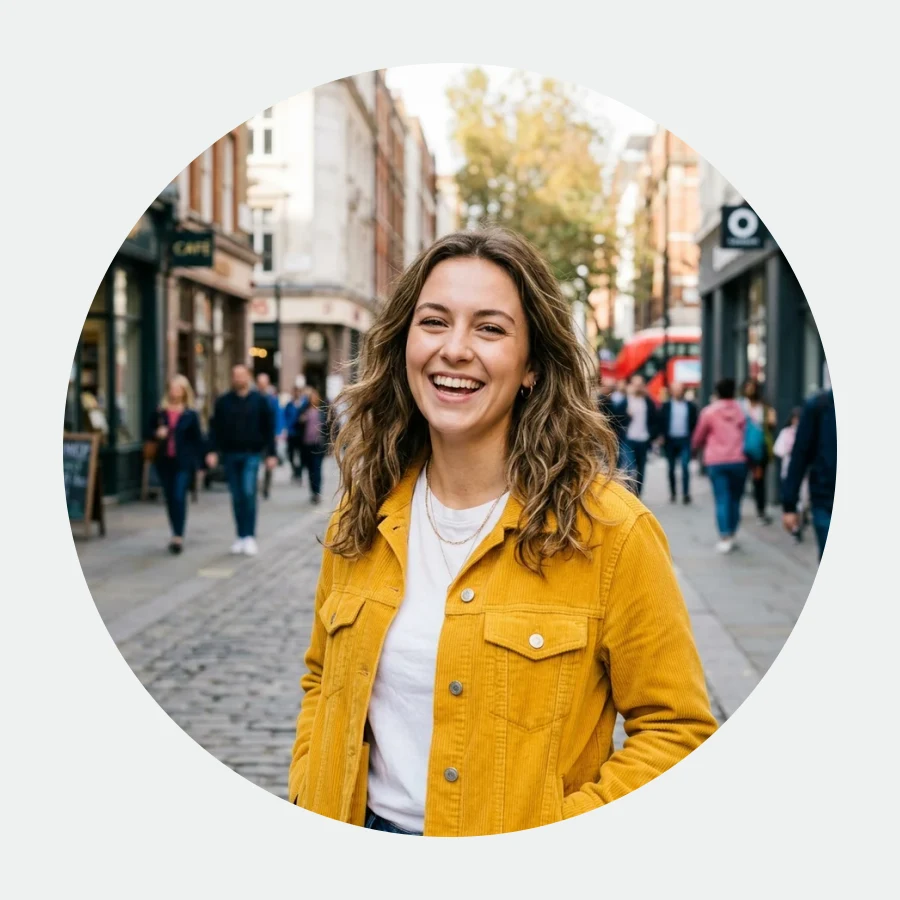
A perfect 512×512 circle with transparent corners — clean on any platform.
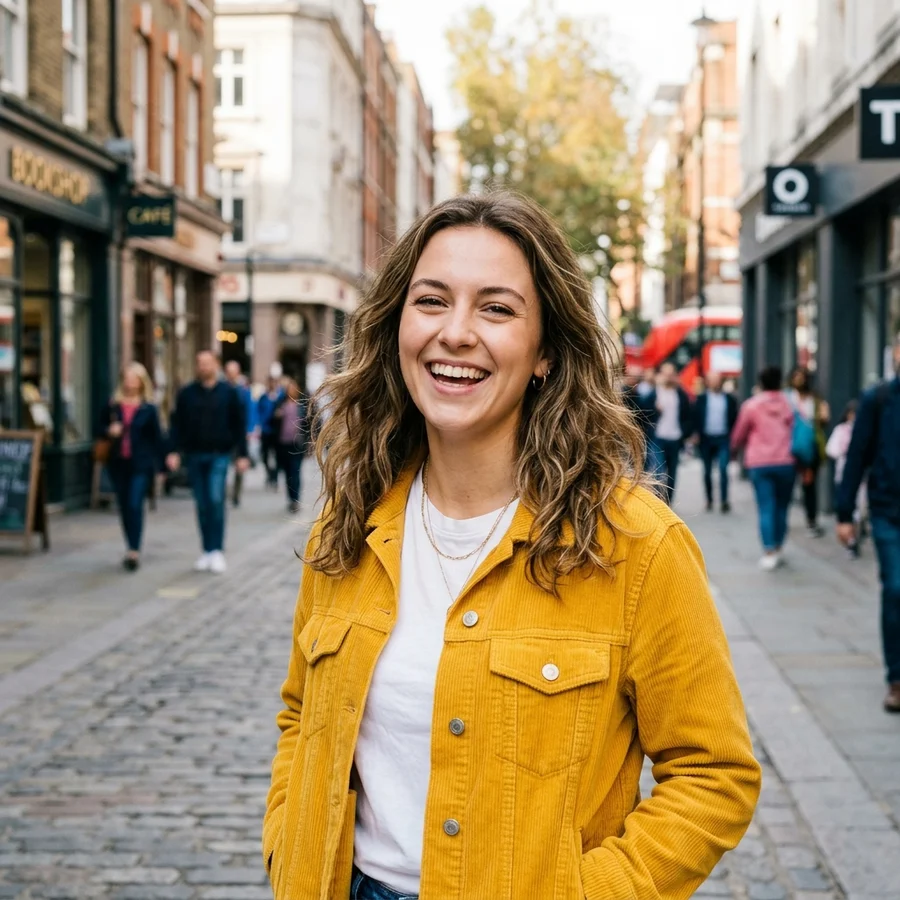
Any photo becomes a clean circle
How to make a round avatar in 4 steps
JPG, PNG or WebP up to 12 MB.
The frame is centre-cropped into a circle.
Corners are transparent — no white squares.
Enough for every platform and messenger.
Part of the Zerocoder platform
One tool of a platform where AI generates websites, images, video, text and documents — under one subscription.
Round avatars are the standard: messengers, social networks, email signatures, comment sections. Uploading a square and hoping the auto-crop behaves is a lottery; here you see the finished circle beforehand and get a PNG with genuinely transparent corners. Runs free on Zerocoder's servers. A busy background can be removed or replaced first; a small photo — upscaled. All tools — in one section; AI photoshoots — in the Zerocoder Studio.
Transparent corners: why they matter
A PNG with transparent corners sits on any background — a messenger's dark theme, a colourful site header, an email signature. A square with white corners looks sloppy in the same spots. The transparency is a standard alpha channel understood by every browser, editor and platform.
How the circle is framed
The tool takes the central area and fits it into a 512×512 circle. A face centred in the photo is the ideal source. If your subject is off-centre, crop the frame first so the important part sits in the middle, then run the circle.
Avatars for a personal brand: the next level
A good avatar is half the first impression. If the photo lacks quality, run it through enhancement. And in the Zerocoder Studio neural nets generate entire photoshoots from your pictures — dozens of styles from business portrait to cinematic light.
Reviews
No reviews yet — be the first.
More in Free tools
View category →







From the blog
All posts →


FAQ
Why round, if platforms crop automatically?
To preview the result and to use the circle where there's no auto-crop: email signatures, sites, decks.
Are the corners really transparent?
Yes — an alpha-channel PNG, no white squares on any background.
What's the output size?
512×512 px — headroom for every platform.
My face is off-centre — what now?
Crop the frame first with “Crop image” so the subject sits in the middle.
Can I use a logo instead of a face?
Of course: round logo avatars for communities and bots are a common case.
Do I need an account?
Your first result needs no account. After that we ask for a free sign-up: signed-in users get 5 runs per day, and the Zerocoder Studio has no limits.
What happens to my files?
Nothing is stored: in-memory processing.
Will there be a watermark?
No, the result is clean.
What else does Zerocoder do?
AI photoshoots, image and text generation, courses — the avatar maker is one free utility.