Number to words converter online free
For contracts and invoices: numbers up to trillions, amounts with cents — typo-free.
From digits to contract text
How to spell out an amount in 4 steps
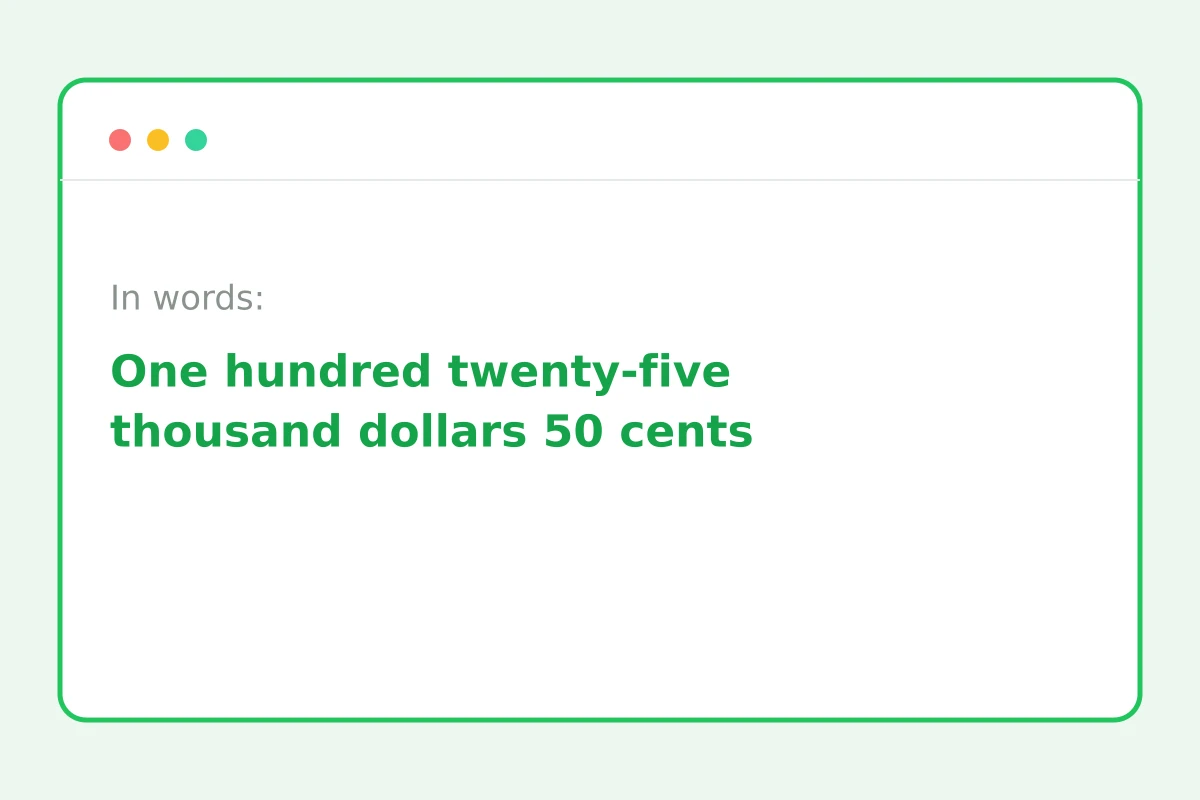
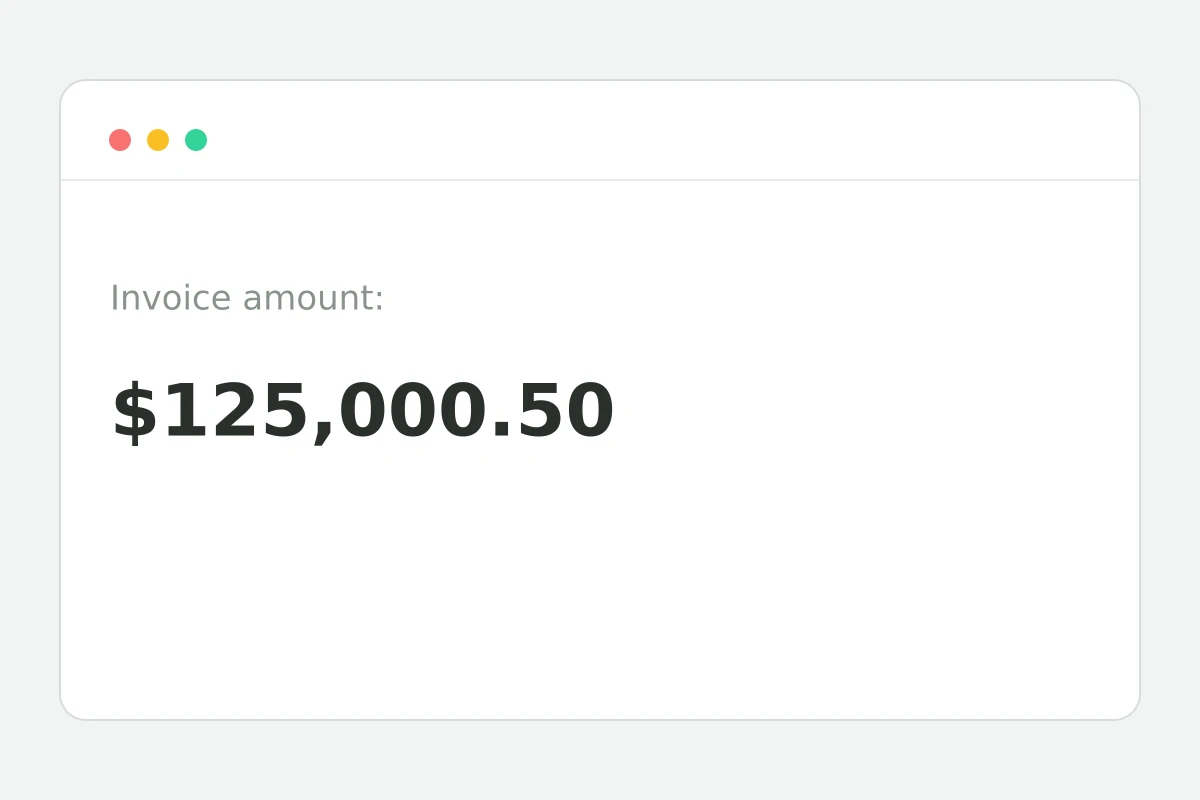
Even 125,000.50 — decimals and negatives too.
Dollars and cents, properly worded.
Hyphenation and joins follow the rules.
One click, zero typos.
Part of the Zerocoder platform
One tool of a platform where AI generates websites, images, video, text and documents — under one subscription.
An amount in words on a contract isn't bureaucratic whimsy: the spelled-out form protects the document from added zeros and doctored digits. A typo in the words invites disputes from counterparties and banks. The converter handles numbers up to trillions with correct hyphenation and runs instantly in the browser. Invoices and documents are generated by the Zerocoder Studio; check your texts with the character counter. The rest of the tools are in one section.
Why documents duplicate amounts in words
A digit is easy to doctor: a one becomes a four, a zero gets appended in a second. Words can't be altered invisibly — which is why banks and lawyers require duplication and trust the words over the digits when they disagree. The standard format: “125,000.50 (One hundred twenty-five thousand dollars 50 cents)” — digits first, words in brackets, cents in digits.
The wording rules people get wrong
English number words have their traps: hyphens in twenty-one through ninety-nine, no “and” in formal American usage, singular “hundred” and “thousand” after numerals. Compound numbers like 121,350 chain several rules together — exactly where manual typos breed. Automation removes the whole error class.
Cents: to write or not
Legal practice says always state the cents, even zero — “00 cents” closes the question of the full amount. Cents are customarily written in digits: “50 cents”, not “fifty”. Money mode does this automatically.
Reviews
No reviews yet — be the first.
More in Free tools
View category →







From the blog
All posts →


FAQ
Why spell amounts in words?
Words protect a document from tampering: a digit can be doctored, spelled-out words can't. When figures and words disagree, the words prevail — which is why contracts and invoices require them.
Are cents handled?
Yes, amounts come out as “five thousand dollars 50 cents”, and zero cents are written as “00 cents”. That matches the standard format expected in invoices and contracts.
What's the supported range?
The converter handles numbers up to trillions, including negatives and decimals. That covers any contract, invoice or accounting document you are likely to draft.
Is the wording correct?
Yes — hyphens, joins and plurals follow standard English usage, so the output reads exactly as an accountant or lawyer would expect. Typos common in manual typing are ruled out.
Is there a plain-number mode?
Yes, plain number-to-words conversion is the default, with no currency attached. Money mode with dollars and cents is enabled with a checkbox when you need it for invoices.
Is my data uploaded?
No, the conversion runs entirely in your browser — the amounts from your contracts and invoices never leave the page and are not stored anywhere.
Do I need an account?
No, the number to words converter is free and unlimited: no sign-up and no caps. Convert a single amount or a whole batch of documents in one sitting.
Capitalised or lowercase?
The output starts with a capital letter — the standard for documents. If you need a different style, adjust it in a second with the neighbouring text case converter.
What else does Zerocoder do?
Zerocoder generates invoices, documents and AI texts, and offers hands-on courses. The number to words converter is one of its free utilities that run in the browser.