Add a black background online free
A neural net cuts the subject out and drops it on deep black — striking for covers, tech and jewelry.
A premium look in seconds
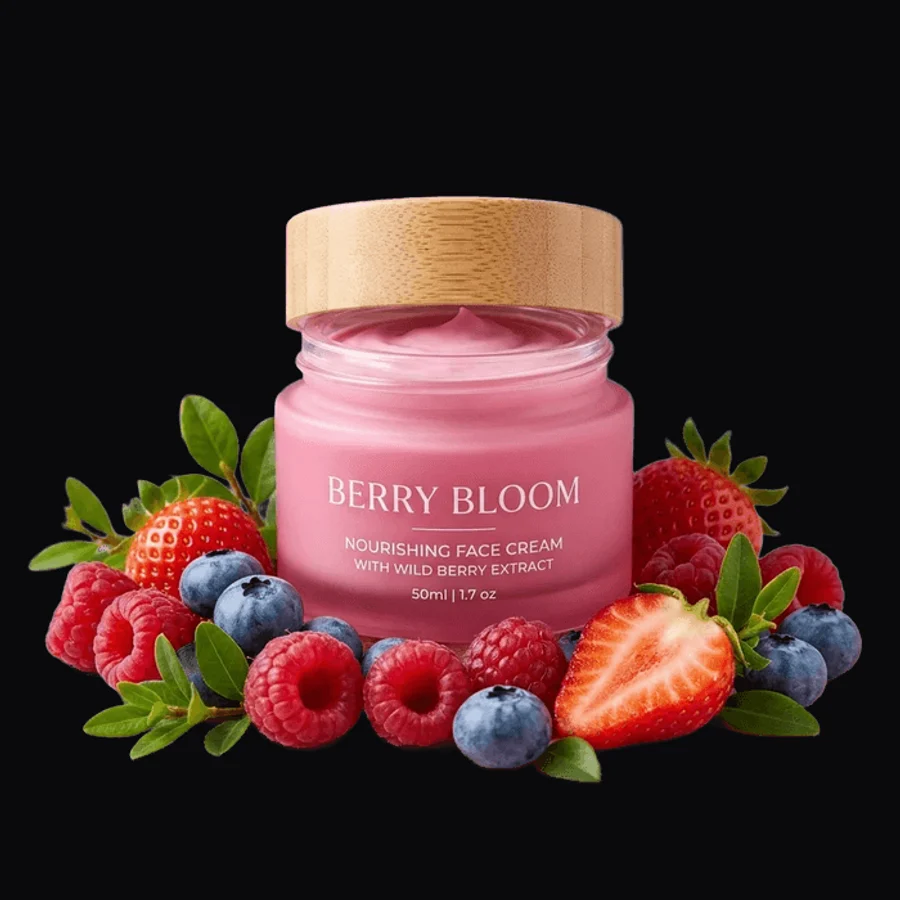
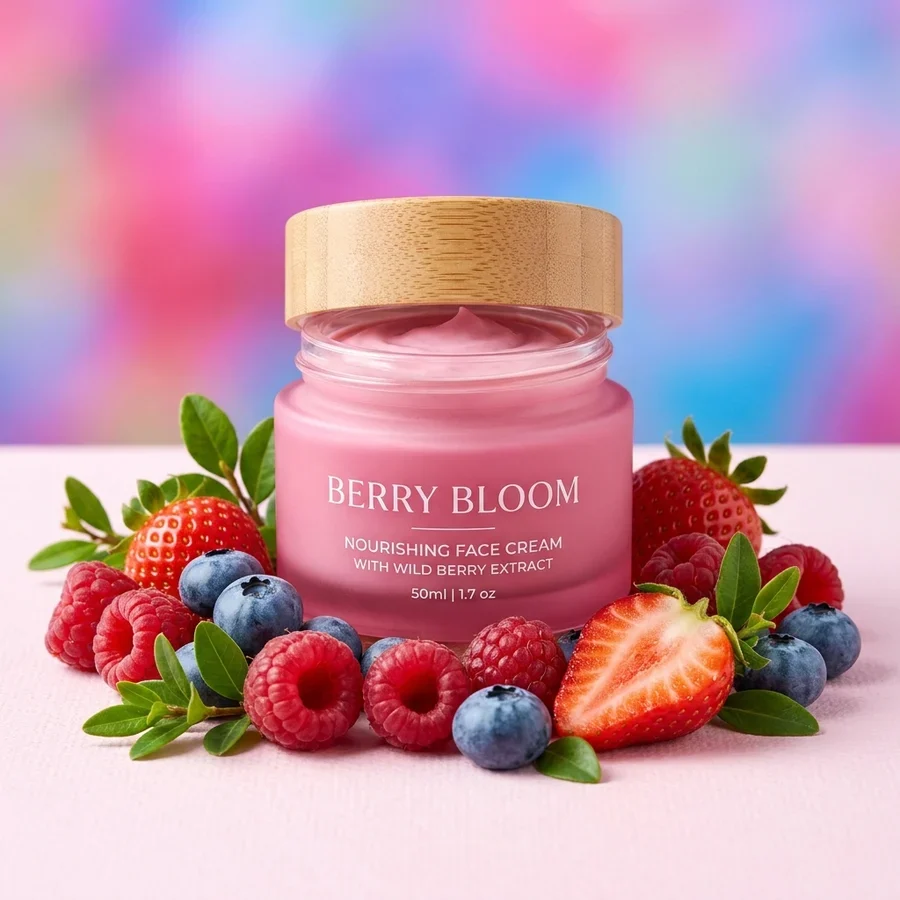
A black background in 4 steps
Any background, JPG or PNG up to 12 MB.
It cuts by shape, not color — dark subjects don't sink.
Clean #0A0A0C with no gradients.
A PNG for covers, posters and decks.
Part of the Zerocoder platform
One tool of a platform where AI generates websites, images, video, text and documents — under one subscription.
A black background is a product-photography staple: contrast makes tech, cosmetics and jewelry read premium. The tool cuts the subject with a neural net and floods deep black — no studio, no retouching. Marketplaces want white; custom colors live in background replacement; transparency — in background removal. Fix dull sources first with enhancement. All free tools live here.
Which products work on black
Electronics, watches, jewelry, spirits, fragrance — categories where dark staging has always signalled premium. A light or metallic subject on black gets maximum contrast, highlights read crisper, and the card stands out in a light feed.
Covers, posters and decks
A black slide with one bright subject is a pitch-deck and poster classic. Cut the product from any shot, drop it on black, add a headline — done. The same trick works for YouTube thumbnails: dark covers pop against the light UI.
Dark subject on a dark backdrop
The net cuts by shape, so a black coat won't vanish during cutout. Visually though, dark-on-dark can merge — add rim lighting in an editor or pick another backdrop color.
Reviews
No reviews yet — be the first.
More in Free tools
View category →







From the blog
All posts →


FAQ
Why a black background?
Contrast and premium staging: tech, jewelry, cosmetics and covers win on black.
Won't a dark subject blend in?
The net cuts by shape — the cutout works. If it visually merges, pick another color in “Replace background”.
Which black exactly?
Deep #0A0A0C, no gradients — kinder to screens than pure #000000.
Do I need an account?
Your first result needs no account. After that we ask for a free sign-up: signed-in users get 5 runs per day, and the Zerocoder Studio has no limits.
What about my files?
Never stored — in-memory processing.
Do highlights and reflections survive?
Highlights on the subject — yes. Reflections on the old backdrop go with it.
Good for YouTube thumbnails?
Yes: dark covers contrast with the light UI. Add text in an editor.
Output format?
PNG at the original resolution up to 4096 px.
What else can Zerocoder do?
Website, image, video and text generation under one subscription. This tool is the free part.