Rotate an image online free
90°, 180°, 270° or mirror on either axis — no editors to install.
The frame the right way up
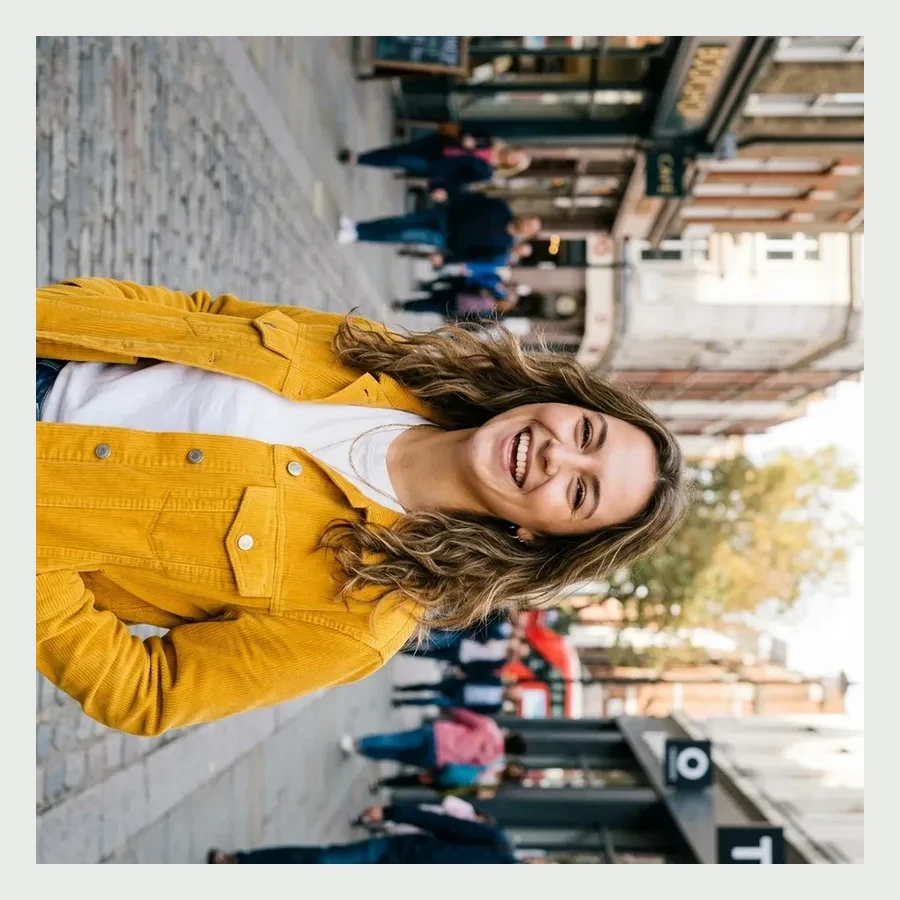
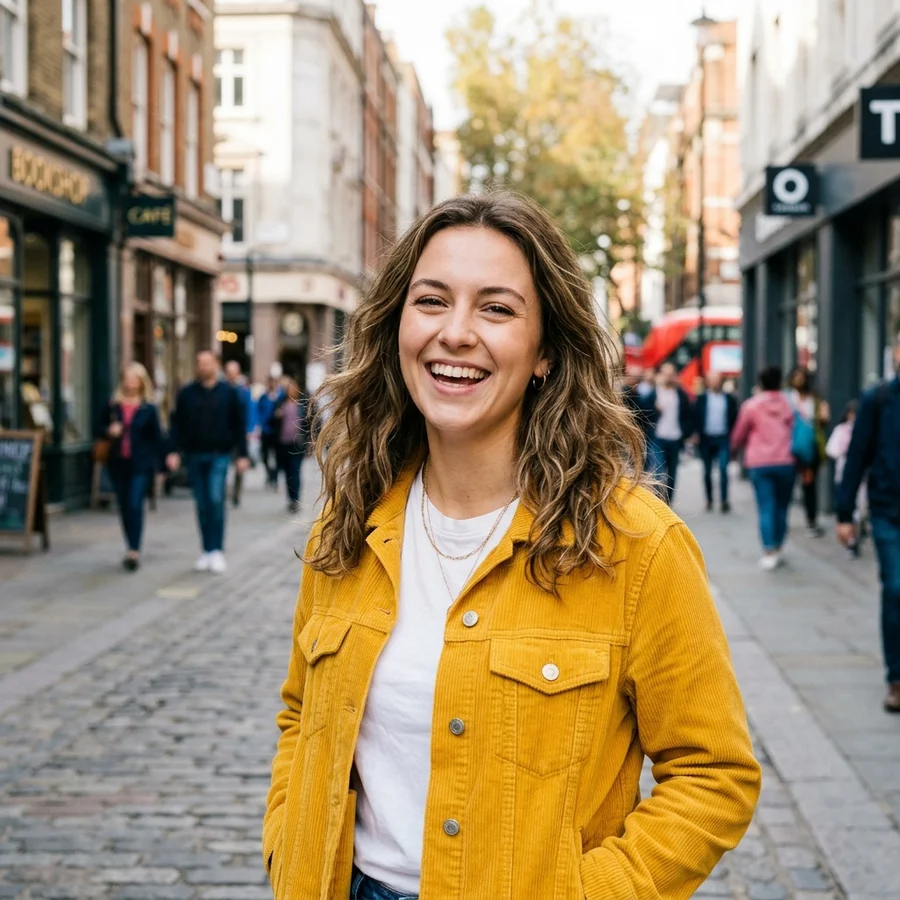
How to rotate in 4 steps
JPG, PNG or WebP up to 12 MB.
Rotate 90°, 180°, 270° or mirror.
EXIF orientation is applied automatically first.
Source format and quality are preserved.
Part of the Zerocoder platform
One tool of a platform where AI generates websites, images, video, text and documents — under one subscription.
A phone photo lying sideways, an upside-down scan, a mirrored selfie — three-second jobs if you skip the heavyweight editor. The tool rotates by right angles and mirrors on both axes on Zerocoder's servers: free, watermark-free, nothing stored. EXIF orientation is applied before your action, so the result is predictable. Afterwards, crop the frame, fit the size or compress it. All the free tools live in one section.
Why photos rotate “by themselves” and how this fixes it
Phones store frame orientation in EXIF metadata, and every viewer treats it differently: one reads the tag, another doesn't — hence sideways photos in emails and on sites. We apply EXIF orientation before your rotation and save the result physically rotated: it looks the same everywhere.
Mirroring: selfies, scans and lettering
Front cameras mirror the frame — t-shirt prints and signs read backwards. A horizontal mirror restores the scene as in life. A vertical mirror helps with scans and reflection shots. Right-angle rotation is lossless — pixels are simply rearranged.
Batch orientation for catalogs and reports
A dozen site photos, half of them sideways — familiar to builders, realtors and marketplace sellers. Run the files one by one: the operation is instant, and the limit after sign-in is 5 runs a day. Then bring the frames to one ratio with crop — the catalog looks tidy.
Reviews
No reviews yet — be the first.
More in Free tools
View category →







From the blog
All posts →


FAQ
Does quality drop?
Right-angle rotation rearranges pixels losslessly. JPG is re-saved at quality 92 — visually unchanged.
Rotation vs mirror — what's the difference?
Rotation spins the frame around its centre; mirroring reflects it across an axis — lettering flips its reading direction.
Why mirror a selfie?
The front camera mirrors the frame: lettering reads backwards. A horizontal mirror restores real life.
Can I rotate by an arbitrary angle?
Right angles and mirrors for now — that covers nearly every case. Free angles are planned.
Is EXIF respected?
Yes, automatically before your action — the result is predictable in any viewer.
Do I need an account?
Your first result needs no account. After that we ask for a free sign-up: signed-in users get 5 runs per day, and the Zerocoder Studio has no limits.
What happens to my files?
Nothing is stored: in-memory processing.
Is the format preserved?
Yes: JPG stays JPG, PNG stays PNG, transparency survives.
What else does Zerocoder do?
AI image and text generation, courses, jobs — rotation is one free utility.