Crop an image online free
Square, 16:9, story and three more ratios — a clean centre crop in one click.
The frame in the right ratio
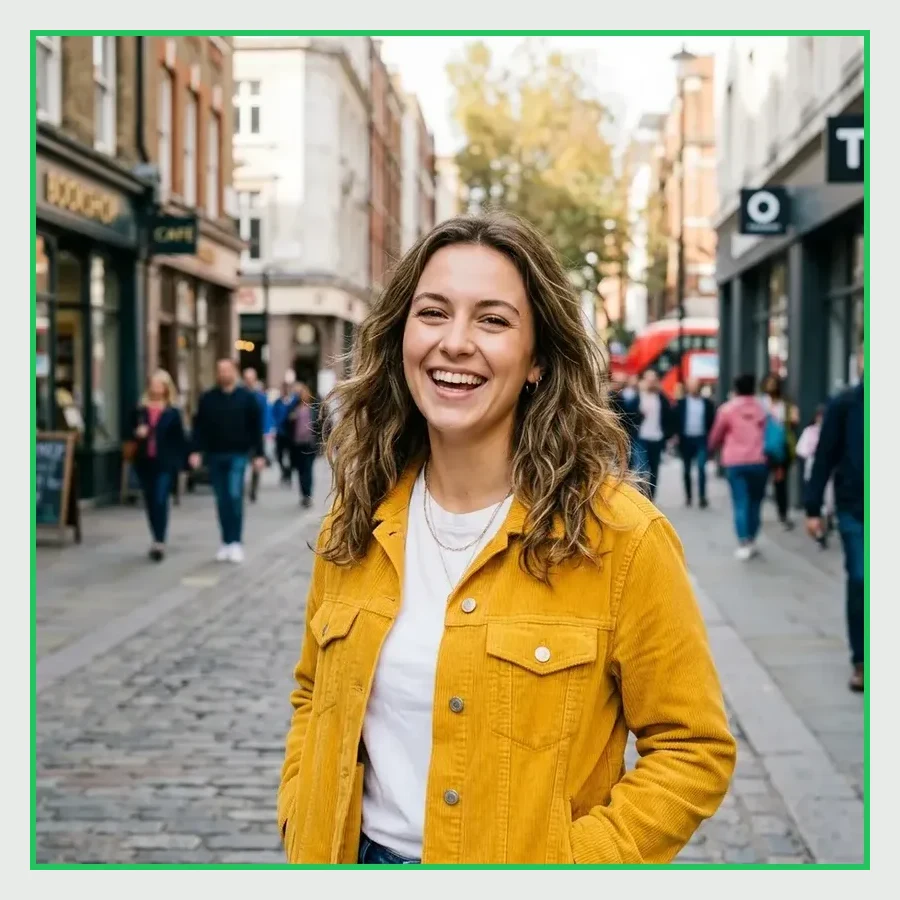
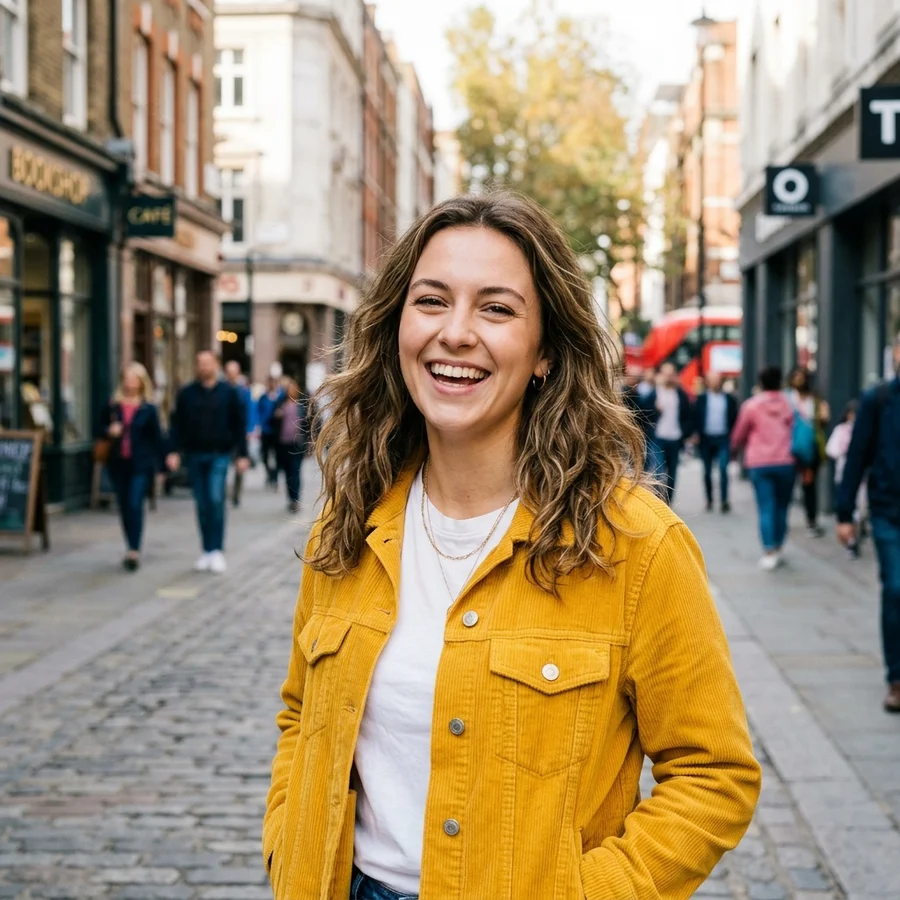
How to crop in 4 steps
JPG, PNG or WebP up to 12 MB.
1:1, 4:3, 3:2, 16:9, 3:4 or 9:16.
The frame is trimmed from the centre without recompressing the rest.
Source format and quality are preserved.
Part of the Zerocoder platform
One tool of a platform where AI generates websites, images, video, text and documents — under one subscription.
Aspect ratio is the language of platforms: square for feeds, 16:9 for video covers, 9:16 for stories, 3:4 for product cards. The tool trims from the centre — where the subject usually is — without unnecessary recompression. Runs free on Zerocoder's servers, no watermarks. Need exact pixels — continue with resize; smaller files — compress. All free tools are in one section; advanced AI editing lives in the Zerocoder Studio.
Crop to a square: feeds, avatars, catalogs
Square 1:1 is the workhorse: feed posts, product tiles, thumbnails. Centre cropping keeps what matters — the subject in the middle. For a round avatar with transparent corners there's a dedicated “Round avatar” tool that outputs a ready circle as PNG.
16:9 and 9:16: horizontal for video, vertical for stories
Video covers and player previews live in 16:9; stories and vertical clips in 9:16. One source frame easily becomes both: run it twice with different ratios. Shoot with margin at the edges so the crop has something to trim.
Why centre crop instead of manual handles
Nine times out of ten the subject sits in the centre, so automation nails it instantly — saving time on every card. For off-centre framing, crop with margin here and fine-tune in any editor — or wait for manual handles, which are on the roadmap.
Reviews
No reviews yet — be the first.
More in Free tools
View category →







From the blog
All posts →


FAQ
How is the crop area chosen?
From the centre — where the subject usually is. Manual handles are coming in a future version.
Which ratios are available?
Square 1:1, classic 4:3 and 3:2, wide 16:9, vertical 3:4 and 9:16.
Does quality suffer?
No: edges are trimmed without extra recompression. JPG stays JPG, PNG stays PNG.
Can I crop for stories?
Yes — the 9:16 ratio is exactly the story and vertical-video format.
What if my subject is off-centre?
Crop with margin and fine-tune in an editor for now — manual handles are planned.
Do I need an account?
Your first result needs no account. After that we ask for a free sign-up: signed-in users get 5 runs per day, and the Zerocoder Studio has no limits.
What happens to my files?
Nothing is stored: in-memory processing.
How is this different from resizing?
Cropping changes the ratio by trimming edges. Resizing changes pixels while keeping the whole frame.
What else does Zerocoder do?
AI image and text generation, courses and jobs — cropping is just one free utility.