Compress an image online free
A fraction of the file size with no visible quality loss. No sign-up, no watermarks.
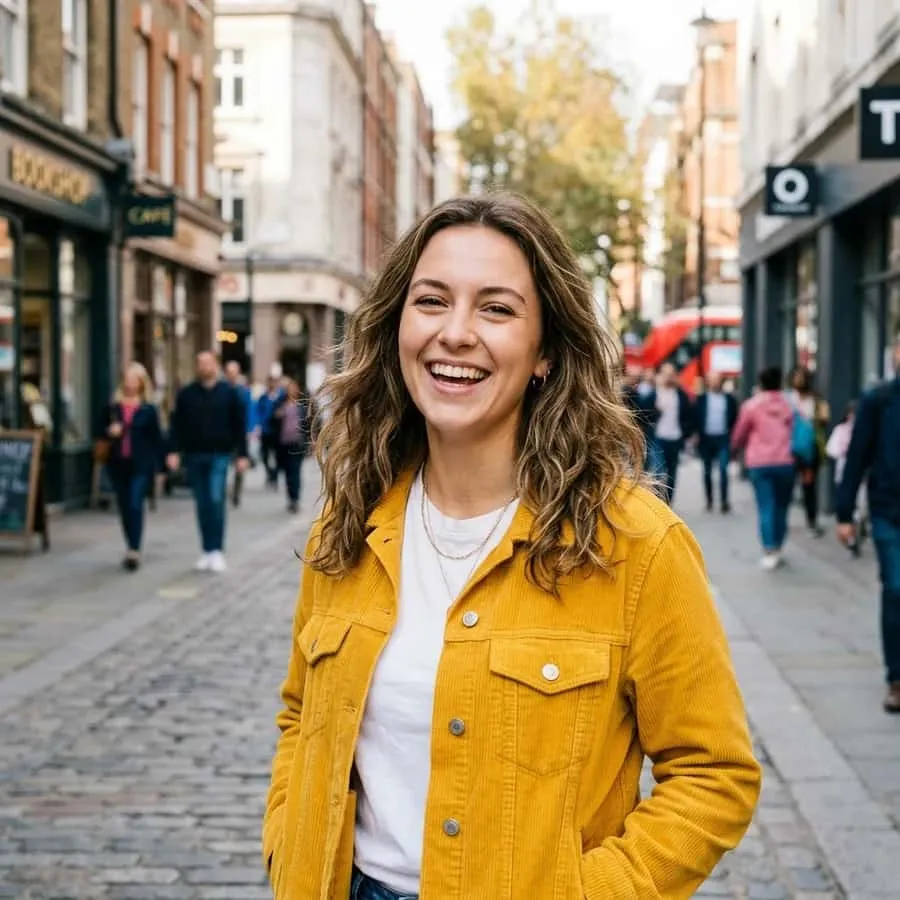
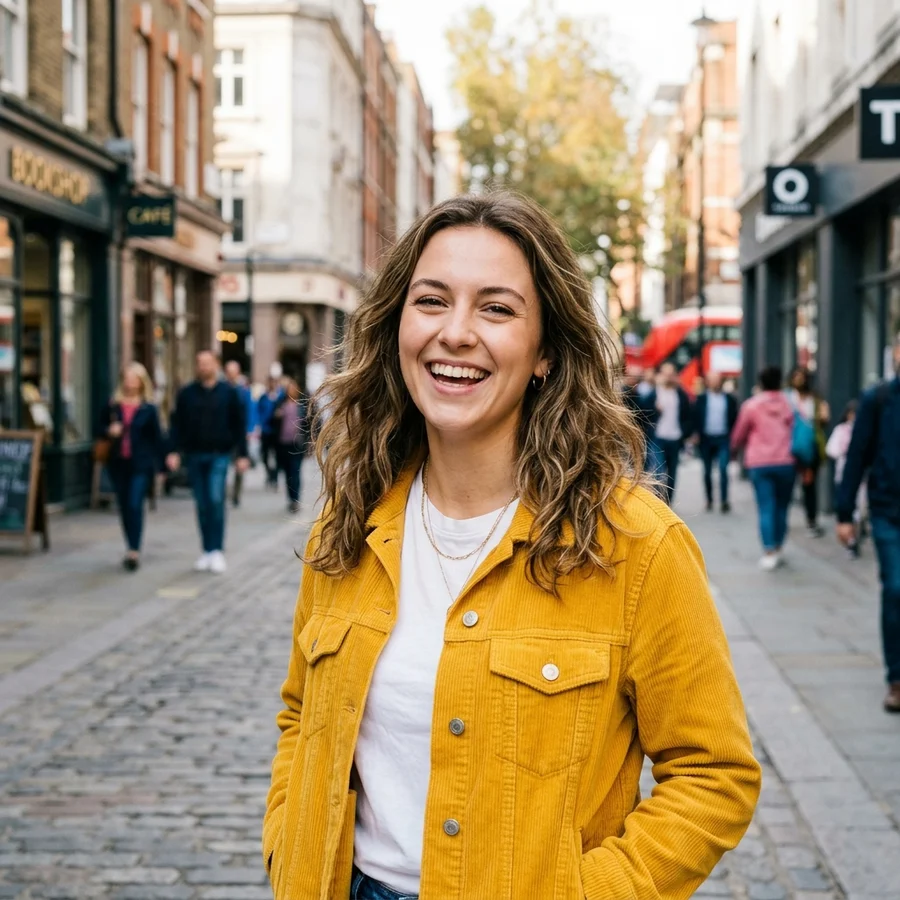
You can't see the difference — the file is times smaller
How to compress a photo in 4 steps
JPG, PNG or WebP up to 12 MB.
Light keeps maximum quality, strong minimises size.
The mozjpeg encoder does its job in a second.
Usually 2–10× smaller than the original.
Part of the Zerocoder platform
One tool of a platform where AI generates websites, images, video, text and documents — under one subscription.
Heavy photos slow down sites, bounce off email limits and burn bandwidth. Compression removes what the eye can't see anyway: an 8 MB phone photo becomes 1–2 MB with no visible artifacts. The tool runs on Zerocoder's servers — free, watermark-free, nothing stored. Need fewer pixels rather than fewer bytes — use resize; need a different frame — crop. All free tools live in one section, and AI image generation — in the Zerocoder Studio.
Compress images for the web without losing speed
Page speed is a ranking and conversion factor, and images are almost always the heaviest part. Run photos through compression before publishing: the page gets times faster with no visual loss. Medium is the sweet spot for the web; afterwards check pixel dimensions too — 1600 px wide is enough for most layouts.
Compress photos for email, messengers and upload forms
Attachment limits are a classic: 10 MB in email, strict caps on application forms. Strong compression takes a photo down to hundreds of kilobytes so the upload goes through first time. Messengers also compress images — crudely and without asking; sending an already-compressed file as a document keeps quality under your control.
JPG, PNG or WebP: which is smallest
For photographs JPG beats PNG by times: PNG stores every pixel losslessly and shines for text screenshots and sharp-edged graphics. This tool outputs JPG — optimal for photos. If you need format conversion itself, the neighbouring PNG to JPG and JPG to PNG tools handle it.
Reviews
No reviews yet — be the first.
More in Free tools
View category →







From the blog
All posts →


FAQ
How much smaller will the file get?
Usually 2–10×. An 8 MB phone photo typically lands at 1–2 MB on the medium level with no visible artifacts.
Will quality drop?
At light and medium levels the difference is invisible on screen. Strong compression is for email and forms where size wins over fine detail.
Why is this better than messenger compression?
A messenger compresses crudely and without asking. Here you choose the level and see the result before sending.
What's the output format?
JPG — the lightest, most compatible format for photos. PNG sources are converted to JPG too.
Any limits?
Files up to 12 MB. A daily limit applies — 5 runs a day after free sign-in.
Do I need an account?
Your first result needs no account. After that we ask for a free sign-up: signed-in users get 5 runs per day, and the Zerocoder Studio has no limits.
What happens to my files?
Nothing is stored: in-memory processing, the result is returned immediately.
Will there be a watermark?
No. You get the raw result, no branding.
What else does Zerocoder do?
AI image, text and video generation, courses and jobs — compression is one small tool of the Studio.