Make a favicon from an image free
A multi-size favicon.ico from your logo: 16–256 px in one file, ready for your site.
One file — every size
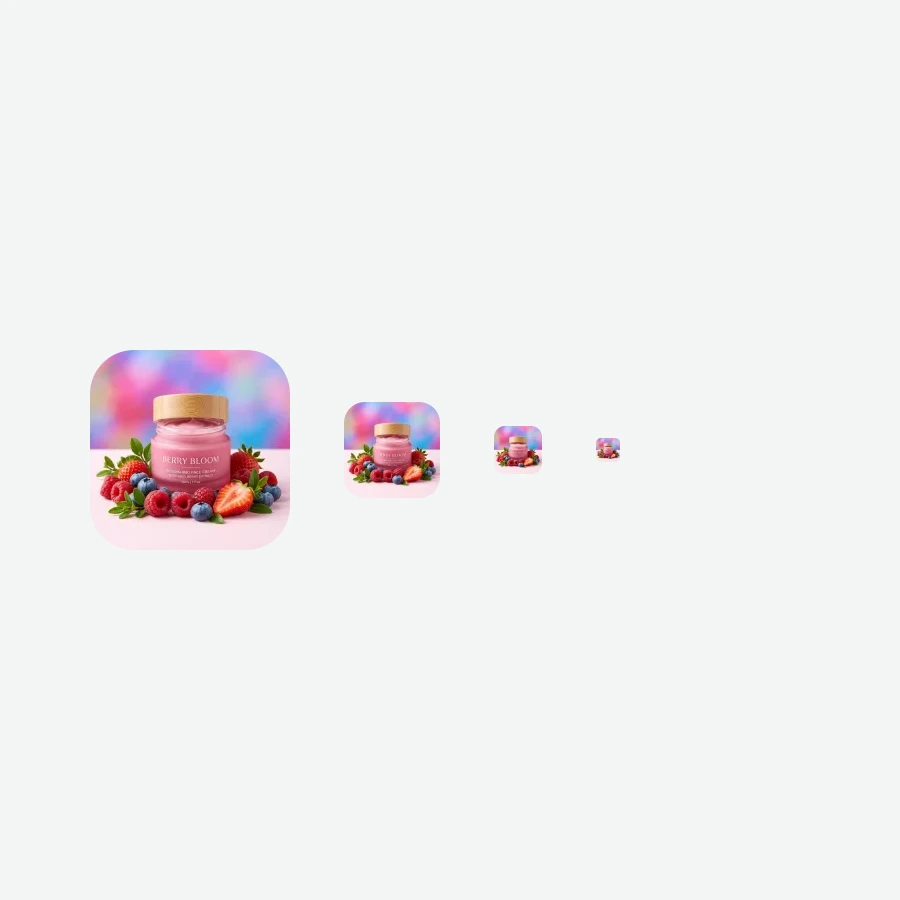

How to make a favicon in 4 steps
Square works best; rectangles are centre-cropped.
We build an .ico with six sizes: 16–256 px.
And add a rel="icon" link to the head.
The browser picks the size it needs.
Part of the Zerocoder platform
One tool of a platform where AI generates websites, images, video, text and documents — under one subscription.
A favicon is the detail that makes a site look finished: it lives in the browser tab, bookmarks, history and phone shortcuts. The generator builds a genuine multi-size favicon.ico — six embedded sizes from 16 to 256 px — on Zerocoder's servers, free. A logo on a busy background? Run background removal first; make a square with crop. Building the whole site — check the Zerocoder Studio. The rest of the free tools are here.
How to install a favicon
Put the downloaded favicon.ico in the site root — most browsers find it at the standard /favicon.ico path automatically. For reliability add to the head: <link rel="icon" href="/favicon.ico">. Site builders usually accept the file in their “site icon” settings — the sizes are already inside.
Why one .ico holds several sizes
The browser tab needs 16×16, the bookmarks bar 32×32, desktop shortcuts 48×48 and up, phone screens 128–256. The .ico format is a container: all versions live inside and each system takes its own. A proper favicon is not one small image but a kit — which is exactly what we build.
What makes a good favicon
The icon lives at 16×16 pixels — fine detail and lettering turn to mush there. Simple shapes work: one letter, a recognisable mark, a contrasting spot. Check the result in an actual tab; for complex logos designers often draw a simplified mark — you can generate options in the Zerocoder Studio.
Reviews
No reviews yet — be the first.
More in Free tools
View category →







From the blog
All posts →


FAQ
Which sizes are inside?
16, 32, 48, 64, 128 and 256 px in a single .ico — the browser picks what it needs.
How do I install it?
File in the site root + a head line: <link rel="icon" href="/favicon.ico">. Site builders take it in their icon settings.
My image isn't square — what happens?
It's centre-cropped to a square. Want control — crop it first with the “Crop image” tool.
Do I need PNG icons too?
For most sites the .ico is enough. Separate Apple Touch and manifest PNGs are coming in an update.
Why does my icon look muddy in the tab?
A complex logo loses detail at 16 px. Use a simplified mark or a single letter.
Do I need an account?
Your first result needs no account. After that we ask for a free sign-up: signed-in users get 5 runs per day, and the Zerocoder Studio has no limits.
What happens to my files?
Nothing is stored: in-memory processing.
Is transparency preserved?
Yes, a PNG logo's transparency carries into the icon.
What else does Zerocoder do?
A site generator, AI images and texts, courses — the favicon tool is one free utility.