Markdown to HTML converter free
Headings, lists, links, bold and code — clean HTML with a live preview.
From markup to ready code
How to convert in 4 steps
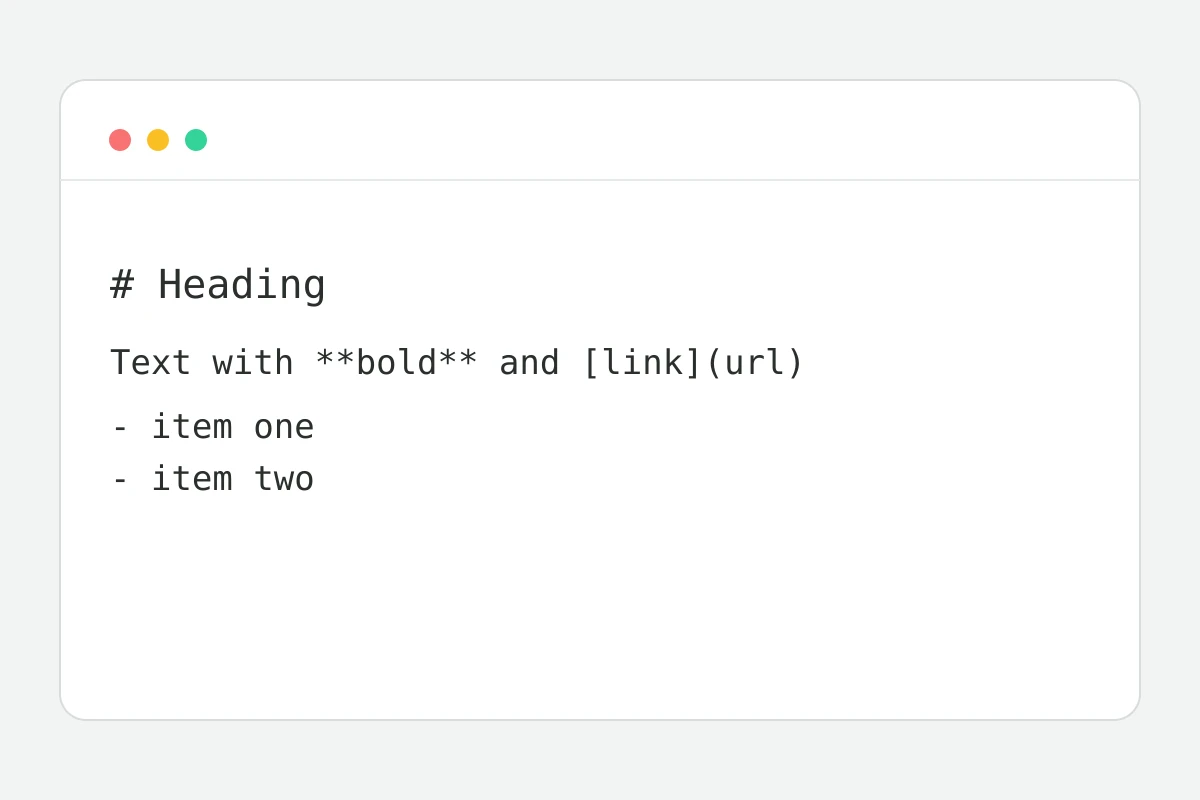
A note, README or editor export.
The parser handles the markup instantly.
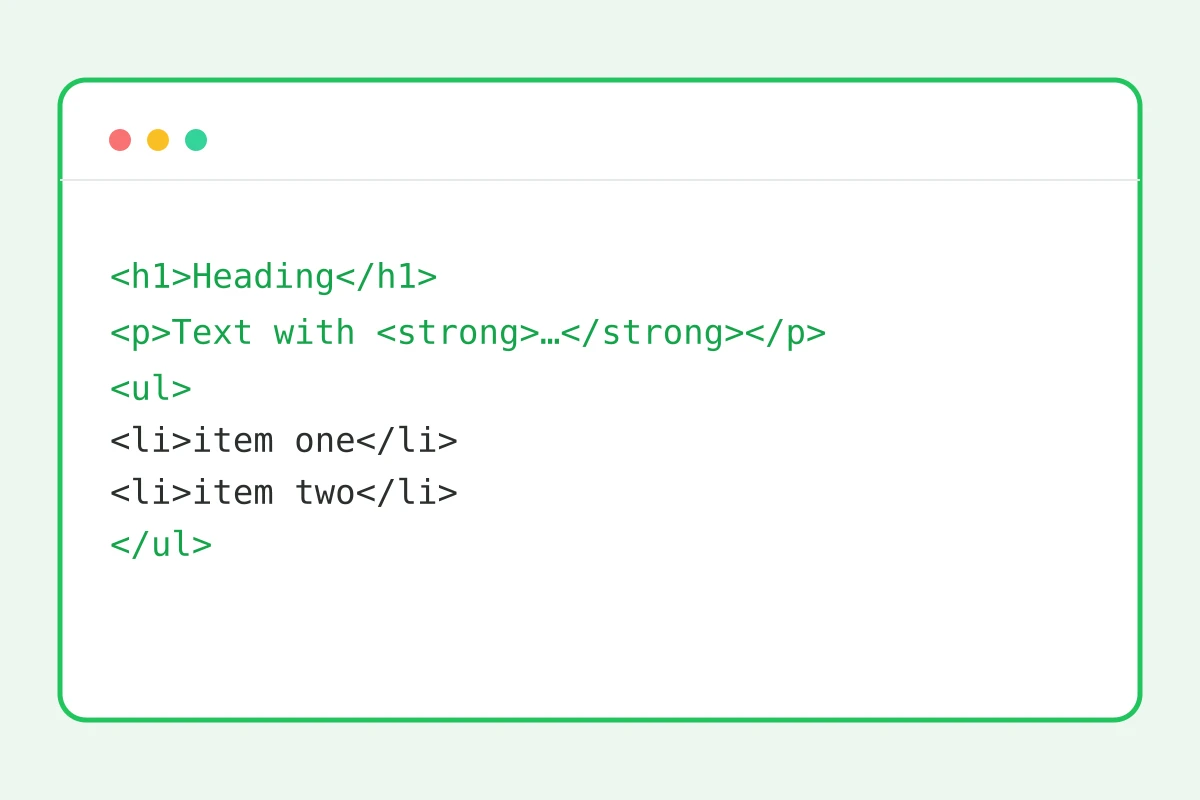
Code and result side by side.
Into your site, newsletter or CMS.
Part of the Zerocoder platform
One tool of a platform where AI generates websites, images, video, text and documents — under one subscription.
Markdown is the language of notes, docs and chats: hashes for headings, asterisks for bold. Sites, newsletters and CMSs want HTML. The converter turns the markup into clean code — headings, lists, links, quotes, code blocks — with a live preview beside the code. All in the browser: text never leaves the page. Check the result with the character counter; JSON next door is handled by the JSON formatter. AI writes Markdown articles in the Zerocoder Studio — the converter closes the last step before publishing.
What markup is supported
The Markdown core: six heading levels via hashes, **bold** and *italics*, [links](url), bulleted and numbered lists, quotes via angle bracket, inline code in backticks and fenced code blocks, horizontal rules. Enough for articles, docs and emails; tables and footnotes are planned.
From AI to your site: the typical route
AI models answer in Markdown — it's their native format. Copy the answer, paste it into the converter, get HTML — and the article is ready for a CMS that doesn't speak Markdown. The preview shows the structure immediately: broken lists and unclosed asterisks surface before publishing, not after.
Why the output HTML is “clean” and why it matters
The converter emits semantic tags without inline styles or classes: h2, p, ul, blockquote, pre. Such code inherits any site's styling, doesn't break email layouts and reads well to search engines — semantics without CSS. Styling belongs to your platform; correct structure is our job.
Reviews
No reviews yet — be the first.
More in Free tools
View category →







From the blog
All posts →


FAQ
What's supported?
The Markdown to HTML converter understands headings, bold and italics, links, lists, quotes, code blocks, inline code and dividers. That covers articles, README files and blog posts.
Are tables converted?
Not yet — table syntax is on the roadmap. For now you can paste a table into the result as ready-made HTML, while the rest of the markup converts as usual.
Is my text uploaded?
No, conversion happens right in your browser — the text never leaves the tab. Drafts, internal documents and unpublished articles are all safe to process.
Can I go HTML → Markdown?
Not yet; the direction is Markdown → HTML only. If you may need to go back, keep the source in Markdown — that way both versions of the text stay at hand.
Why no styles in the code?
That is deliberate: clean semantic markup inherits your site's styling and never breaks its layout. The pasted HTML looks native on any platform you publish to.
Is the preview exact?
The preview shows the document's structure: headings, lists, code. The final look depends on the CSS of whatever site you paste the finished HTML into.
Do I need an account?
No, the converter is completely free and unlimited. Open the page and turn Markdown into HTML as many times as you like — no account is required for it.
Are dangerous tags escaped?
Yes, raw HTML tags in the source are escaped; the output contains only markup generated from Markdown. Scripts hidden in pasted text won't make it onto your page.
What else does Zerocoder do?
The platform's AI writes articles in Markdown, generates sites and images, and there are no-code courses too. The converter closes the last step — publishing your text as HTML.