Merge PDFs into one file free
Up to ten documents join into one — in exactly the order you added them.
Several files — one document
How to merge PDFs in 4 steps
Two to ten, up to 25 MB each.
Files join in list order.
Pages never shuffle.
Ready to send.
Part of the Zerocoder platform
One tool of a platform where AI generates websites, images, video, text and documents — under one subscription.
A contract, its annexes, the invoice — the client expects one file, not a scatter of attachments. Merge joins up to ten PDFs in the order added: each document’s pages run consecutively, nothing shuffles. Result too heavy — run it through compression; drop extra pages with extraction; turn images into PDFs with the converter. All tools — in one section.
A deal packet as one file
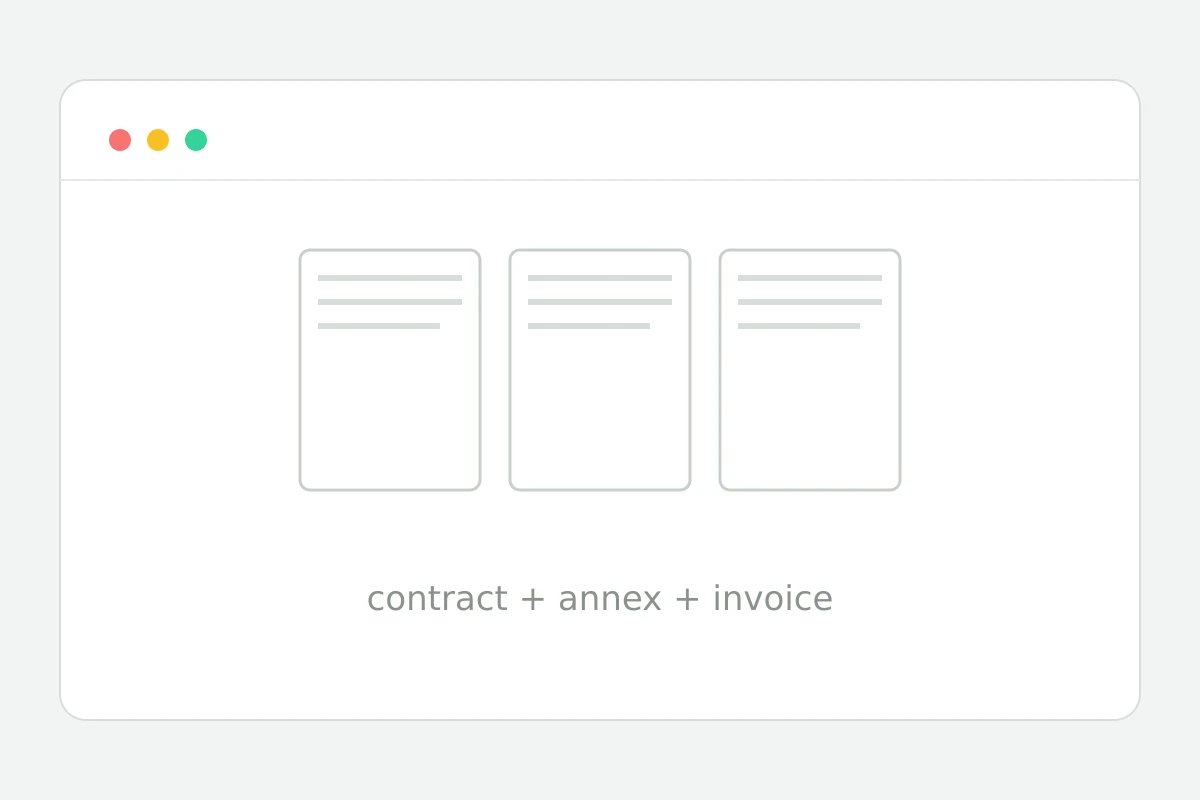
The paperwork classic: contract + annexes + invoice. As separate files something always gets lost in the thread. Join them in reading order — contract first, annexes by number, invoice last — and send one file. Order follows the order you add them.
Scans and photos in the same packet
Turn a passport or receipt photo into a PDF with the JPG to PDF converter first, then add it to the packet. That's how a full bank or visa kit is built from a mix of scans, photos and ready documents.
Limits and page order
Up to ten files of 25 MB per run; pages inside each document keep their order, files follow the add sequence. Encrypted PDFs are skipped — remove passwords beforehand. Shrink a big result with compression.
Reviews
No reviews yet — be the first.
More in Free tools
View category →







From the blog
All posts →


FAQ
Is page order preserved?
Yes. Documents merge in exactly the order you added them, and the pages inside each PDF keep their original sequence. What you see in the sources is what you get in the combined file.
How many files can I merge?
One run joins two to ten PDF documents into a single file, with each source up to 25 MB. For bigger jobs, merge in batches and then combine the intermediate results the same way.
Can I reorder files?
There is no drag-and-drop yet: the merge follows the sequence in which files were added. Simply upload them in the order you want to see in the final PDF and the tool keeps it.
Do password-protected PDFs work?
No, encrypted documents are skipped during merging. Remove the password from a protected PDF first, then add it to the queue — after that it joins the combined file like any other source.
The result is huge — now what?
Merging simply concatenates pages, so file size adds up. Run the combined document through the neighbouring Compress PDF tool on Zerocoder — it shrinks the file without touching page content.
Do I need an account?
Your first merge works without any account. After that a free sign-up gives 5 runs per day, and inside Zerocoder Studio the PDF tools have no limits at all.
What happens to my files?
Nothing is stored on Zerocoder servers: merging runs in memory and temporary files that are deleted immediately after the result is delivered. Your documents never enter any archive.
Do mixed page sizes work?
Yes, the merger accepts documents with different page formats. Every page keeps its own dimensions in the output, so combining A4 reports with US letter scans works without distortion.
What else does Zerocoder do?
Beyond PDF utilities the Studio offers AI generation of documents, texts and images, plus courses and a job board. The merge tool is one part of a larger no-code platform.