Compress a PDF online free
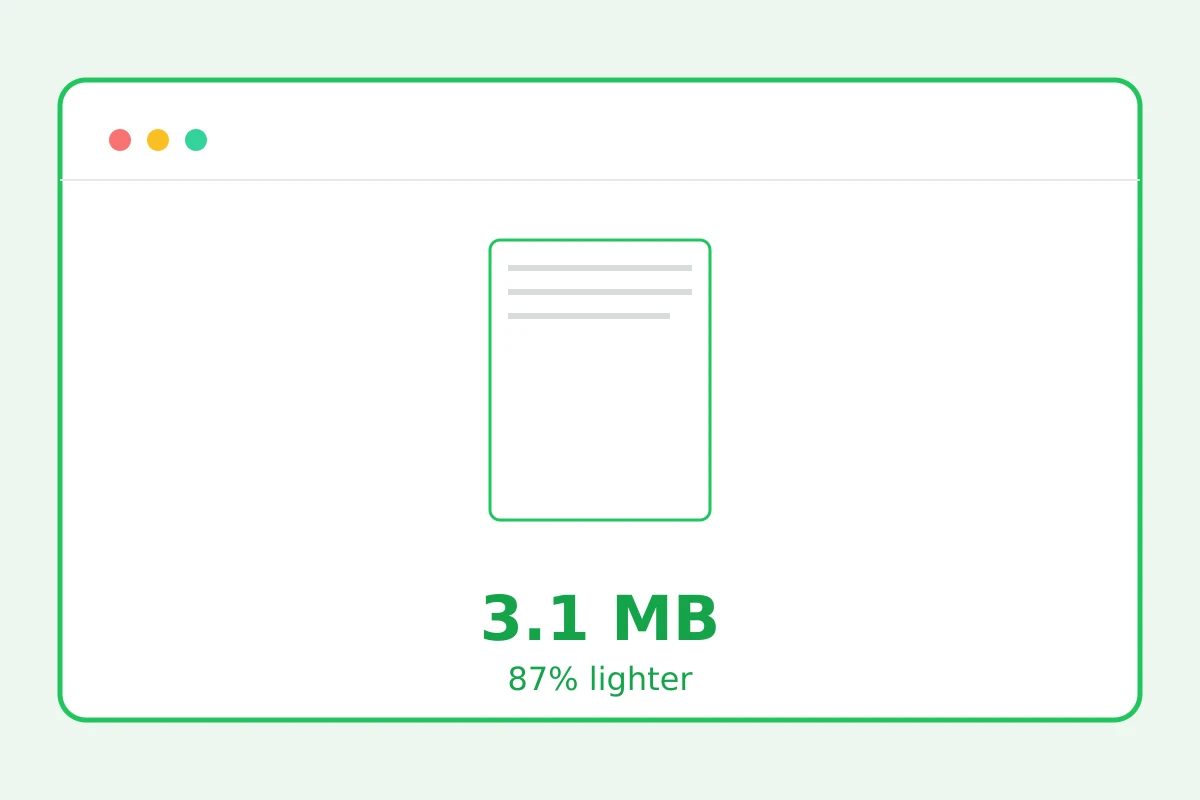
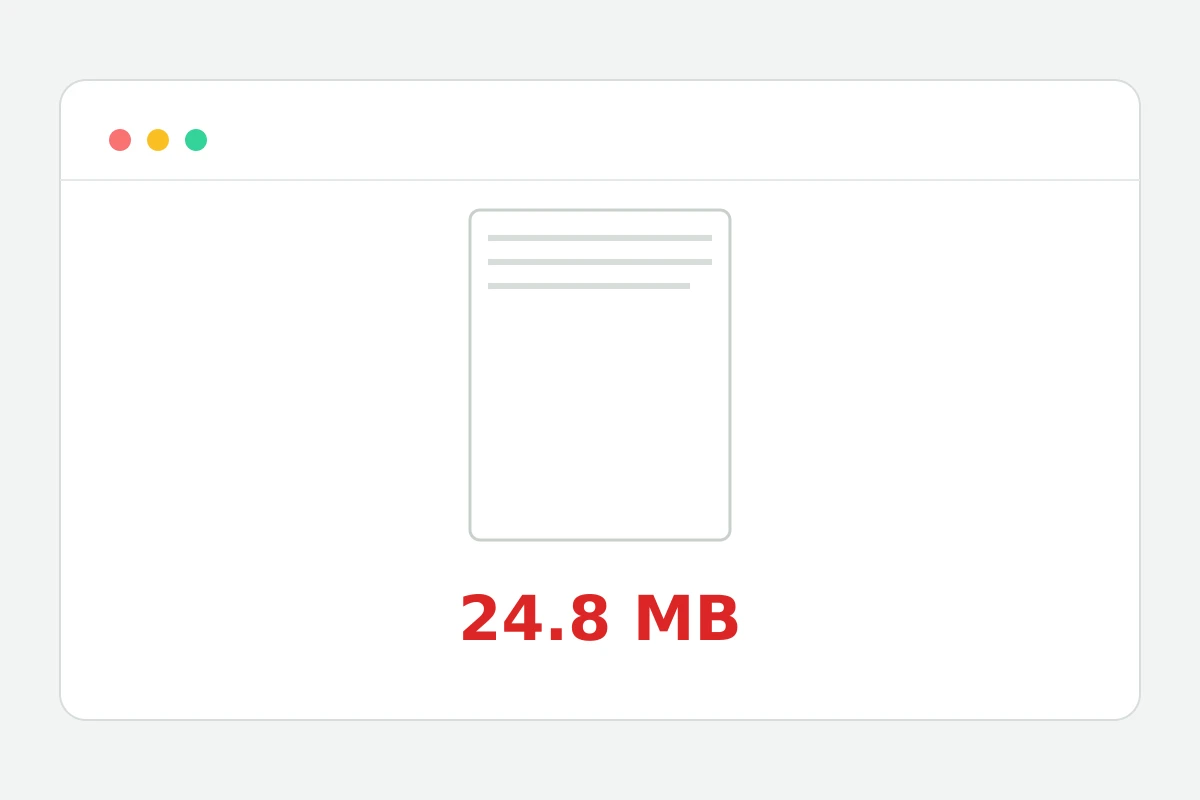
Images inside the document get recompressed — a much lighter file with crisp text.
Less weight — same readability
How to compress a PDF in 4 steps
Up to 25 MB.
The processor recompresses raster images inside.
Scans and decks slim down 2–10×.
Already optimal? We return the original.
Part of the Zerocoder platform
One tool of a platform where AI generates websites, images, video, text and documents — under one subscription.
A heavy PDF is the eternal obstacle: email caps attachments at 10–25 MB, upload forms are stricter. Nearly all the weight is raster images inside; compression brings them to a sensible resolution without touching text or vector graphics. Processed on our servers, never stored. Need only some pages — extract them first; joining documents is merge. The rest of the tools — in one section.
Why PDFs get so heavy
Scans at 300–600 dpi, phone photos, uncompressed decks — they sit inside the document as-is. Screen reading needs half or a third of that resolution — which is exactly what compression exploits: images shrink, structure and text stay.
Compression for email and portals
The rule of thumb: under 10 MB passes almost everywhere. A 40 MB contract scan usually lands at 4–8 MB. Still too big — split the document with page extraction and send in two parts.
When compression won't help
A text-only PDF is already small — nothing to squeeze, you get the original back. Free an encrypted file from its password first. And if you need one page as an image, PDF to JPG is faster.
Reviews
No reviews yet — be the first.
More in Free tools
View category →






From the blog
All posts →


FAQ
How much smaller will it get?
Scans and slide decks shrink 2–10 times, because most of their weight is images. Text-only PDFs barely change: they are light already and have nothing to lose.
Will text stay sharp?
Yes: only the raster images inside the document are recompressed, while text and vector graphics stay untouched. After compressing the PDF, fonts look exactly as crisp as before.
What if the file didn't shrink?
That means the document was already optimal, so the service returns the original unchanged. The file can never come out worse — that is a hard rule of the tool.
Good enough for official filings?
Yes: the document structure is preserved and signature images stay in place. A compressed PDF fits portals that cap attachment size while remaining valid paperwork.
What's the size limit?
PDFs up to 25 MB are accepted as input. That covers most scans, certificates and presentations that need compressing before being emailed or uploaded somewhere.
Do I need an account?
Your first result needs no account. After that we ask for a free sign-up: signed-in users get 5 runs a day, and inside the Zerocoder Studio there are no limits.
What happens to my files?
Documents are not stored: compression runs in memory and temporary files that are deleted immediately. The original and the compressed PDF remain only with you.
Does a password block it?
Yes, encrypted documents are not processed. Remove the password protection in the app where it was set, then upload the file and compress the PDF online as usual.
What else does Zerocoder do?
Compressing a PDF is one of many utilities in the Zerocoder Studio, which also generates documents, texts and images with AI and offers courses and jobs. Free credits at the start; a Start trial day is $1.