Split a PDF and extract pages free
Type the numbers — “1-3,5” — and get a new PDF with just the pages you need.
Only the pages you need
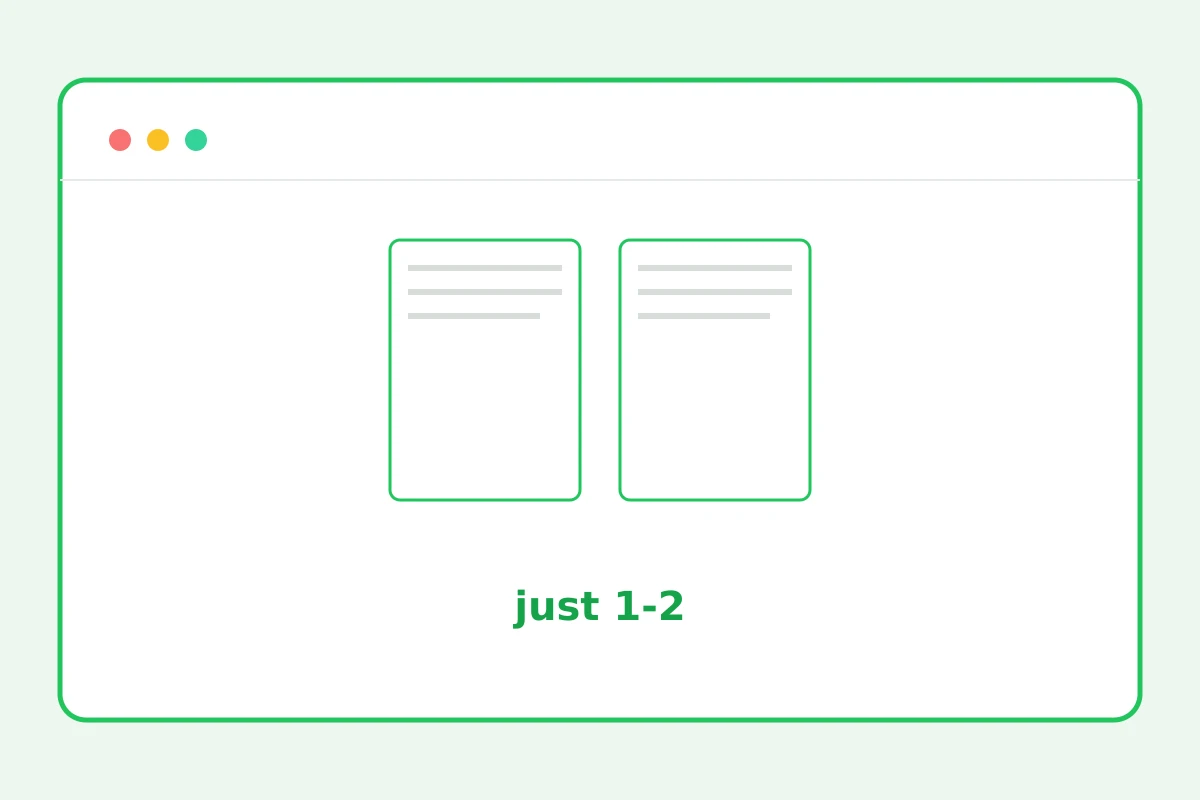
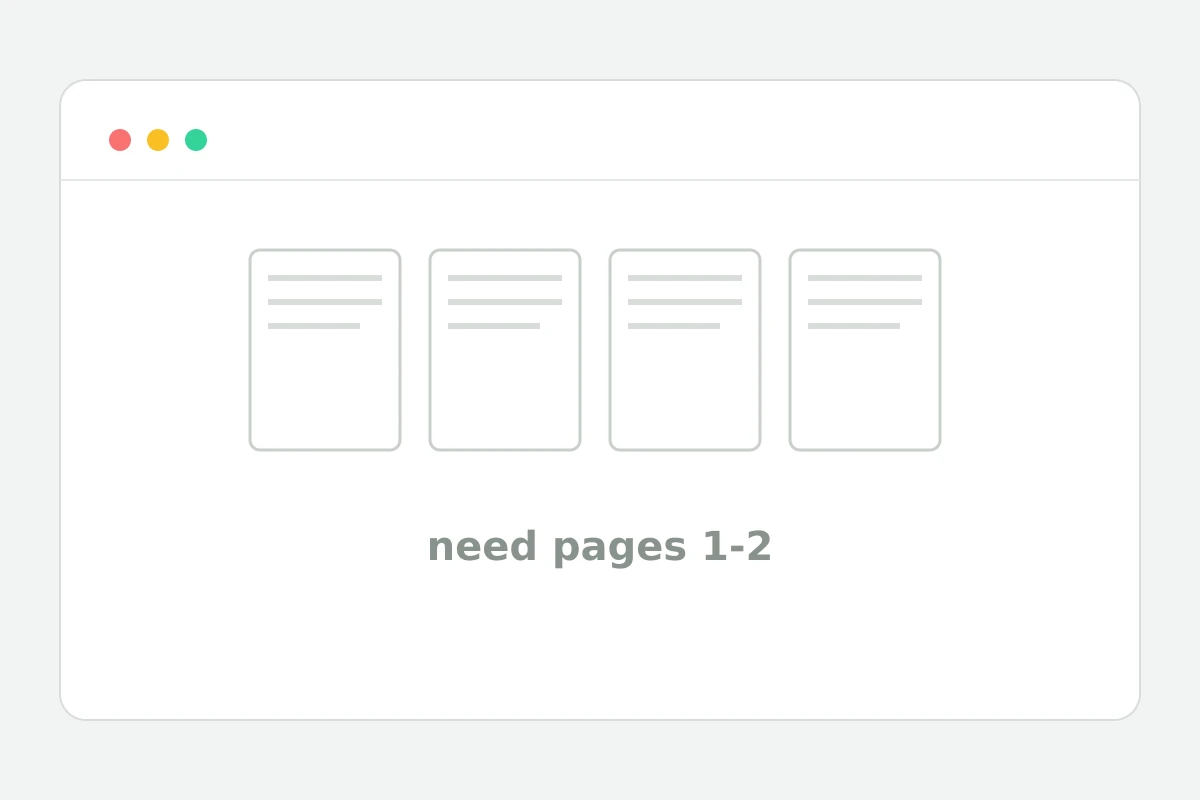
How to extract pages in 4 steps
Up to 25 MB.
Numbers and ranges: 1-3,5,8-10.
A new document is created.
The original stays untouched.
Part of the Zerocoder platform
One tool of a platform where AI generates websites, images, video, text and documents — under one subscription.
Send two pages of a contract instead of forty, cut out an annex, hand a client only their section — page extraction does it in seconds. The syntax is familiar: “1-3,5” — ranges and single numbers, comma-separated. The source file never changes — a new document is created. Join the extract with others via merge, shrink it with compression, or turn a page into an image with PDF to JPG. All tools — in one section.
Common cases: signatures, annexes, sections
From a long contract you usually need the first and last pages — details and signatures: type “1,40”. Annex 2 on pages 12–18 — “12-18”. Reordering isn't supported yet: pages go ascending; for a different order extract parts separately and join them with merge.
Finding the page numbers
Open the PDF in any viewer — the page number shows in the panel. Physical file pages count, not the numbers printed on them: the title page and contents are pages too. Unsure — extract with margin and trim on a second pass.
Confidentiality when sending parts
Sending only the needed pages is also data protection: the client sees their section, not the whole document with other parties' terms. Files aren't stored: in-memory processing, temp files deleted immediately.
Reviews
No reviews yet — be the first.
More in Free tools
View category →







From the blog
All posts →


FAQ
How do I specify pages?
List numbers and ranges separated by commas, for example “1-3,5,8-10”. The tool builds a new PDF from just those pages, arranged in ascending order of their numbers.
Is the original changed?
No, splitting a PDF creates a separate new document. The uploaded source stays untouched, so you can extract several different page sets from the same file one after another.
Can I extract a single page?
Yes — type a single number such as “7” and you get a PDF containing just that page. Handy for pulling a cover sheet or one table out of a long report.
Can I reorder pages?
Not yet: pages in the new file always go in ascending order. The workaround is to extract the parts as separate files and then combine them in the order you need with the merge PDF tool.
What about printed page numbers?
Printed numbers in headers and footers stay exactly as in the source — extraction doesn't renumber them. Only the actual position of each page inside the new document changes.
Do I need an account?
Your first result needs no account. After that we ask for a free sign-up: signed-in users get 5 runs per day, and inside Zerocoder Studio the PDF tools carry no limits.
What happens to my files?
Nothing is stored: processing happens in memory and temporary files on Zerocoder servers, deleted right after the result is delivered. Your documents never stay anywhere.
Will an encrypted PDF split?
No, password-protected documents are not processed. Remove the protection first, then upload the file again — after that page extraction works exactly as usual.
What else does Zerocoder do?
Beyond the PDF utilities, the Studio offers AI generation of documents, texts and images, plus courses and job listings. Splitting PDFs is just one function of the platform.