Extract text from a PDF free
The document's full text as clean .txt with layout preserved. Copy, edit, translate.
From a document to editable text
How to extract text in 4 steps
Up to 25 MB.
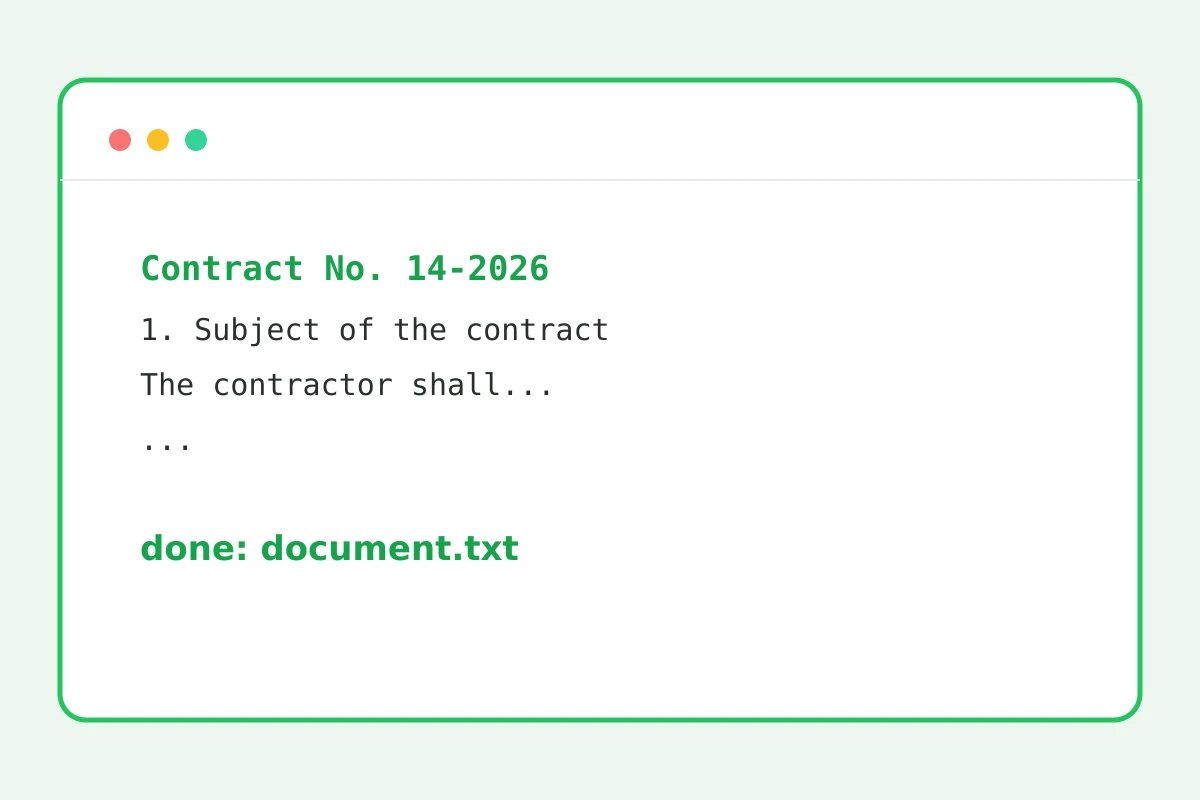
The document's text layer is extracted.
Columns and indents are approximated.
Edits, translation, quoting.
Part of the Zerocoder platform
One tool of a platform where AI generates websites, images, video, text and documents — under one subscription.
Text from a PDF is needed constantly: quote a contract, translate an article, rewrite a paragraph, count characters. Copying from a viewer breaks line wraps and column order; text-layer extraction returns the whole document at once with approximate layout. Check the result with the character counter and density checker; summarising and translation live in the Zerocoder Studio. All tools — in one section.
Text layer vs scan: the difference
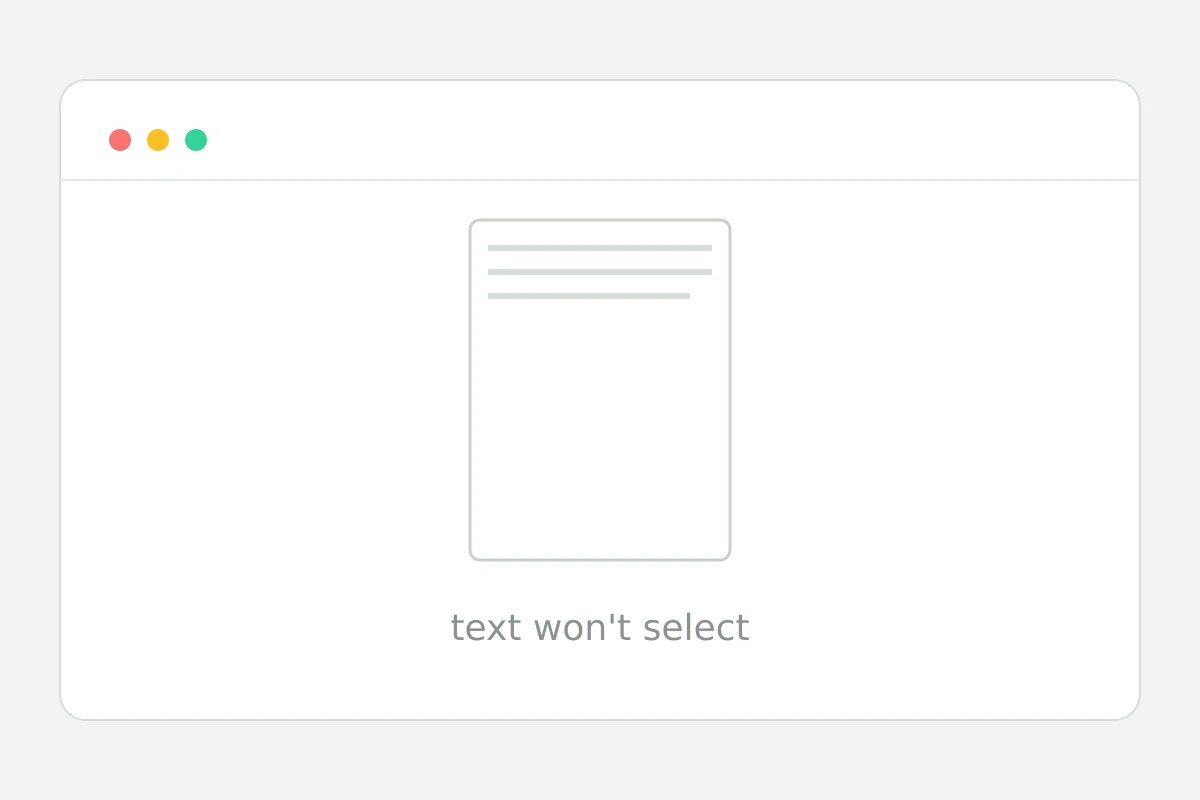
A PDF from an editor carries a text layer — that's what we extract with full fidelity. A scan is a photo of a page: no layer, nothing to extract. Easy check: if text selects with the mouse in a viewer, the layer exists. OCR for scans is coming as a separate tool.
Why extract the whole text at once
Piecemeal copying from a viewer glues columns and tears paragraphs. Extraction returns the document as one file with layout: columns recognised, indents kept. A forty-page report becomes working text in seconds.
What to do with the text next
Typical flows: translate an article, summarise a report, rewrite for your audience, quote in a paper. All of that lives in the Zerocoder Studio — paste the extracted text into the chat and state the task.
Reviews
No reviews yet — be the first.
More in Free tools
View category →







From the blog
All posts →


FAQ
Are scans recognised?
No: the tool extracts the PDF's text layer, and a scan has none — it is just an image of the page. OCR for scanned documents is planned as a separate feature.
Is the layout preserved?
Approximately: columns and indents come through as spaces and line breaks in the .txt file. Tables are simplified to plain lines, so double-check complex layouts by eye.
How do I know if there's a text layer?
Open the PDF in any viewer and try selecting text with the mouse. If a fragment highlights and copies, the text layer exists and extraction from the PDF will work.
What encoding is the result?
The .txt file is delivered in UTF-8, so any language opens without mojibake in every modern editor — from Notepad to VS Code. Cyrillic, accents and CJK all survive.
Do formulas survive?
Simple symbols and notation carry over fine. Complex formulas are flattened to plain text — subscripts and fractions stretch into a single line, so review any maths afterwards.
Do I need an account?
The first result requires no account. After that we ask for a free sign-up: signed-in users get 5 runs per day, while Zerocoder Studio lifts the limits completely.
What happens to my files?
Documents aren't stored: text extraction runs in memory and temporary files that are wiped right after the .txt is delivered. Your PDF's contents go nowhere else.
Will an encrypted PDF process?
No, the tool won't open a password-protected PDF. Remove the protection and upload the document again — after that the text extracts the usual way.
What else does Zerocoder do?
The Zerocoder platform generates documents, articles and images with AI, runs courses and lists jobs. Extracting text from a PDF is one of its free utilities.