3×4 ID photo online free
The neural net removes the background, adds clean white and crops to a 3×4 ratio. No photo studio needed.
From a casual portrait to an ID photo
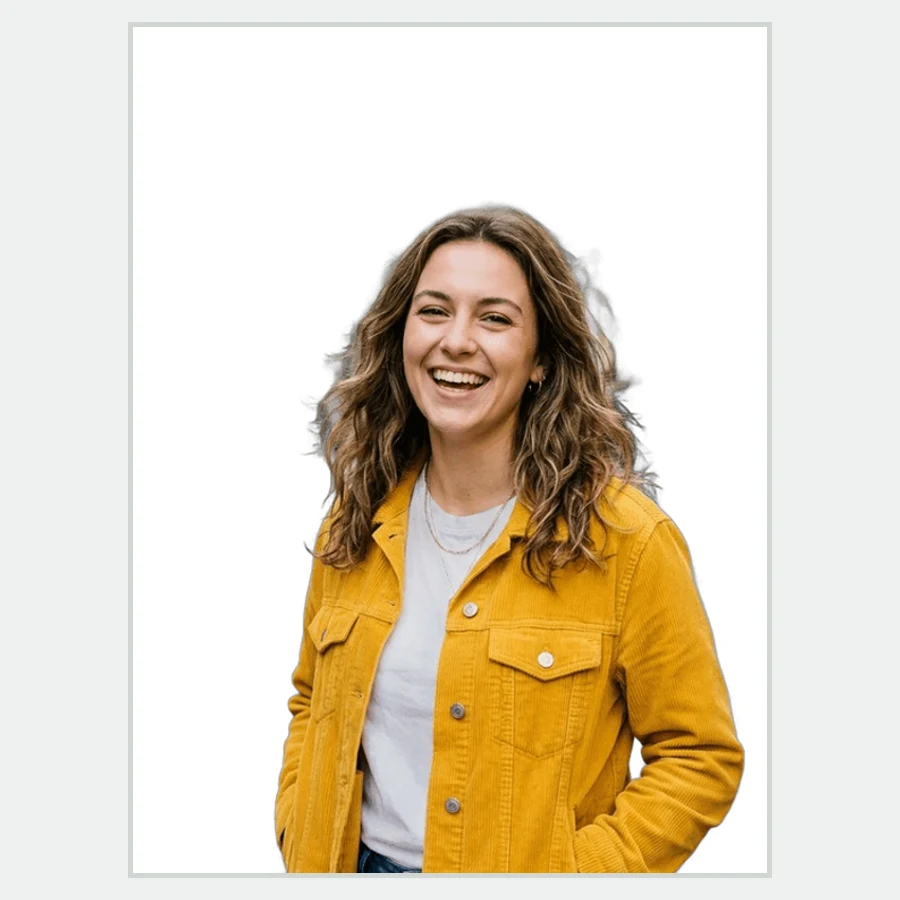
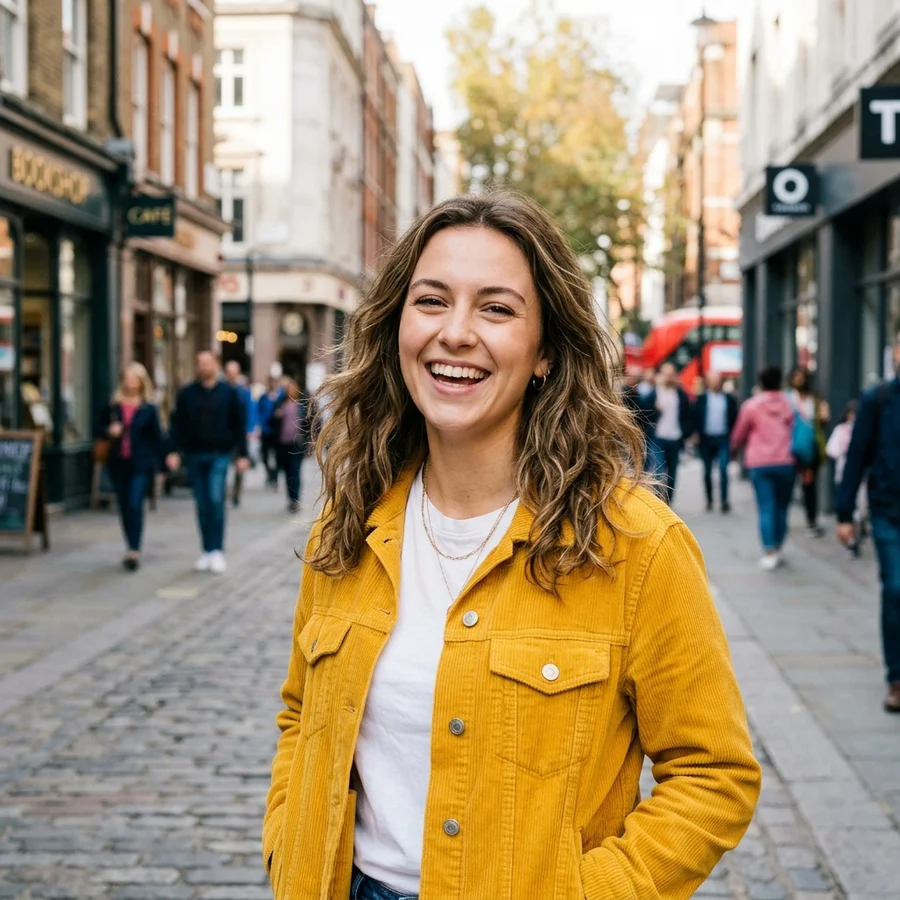
How to make a 3×4 photo in 4 steps
Even light, neutral expression, no headwear.
JPG, PNG or WebP up to 12 MB.
Removes the background, fills white, crops to 3×4.
Enough for a 3×4 cm print at 300 dpi and portal uploads.
Part of the Zerocoder platform
One tool of a platform where AI generates websites, images, video, text and documents — under one subscription.
ID photos are the eternal small chore: a pass, a form, a student card, a portal application. No reason to visit a studio for one frame: the neural net on Zerocoder's servers cuts the person out of any background, adds clean white and crops to a strict 3×4 ratio — free and in seconds. The 600×800 px result prints at 300 dpi. For profile pictures there's the round avatar; to just drop the background — background removal. The rest of the free tools are in one section.
ID photo requirements: what to keep in mind
The tool guarantees format and a white background, but every authority has content rules: front-facing pose, neutral expression, visible forehead, no glare on glasses, even light without harsh shadows. Check the office's guidelines before shooting — and shoot by a window in daylight, which solves most shadow problems.
Getting a decent 3×4 from a phone camera
A smartphone handles it if you follow three rules: camera at eye level a couple of steps away (arm's-length selfies distort facial proportions), light from the front, any background — the neural net removes it anyway. Ask someone to shoot you from two-three metres on the main camera: after processing it's indistinguishable from a studio shot.
Printing 3×4: getting the size right on paper
The 600×800 px result is exactly 3×4 cm at 300 dpi. At a print shop or home printer choose borderless, no-scaling printing. For a multi-copy sheet, lay the frame out in a grid — four to six copies on a 10×15 sheet cover all your forms at once.
Reviews
No reviews yet — be the first.
More in Free tools
View category →







From the blog
All posts →


FAQ
Will it pass official requirements?
Format, white background and resolution — yes. Pose, light and expression rules differ by authority — check their guidelines.
What resolution is the result?
600×800 px — exactly 3×4 cm at 300 dpi. Enough for print and portal uploads.
What if my background is busy?
Doesn't matter: the neural net cuts the person out of any background and adds clean white.
Does it fix clothing or hair?
No, the processing is honest: background, format and crop. The content stays as shot.
Can I upload a selfie?
Yes, but a frame from two-three metres is better: arm's-length selfies distort facial proportions.
Do I need an account?
Your first result needs no account. After that we ask for a free sign-up: signed-in users get 5 runs per day, and the Zerocoder Studio has no limits.
What happens to my files?
Nothing is stored: in-memory processing; neither the original nor the result is kept.
Why does processing take up to a minute?
A segmentation neural net runs on our servers; under load requests queue up.
What else does Zerocoder do?
AI photoshoots, image and text generation, courses — the ID photo is one small free utility of the Studio.