Pixelate an image online free
A pixel-art effect or detail masking — chunky pixels in one click.
The big pixel as a style
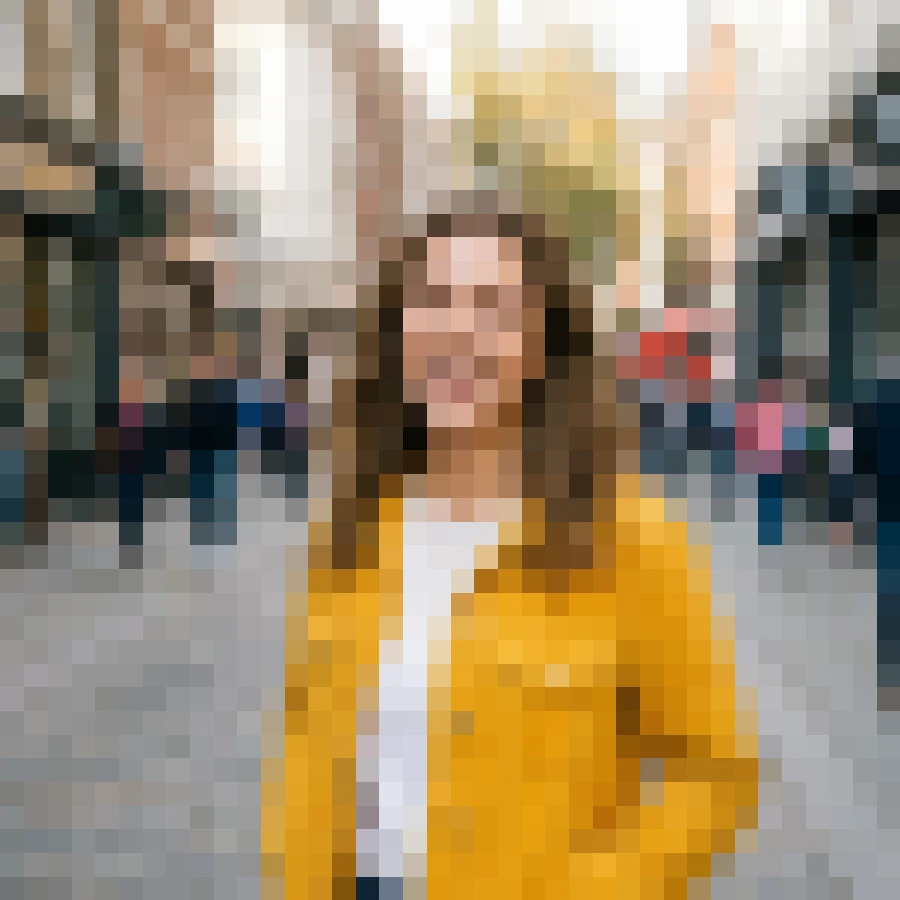
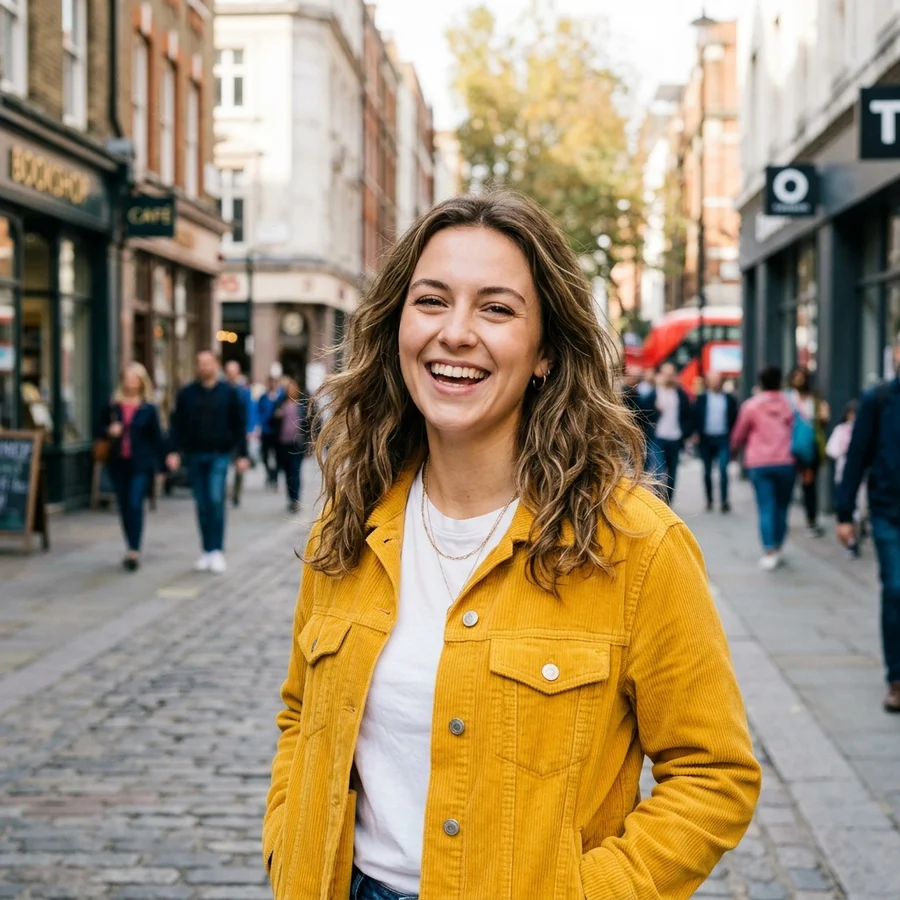
How to pixelate in 4 steps
JPG, PNG or WebP up to 12 MB.
Pixel size adapts to the frame automatically.
A retro mosaic with crisp squares.
Sharp edges survive without blur.
Part of the Zerocoder platform
One tool of a platform where AI generates websites, images, video, text and documents — under one subscription.
Pixelation is both the eight-bit aesthetic for covers, memes and promos — and a quick way to hide what doesn't belong in a published frame. The tool downsizes the image and brings it back without smoothing, producing honest chunky squares. Runs free on Zerocoder's servers, nothing stored. For a retro cover, crop to format and compress the result. All free tools are in one section; generating pixel art from scratch happens in the Zerocoder Studio.
Pixel art from a photo: instant retro
A mosaic of chunky squares instantly evokes the nineties — the trick works in playlist covers, stream announcements and merch. Frames with a large, contrasting central subject pixelate best; fine detail merges, and that's part of the style. Genuine from-scratch pixel art is generated in the Studio from a text prompt.
Masking details: what pixelation hides
The tool pixelates the whole frame, which reliably hides content: a document, a chat, a screen. Weak pixelation is partially reversible, so we use a sufficiently large square. Selective masking of a single area — a face, a licence plate — is coming as a separate tool.
Why the squares stay crisp, not mushy
Naive downscale-upscale blurs the mosaic with interpolation. We bring the image back with nearest-neighbour — every square stays perfectly sharp, like real pixel art. That's also why the output is PNG: JPG would smear the square borders with artifacts.
Reviews
No reviews yet — be the first.
More in Free tools
View category →







From the blog
All posts →


FAQ
What is this for?
The retro effect for covers and memes — or masking frame content before publishing.
Can I choose the pixel size?
It adapts to the frame automatically for now. Manual strength is planned.
Will it reliably hide information?
The whole frame is pixelated with a large square — content is unreadable. Selective single-area masking is coming as a separate tool.
Why is the output PNG?
JPG smears square borders with artifacts. PNG keeps edges perfectly crisp.
Is pixelation reversible?
The original can't be restored from a coarse mosaic — the information is averaged away.
Do I need an account?
Your first result needs no account. After that we ask for a free sign-up: signed-in users get 5 runs per day, and the Zerocoder Studio has no limits.
What happens to my files?
Nothing is stored: in-memory processing.
Will there be a watermark?
No, the result is clean.
What else does Zerocoder do?
Image generation — including from-scratch pixel art — texts, courses. Pixelation is one free utility.