Robots.txt generator online free
A correct crawler file in a minute: path rules, sitemap, zero syntax errors.
From settings to a ready file
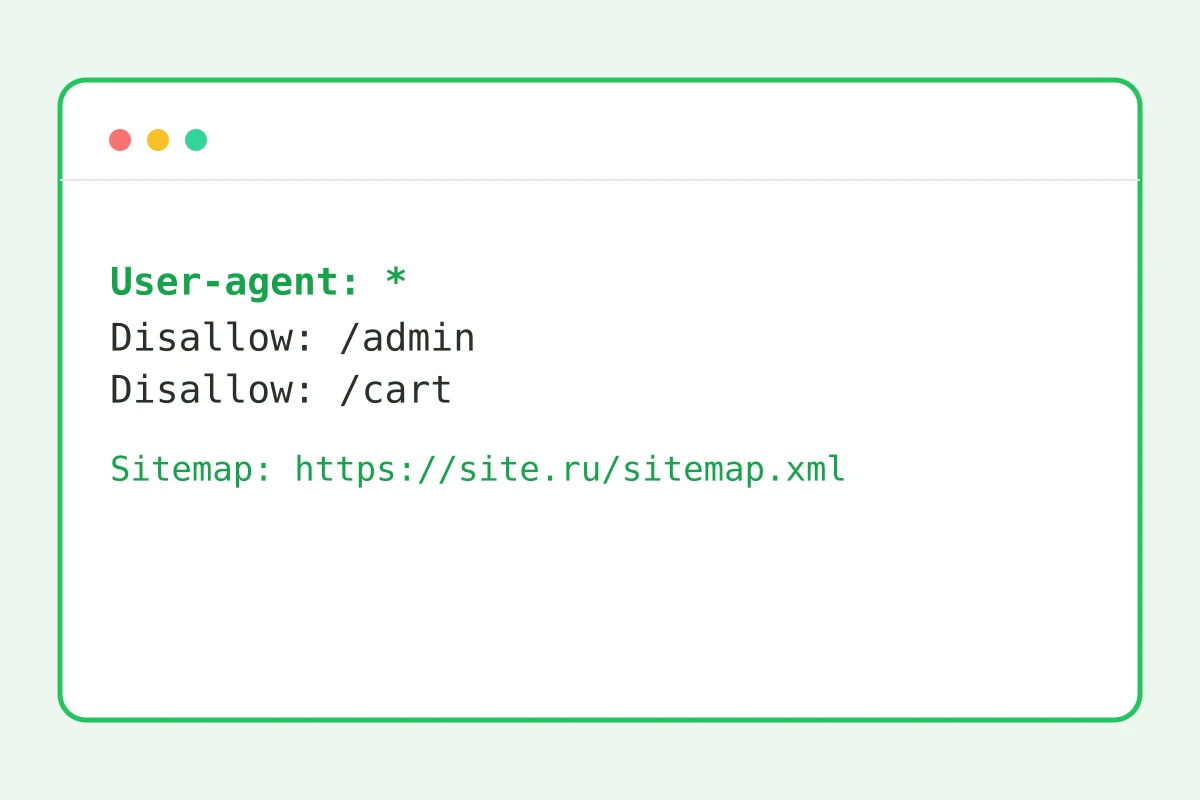
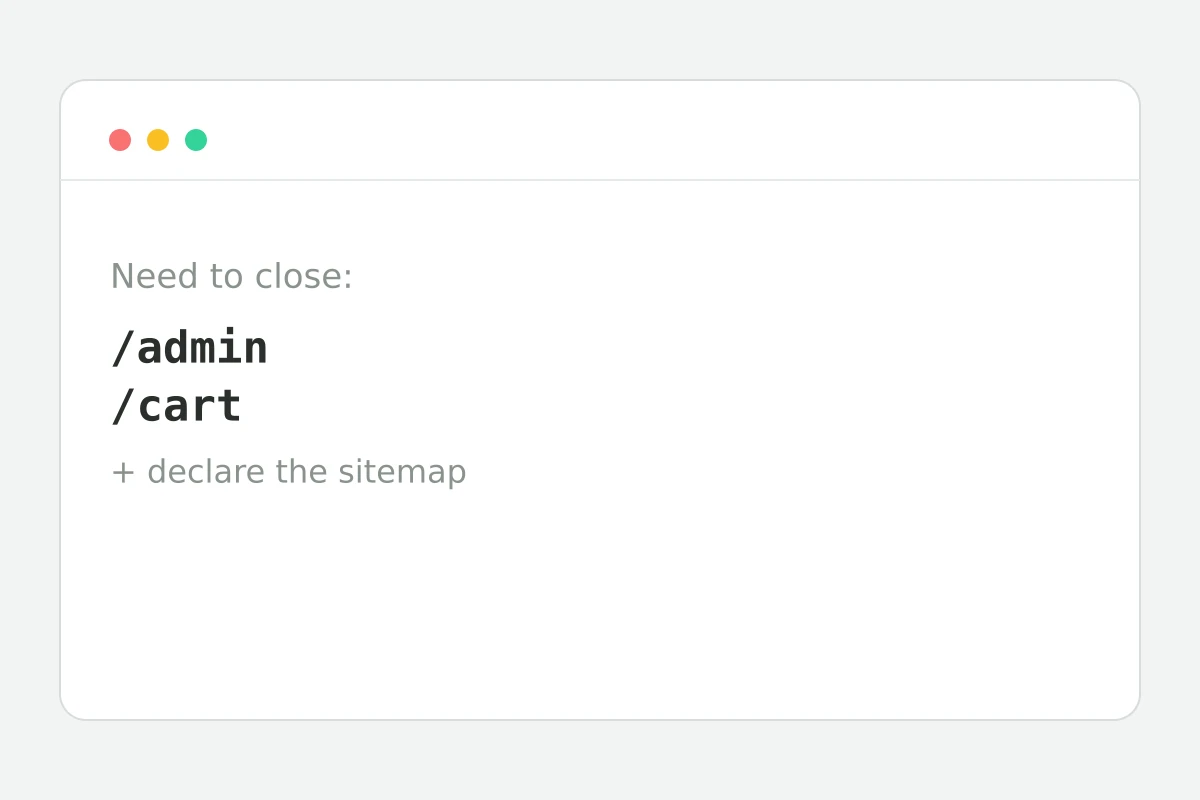
How to build robots.txt in 4 steps
Allow the whole site or close it.
/admin, cart, search — one per line.
Crawlers find the site map faster.
It must open at /robots.txt.
Part of the Zerocoder platform
One tool of a platform where AI generates websites, images, video, text and documents — under one subscription.
robots.txt is the first thing a crawler reads: which sections to crawl, where the sitemap lives. One wrong line can hide the whole site — “traffic died after the migration, the culprit was Disallow: /” happens regularly. The generator builds the file without syntax errors: modes, path rules, sitemap. Verify page-level indexing with the meta tags checker; make slugs with the slug generator. A site with the right technical base out of the box comes from the Zerocoder Studio. The rest of the tools are in one section.
What to disallow and what to leave open
Close the service areas: /admin and dashboards, cart and checkout, search result pages, account areas, sort-parameter duplicates. Don't close: CSS and JS (crawlers must see the page as humans do), images meant for image search, and pagination pages when they hold the only links to products.
Disallow doesn't mean “out of the index”
A common misconception: Disallow blocks crawling, but the page can still enter the index via external links — as a bare URL without content. Guaranteed exclusion is meta robots noindex on the page itself, which requires crawling to be allowed. The rule: sensitive things — behind noindex or a password; service clutter — behind Disallow.
Sitemap in robots.txt: why declare it
The Sitemap: line tells crawlers where the site map lives — it speeds up discovery of new pages, especially on young sites that crawlers visit rarely. The two work as a pair: robots says “where not to go”, the sitemap says “what to make sure to see”. Use the full URL with protocol.
Reviews
No reviews yet — be the first.
More in Free tools
View category →







From the blog
All posts →


FAQ
Where does robots.txt go?
Place the file in the site root so it opens at site.com/robots.txt. Every subdomain needs its own robots.txt — the main domain's file does not apply to them.
What do people usually disallow?
Service and duplicate sections: /admin, the cart, checkout, search pages, account areas and parameter duplicates. The robots.txt generator adds such rules in a couple of clicks.
Does Disallow hide a page from the index?
Not guaranteed: a page can still enter the index through external links even when blocked in robots.txt. The reliable way to keep it out of results is meta robots noindex on the page itself.
Should I block CSS and JS?
No — the opposite. Crawlers must see the page the way users do; if styles and scripts are blocked, the search engine can't render the site properly and quality scoring suffers.
How do I test the file?
Upload the file to your site and open webmaster tools: they show how the crawler reads your robots.txt and which pages are blocked. Mistakes surface before any traffic is lost.
Can different bots get different rules?
The format supports separate User-agent sections for different bots. The generator writes one universal section that covers most sites, and specific rules are easy to add by hand.
Do I need an account?
No: the robots.txt generator is free and unlimited, and the file assembles right in your browser. Configure the rules and download the finished result without an account.
Is a typo in robots.txt really scary?
Yes: a single stray Disallow: / hides the entire site from search engines. That is exactly why the generator exists — it builds the file with guaranteed correct syntax, no manual edits.
What else does Zerocoder do?
Zerocoder Studio includes a site generator with the technical base ready, AI text generation and courses. The robots.txt generator is one of its free SEO utilities.