Convert PDF to JPG free
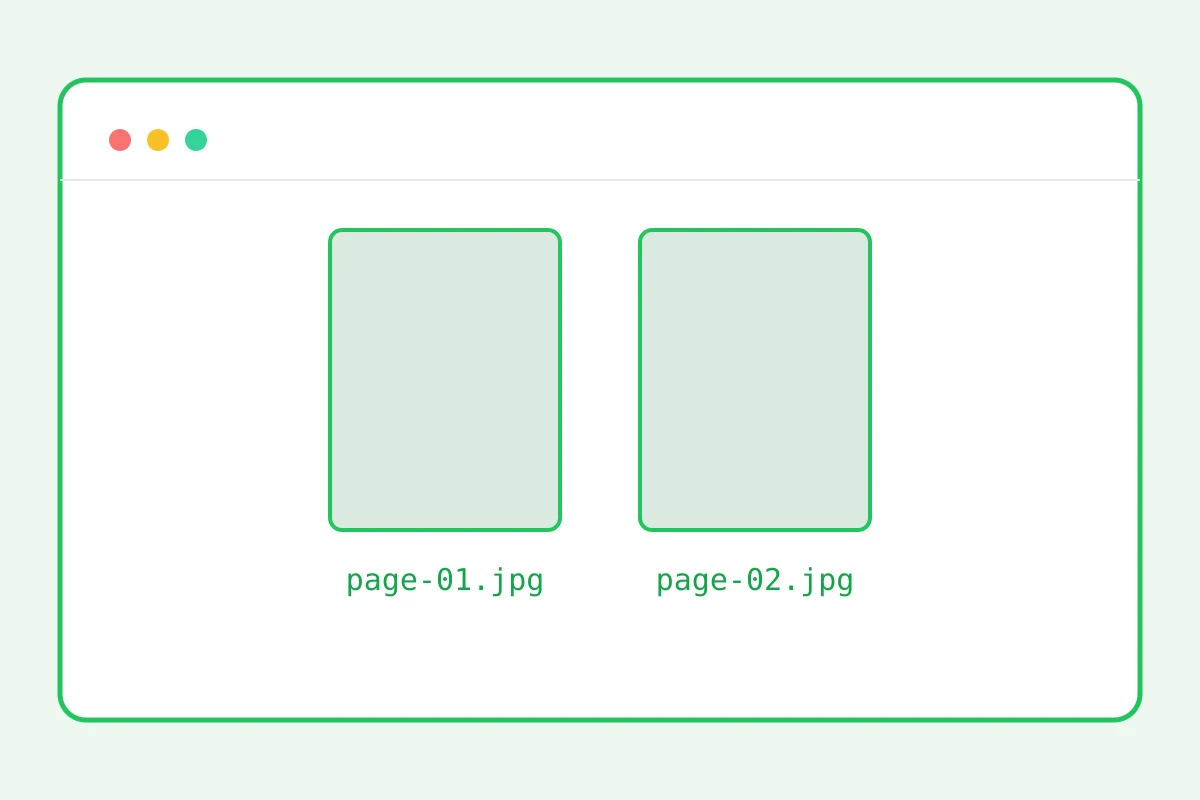
Every page becomes an image: one page — a JPG right away, several — a tidy ZIP archive.
Document pages as images
How to convert PDF to JPG in 4 steps
Up to 25 MB, up to 20 pages per run.
Pages render at 120 dpi.
One page — a JPG; several — a ZIP.
Images ready for posts and decks.
Part of the Zerocoder platform
One tool of a platform where AI generates websites, images, video, text and documents — under one subscription.
A PDF page as an image belongs where documents don’t render: posts, chats, decks, covers. The converter renders up to 20 pages per run: a single-page document returns an image right away, a multi-page one — a ZIP with numbered files. The reverse — building a PDF from images — is the JPG to PDF converter. Crop and compress the image for your platform. All tools — in one section.
Where page images go
A report slide into a deck, a price-list page into a post, a manual diagram into a support chat — anywhere PDFs don't render or cost an extra click. An image shows instantly on any device, no viewer needed.
Render quality and resolution
120 dpi is the sweet spot: text reads on screen, the file stays sane. An A4 page comes out around 1000×1400 px. A resolution setting is planned; meanwhile enlarge with upscaling when needed.
The ZIP: what's inside
Files are named by page number — zerocoder.com-page-01.jpg onward, order never breaks. The archive opens natively on any system. We cap at 20 pages per run to protect the server; split longer documents first.
Reviews
No reviews yet — be the first.
More in Free tools
View category →







From the blog
All posts →


FAQ
How many pages are converted?
Up to 20 pages per run are converted. For a longer document, split it first with the neighbouring Split PDF tool, then convert the resulting parts one after another.
What's the image quality?
Pages render at 120 dpi: an A4 page comes out around 1000×1400 pixels. That is crisp enough for on-screen viewing, slide decks and publishing on the web.
Why did I get a ZIP?
You get a ZIP when the document has more than one page: each page becomes a separate JPG, numbered in order. A single-page PDF is delivered as a ready image straight away.
Is transparency preserved?
No, the JPG format has no transparency — transparent areas on the pages become white. Keep that in mind for logos and graphics that rely on a transparent background.
Can I convert just one page?
Yes: extract the page you need with the Split PDF tool, then convert that file to JPG. You'll get a single image without extra files packed into an archive.
Do I need an account?
The first result comes without an account. After that a free sign-up unlocks 5 runs per day, and Zerocoder Studio removes the limits on PDF tools entirely.
What happens to my files?
Nothing is stored: PDF to JPG conversion runs in memory and temporary files on Zerocoder servers, and they are deleted as soon as your result is delivered.
Will fonts render correctly?
Yes, each page is rendered exactly as in a PDF viewer — fonts, vector graphics and images included. The resulting JPG looks identical to the original page.
What else does Zerocoder do?
The Studio's AI generates documents, texts and images, and there are courses and job listings too. The PDF to JPG converter is one of Zerocoder's free utilities.