Convert PNG to JPG free
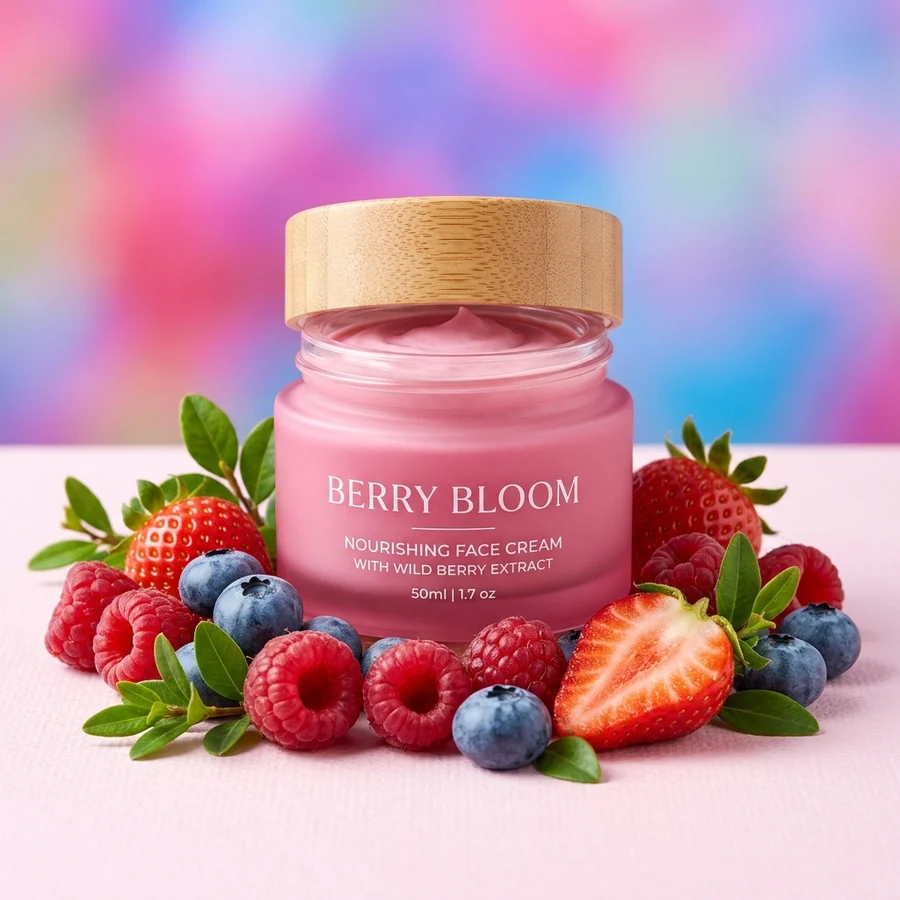
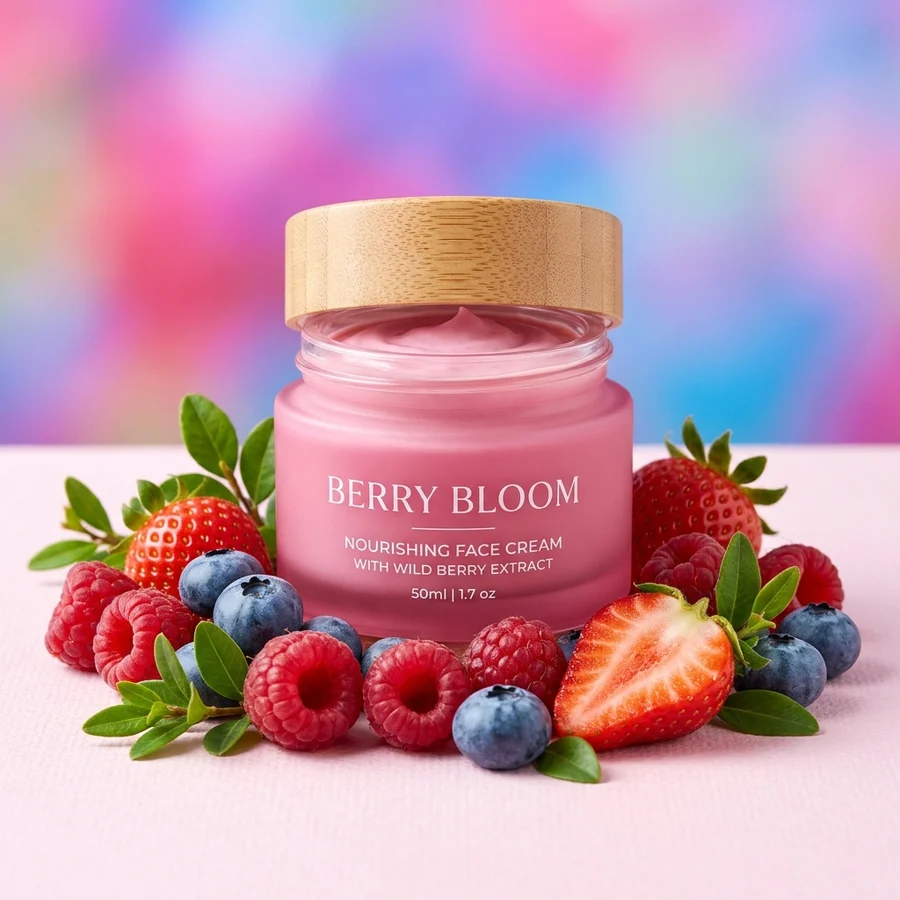
The same frame, times lighter: screenshots and photos in the most compatible format.
Same picture — a much lighter file
How to convert PNG to JPG in 4 steps
Files up to 12 MB.
Re-encoding at quality 92.
JPG stores no alpha channel.
Lighter files are easier to send and upload.
Part of the Zerocoder platform
One tool of a platform where AI generates websites, images, video, text and documents — under one subscription.
PNG stores every pixel losslessly — and you pay in weight: a screenshot easily takes 3–5 MB. The same frame as JPG is 300–500 KB, and every upload form accepts it. The converter runs on Zerocoder's servers: free, no sign-up for the first file, no watermarks. If size matters most, follow up with compression. The reverse lives at JPG to PNG; all tools — in one section.
Screenshots: the main source of heavy PNGs
System screenshots save as PNG — right for text and interfaces, but sending 4 MB images to chats and tickets is clumsy. A screenshot of a photo or gradients converts to JPG safely: weight drops times over, readability survives. A screenshot of small text on contrast backgrounds is better left as PNG — JPG can ring around letters.
Transparent PNG to JPG: what happens
Logos and cut-out objects get a white backing — JPG can't store transparency. For marketplaces that's exactly what's required: white backgrounds are mandatory. And if you want a proper studio-white background rather than a flat backing, there's neural white background.
When PNG is still the right choice
Sharp-edged graphics — diagrams, logos, text, pixel art — grow artifacts along contours in JPG. That's where lossless earns its weight. The rule is simple: photos — JPG; graphics and transparency — PNG. Unsure? Convert and compare — it's free.
Reviews
No reviews yet — be the first.
More in Free tools
View category →







From the blog
All posts →


FAQ
Why convert PNG to JPG?
For size: a PNG screenshot weighs 3–5 MB, the same frame as JPG — 300–500 KB. Critical for email, chats and sites.
What about transparency?
It becomes white — JPG doesn't support it. Need transparency? Stay with PNG.
Will quality drop noticeably?
Not for photos — encoding runs at quality 92. Small text on contrast backgrounds may get slight artifacts.
Will the file always get lighter?
Almost always, times over. Need it even smaller — run “Compress image” next.
What's the size limit?
Up to 12 MB per file.
Do I need an account?
Your first result needs no account. After that we ask for a free sign-up: signed-in users get 5 runs per day, and the Zerocoder Studio has no limits.
What happens to my files?
Nothing is stored: in-memory processing.
Can I convert back?
Yes — the neighbouring “JPG to PNG” tool does the reverse.
What else does Zerocoder do?
A Studio with AI image and text generation, courses, jobs — the converter is one small free utility.